BrightStar
Overview
Found, followed, booked: on one page
The ecosystem
One home for the whole movement
The growth platform
Ticketing, revenue tools and marketing
Join the movement
Find your page, or make one
Pricing
Free to list, plans side by side
Autopilot
Who it’s for
For artistsFor organizersFor venuesFor teachers
Free
Free ticketing, no BrightStar fee
Pro
Revenue and growth tools for your events
Amplify
Your marketing, done for you
Compare plans
All three plans side by side
Ticket Categories
Assigned Seating
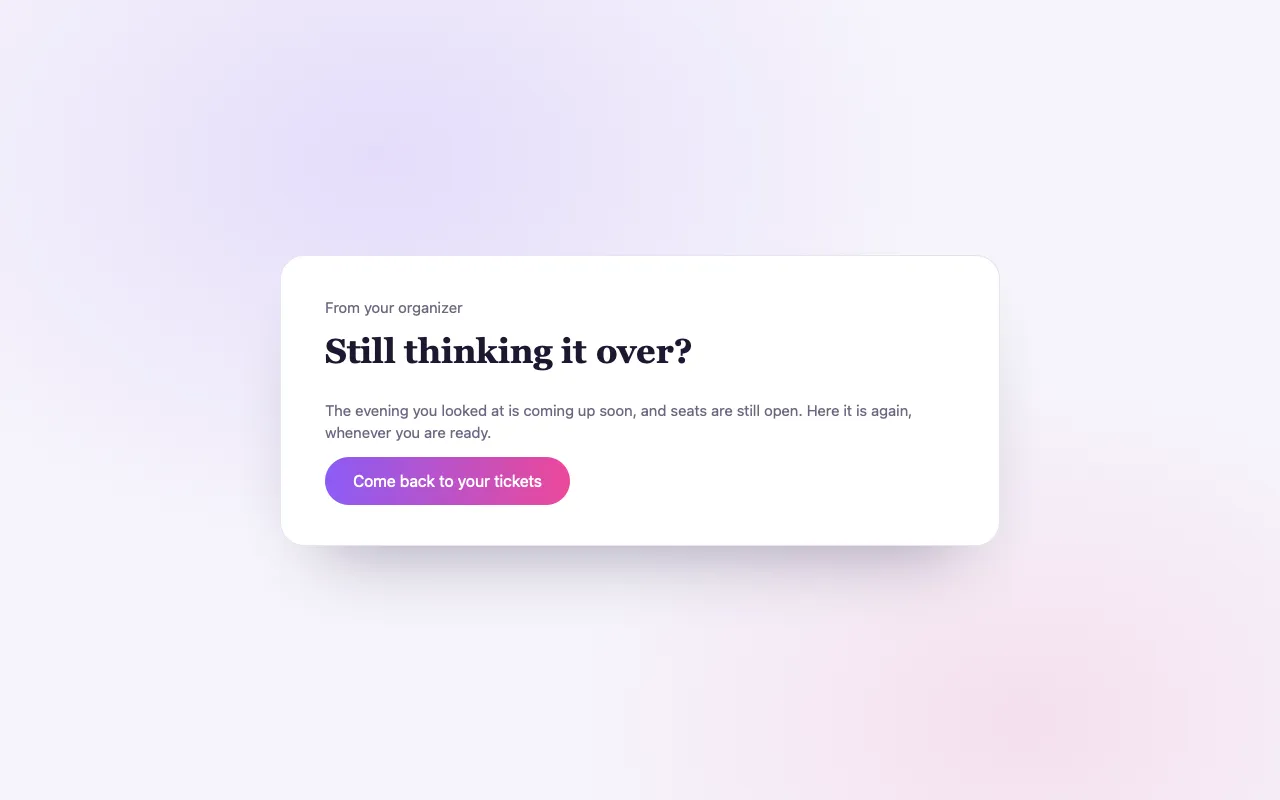
Abandoned Cart Recovery
Visitor Recovery
Donations & Sliding Scale
Affiliate Engine
Ticket Scanner
Coupon Codes
Custom Questions
Ticket Sharing
Upsells & Add-ons
Analytics & Reporting
Email Sequences
Waitlist / Notify / Remind
View All Features
About
FAQ
Contact
Help & contactSign UpLog in
Events
  • Browse All Events
  • Yoga
  • Meditation
  • Breathwork
  • Qigong
  • Sacred Music
  • World Music
  • Medicine Music
  • Sound Healing
  • Ecstatic Dance
  • Ceremony
  • Plant Medicine
  • Energy Healing
  • Satsang & Wisdom
  • Tantra
  • Retreats
  • All Categories →
Destinations
  • Bali
  • Sedona
  • Los Angeles
  • Costa Rica
  • Byron Bay
  • San Francisco
  • Austin
  • New York
  • San Diego
  • Seattle
  • London
  • Maui
  • Boulder
  • Oakland
  • Berkeley
  • Hudson Valley
  • Big Sur
  • All Cities →
Platform
  • For organizers
  • Autopilot
  • Join the Movement
  • Sell Globally
  • For Creators
  • For Teams
  • For Writers
  • For Teachers
  • For Kirtan Artists
  • For Studios
  • For Festivals
  • For Retreat Centers
  • For Nonprofits
  • Brand Ambassador
  • Free Ticketing
  • Pro
  • Amplify
  • The Ecosystem
Features

Ticketing and checkout

  • Ticket categories
  • Assigned seating
  • Custom questions
  • Coupon codes
  • Smart pricing
  • Ticket sharing
  • Waitlist
  • Flexible refunds
  • Digital waivers
  • Tip jar
  • Donations and sliding scale
  • Embed widget
  • Mindful checkout
  • Recurring events
  • Private sessions
  • Online courses
  • Summits
  • Rooms and stays
  • Ticket scanner

Marketing and growth

  • Abandoned cart recovery
  • Visitor recovery
  • Upsells and add-ons
  • Affiliate engine
  • Upsell affiliate network
  • Brand ambassador
  • Meta retargeting
  • Verified buyer network
  • Outbound email marketing
  • Email sequences
  • SMS and WhatsApp
  • Event upsell network
  • Direct mail campaigns
  • SEO engine
  • Syndication
  • Event sharing
  • Custom event pages
  • Artist profiles
  • Link in bio
  • Event blog
  • Blog newsletter

Payments

  • Payments, powered by Stripe
  • Buy now, pay later
  • Apple Wallet
  • Multi currency

Data and operations

  • Team access
  • Message center
  • Reports
  • Analytics reporting
  • Performance reporting
  • Customer data
  • Integrations
  • Switch from another platform

AI

  • Assistant
  • AI FAQ assistant
  • All Features →
Company
  • About
  • FAQ
  • Contact
  • Glossary
  • Guides
  • Inspiration
  • Help Center
  • API Docs
  • Brand Assets
  • Press
  • Terms of Service
  • Privacy Policy

Events

  • Browse All Events
  • Yoga
  • Meditation
  • Breathwork
  • Qigong
  • Sacred Music
  • World Music
  • Medicine Music

Destinations

  • Bali
  • Sedona
  • Los Angeles
  • Costa Rica
  • Byron Bay
  • San Francisco
  • Austin
  • New York

Platform

  • For organizers
  • Autopilot
  • Join the Movement
  • Sell Globally
  • For Creators
  • For Teams
  • For Writers
  • For Teachers

Features

  • Community Network
  • Abandoned Cart Recovery
  • Ticket Categories
  • Recurring Events
  • Assigned Seating
  • Affiliate Engine
  • Waitlist / Notify
  • All Features →

Company

  • About
  • FAQ
  • Contact
  • Glossary
  • Guides
  • Inspiration
  • Terms of Service
  • Privacy Policy
Read more

Events

  • Sound Healing
  • Ecstatic Dance
  • Ceremony
  • Plant Medicine
  • Energy Healing
  • Satsang & Wisdom
  • Tantra
  • Retreats
  • All Categories →

Destinations

  • San Diego
  • Seattle
  • London
  • Maui
  • Boulder
  • Oakland
  • Berkeley
  • Hudson Valley
  • Big Sur
  • All Cities →

Platform

  • For Kirtan Artists
  • For Studios
  • For Festivals
  • For Retreat Centers
  • For Nonprofits
  • Brand Ambassador
  • Free Ticketing
  • Pro
  • Amplify
  • The Ecosystem

Company

  • Help Center
  • API Docs
  • Brand Assets
  • Press

Ticketing and checkout

  • Ticket categories
  • Assigned seating
  • Custom questions
  • Coupon codes
  • Smart pricing
  • Ticket sharing
  • Waitlist
  • Flexible refunds
  • Digital waivers
  • Tip jar
  • Donations and sliding scale
  • Embed widget
  • Mindful checkout
  • Recurring events
  • Private sessions
  • Online courses
  • Summits
  • Rooms and stays
  • Ticket scanner

Marketing and growth

  • Abandoned cart recovery
  • Visitor recovery
  • Upsells and add-ons
  • Affiliate engine
  • Upsell affiliate network
  • Brand ambassador
  • Meta retargeting
  • Verified buyer network
  • Outbound email marketing
  • Email sequences
  • SMS and WhatsApp
  • Event upsell network
  • Direct mail campaigns
  • SEO engine
  • Syndication
  • Event sharing
  • Custom event pages
  • Artist profiles
  • Link in bio
  • Event blog
  • Blog newsletter

Payments

  • Payments, powered by Stripe
  • Buy now, pay later
  • Apple Wallet
  • Multi currency

Data and operations

  • Team access
  • Message center
  • Reports
  • Analytics reporting
  • Performance reporting
  • Customer data
  • Integrations
  • Switch from another platform

AI

  • Assistant
  • AI FAQ assistant
Get the app
Download on theApp StoreGet it onGoogle Play
© 2026 BrightStar. All rights reserved. BrightStar Selection · Photo credits · Changelog ·

Everything you need to hold the room.

Ticketing, payments, marketing and the tools for the day itself, in one calm place. Start free and add more only when an event needs it.

Sign up

One platform, all the way through

Ticketing and checkout

Payments

Retreats, classes and trainings

Selling more

Running your events

Marketing and reach

Your pages and stories

Loved by artists and organizers

  • “BrightStar has been supporting my concerts since the very beginning of my career and played a pivotal role in growing my audience sizes. Their loyalty and dedication to both artists and event organizers is exemplary, as is their professionalism.”

    Snatam KaurGrammy Nominee (Client Since 2005)

  • “For nearly two decades, Akal (owner of BrightStar) has been lending his skills and talents in support of the Bhakti movement. His platform uniquely serves our movement with authenticity and heart. The technology also rocks!”

    Jai UttalGrammy Nominee (Client Since 2014)

  • “Not only does BrightStar offer a powerful software platform that has worked very well for my events, but their client support is the best. Their communication is personal, heart-centered, and always thoughtful.”

    Peter KaterTwo-Time Grammy Winner (Client Since 2014)

Questions organizers ask

Which features are free?

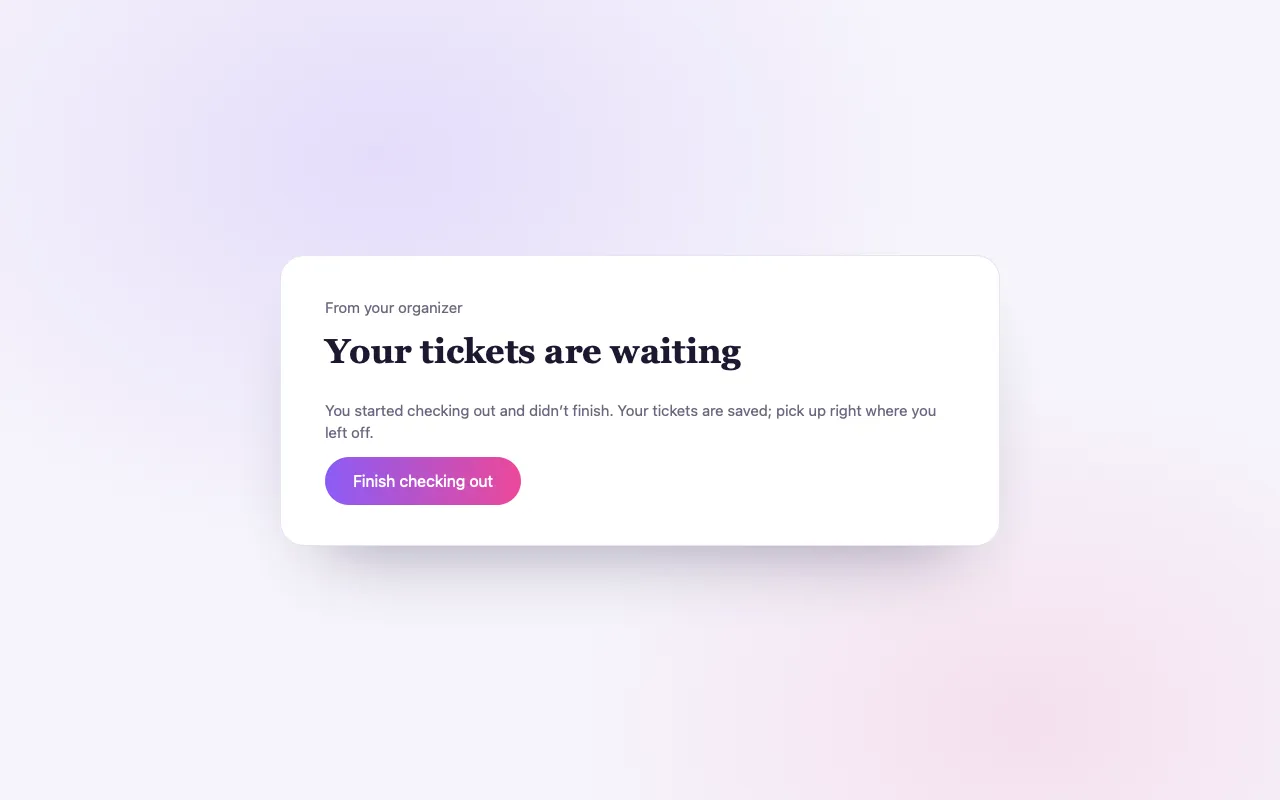
Selling tickets, the door scanner, Apple Wallet tickets, discount codes, Maestro, the Message Center inbox and your page are on Free, with no platform fee. Rooms, cart recovery, upsells, affiliates and automatic replies are on Pro; marketing done for you is on Amplify.

Can buyers pay over time?

Yes. Klarna, Afterpay or Affirm appear at checkout where Stripe offers them for the buyer’s country and the order amount, and you are paid in full up front.

Can I sell rooms with a retreat?

Yes, on Pro: private rooms and shared beds beside the retreat tickets, held while the guest pays.

Can I bring my events from another platform?

Connect Eventbrite, Ticket Tailor, Humanitix, Luma, Retreat Guru, Meetup or Momence, and your upcoming events appear here. Move each one over when you are ready.

Can someone else make routine changes for me?

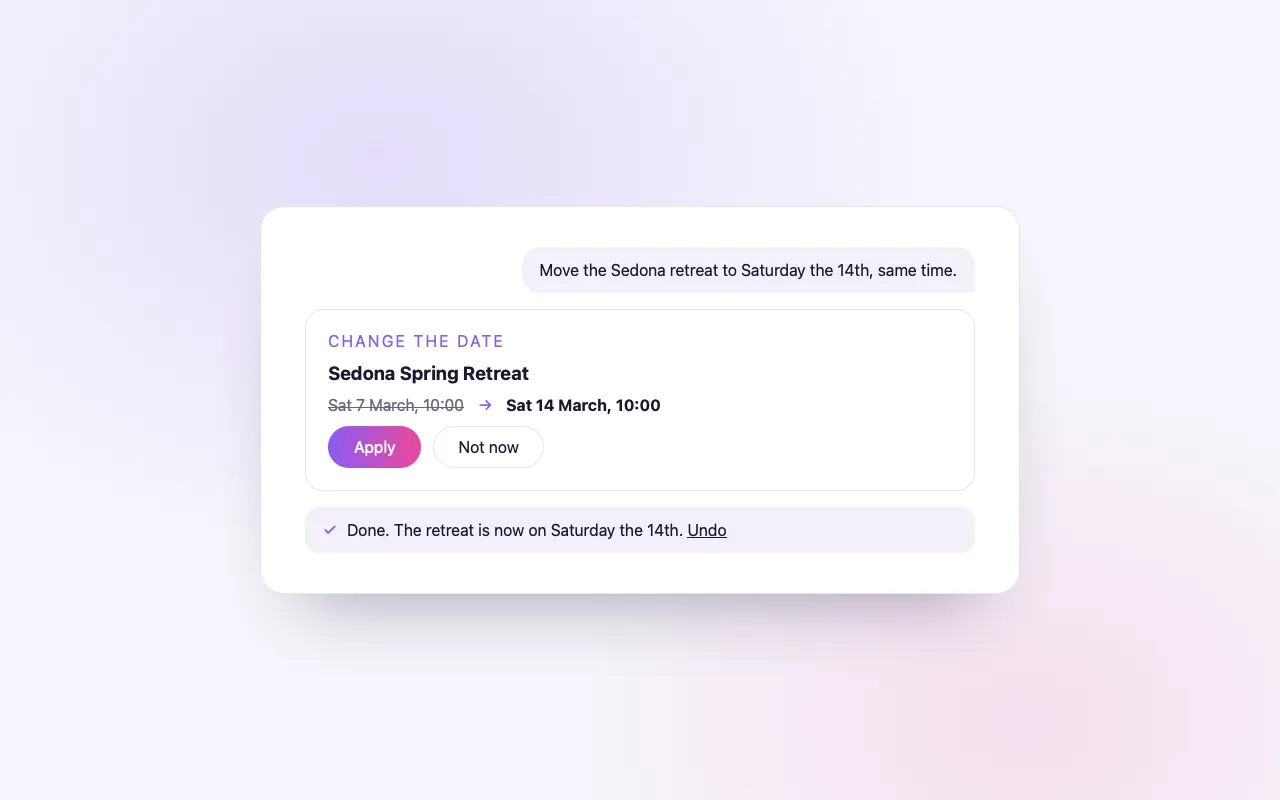
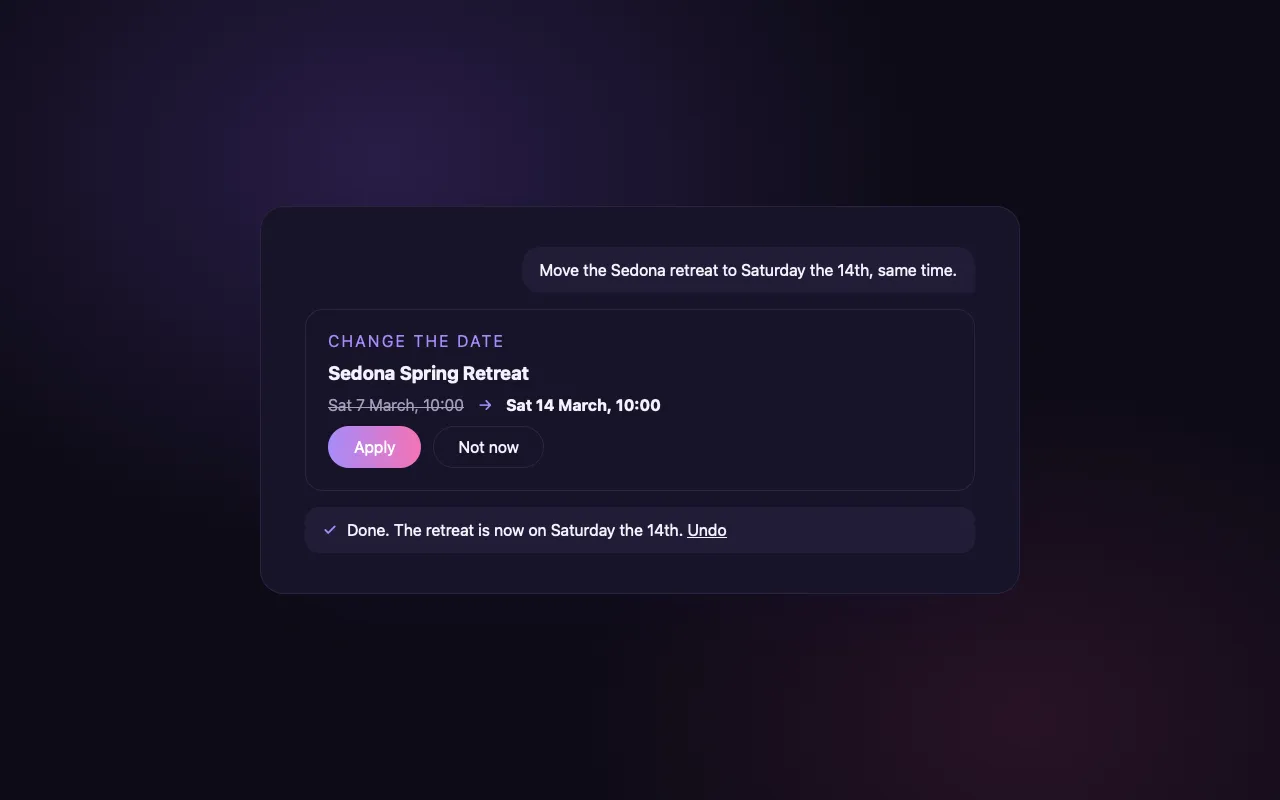
Maestro can. Tell it what you need in plain words and it gets done: one confirm tap makes the change, and Undo puts it back.

Can my team help?

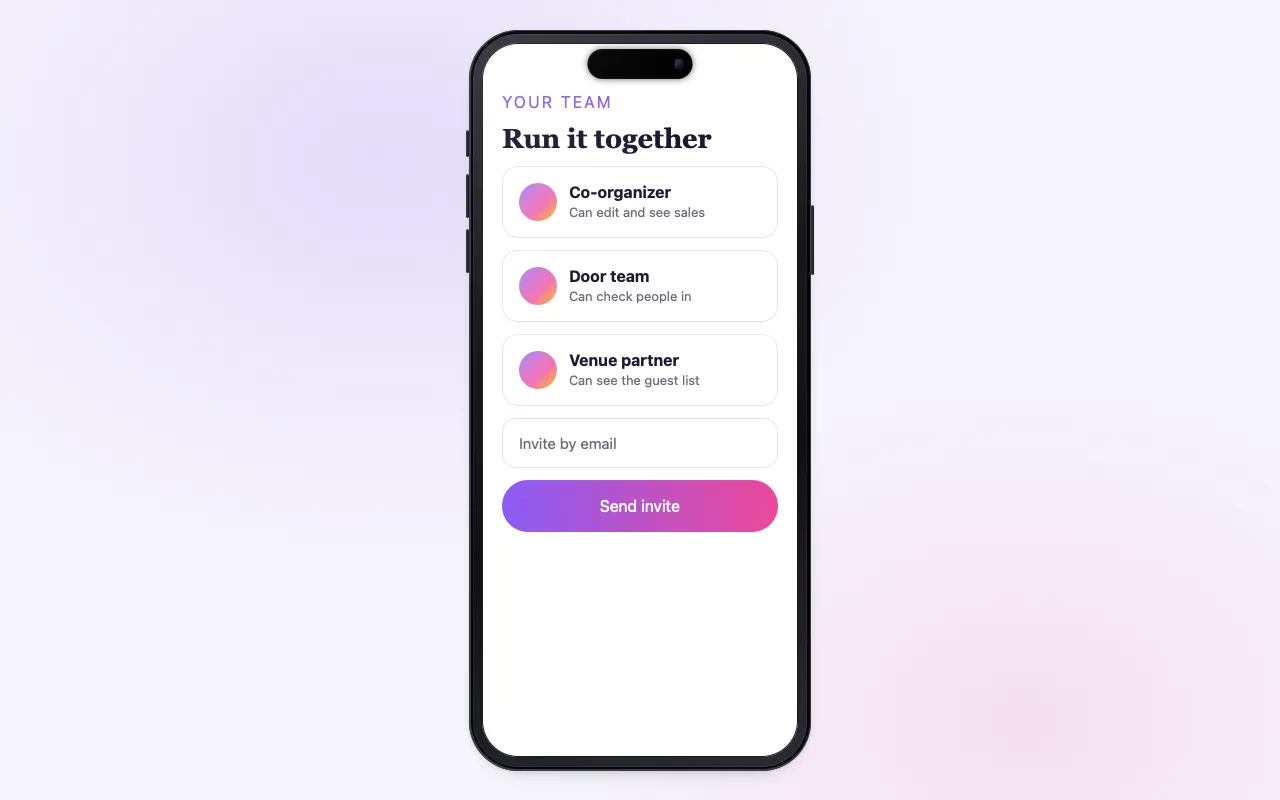
Yes. Invite staff, co-hosts and door volunteers with a role each, for your whole account or chosen events.
Questions organizers ask
Which features are free?

Selling tickets, the door scanner, Apple Wallet tickets, discount codes, Maestro, the Message Center inbox and your page are on Free, with no platform fee. Rooms, cart recovery, upsells, affiliates and automatic replies are on Pro; marketing done for you is on Amplify.

Can buyers pay over time?

Yes. Klarna, Afterpay or Affirm appear at checkout where Stripe offers them for the buyer’s country and the order amount, and you are paid in full up front.

Can I sell rooms with a retreat?

Yes, on Pro: private rooms and shared beds beside the retreat tickets, held while the guest pays.

Can I bring my events from another platform?

Connect Eventbrite, Ticket Tailor, Humanitix, Luma, Retreat Guru, Meetup or Momence, and your upcoming events appear here. Move each one over when you are ready.

Can someone else make routine changes for me?

Maestro can. Tell it what you need in plain words and it gets done: one confirm tap makes the change, and Undo puts it back.

Can my team help?

Yes. Invite staff, co-hosts and door volunteers with a role each, for your whole account or chosen events.
Free forever

The Free plan has no platform fee and no monthly charge, forever. Pro and Amplify add tools, one event at a time.The Free plan has no platform fee and no monthly charge, forever.

Paid into your Stripe account

Cards, wallets and buy now, pay later, with every sale paid into your own Stripe account.

Found by the right people

Every published event appears where people already look for gatherings like yours.

The Ticket Categories manager on an event: categories with tickets dragged into eachThe Ticket Categories manager on an event: categories with tickets dragged into each

Ticket Categories

Group your ticket types into clear categories, so buyers see the shape of your event and find their ticket fast.

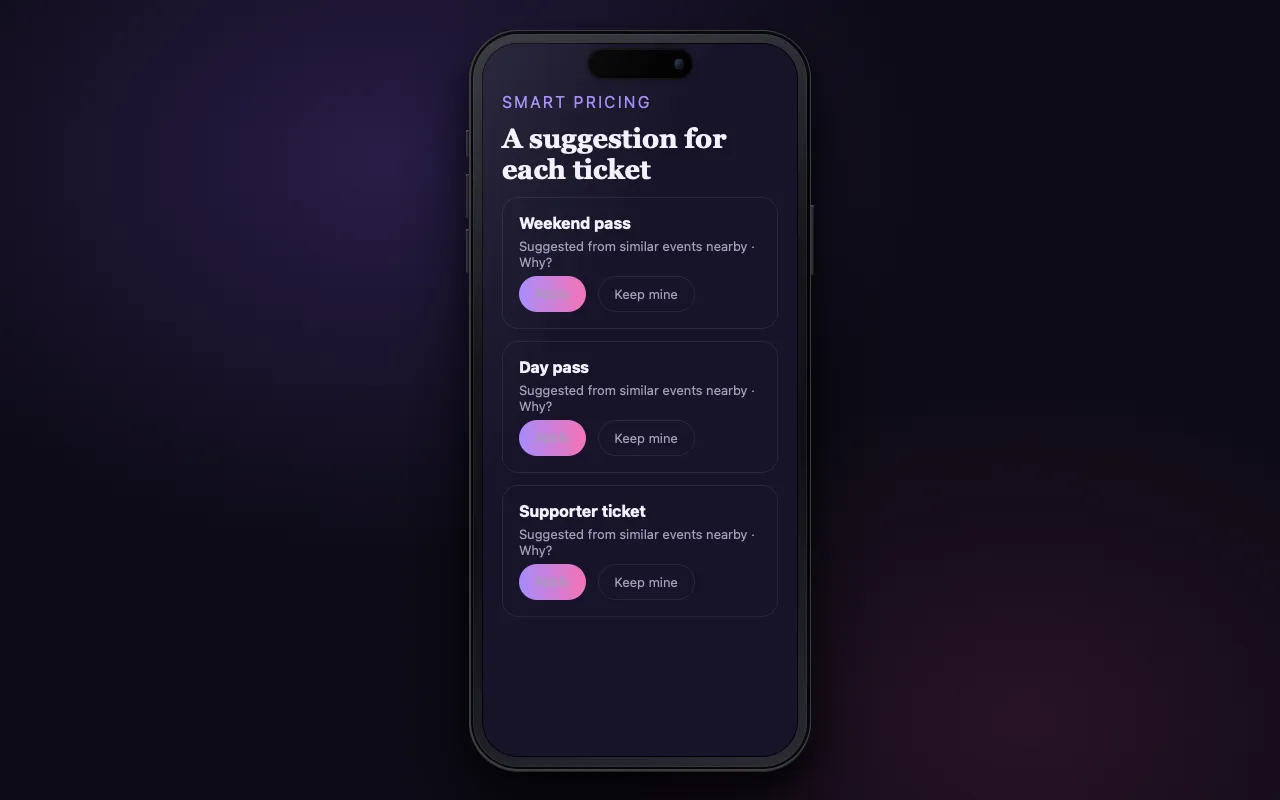
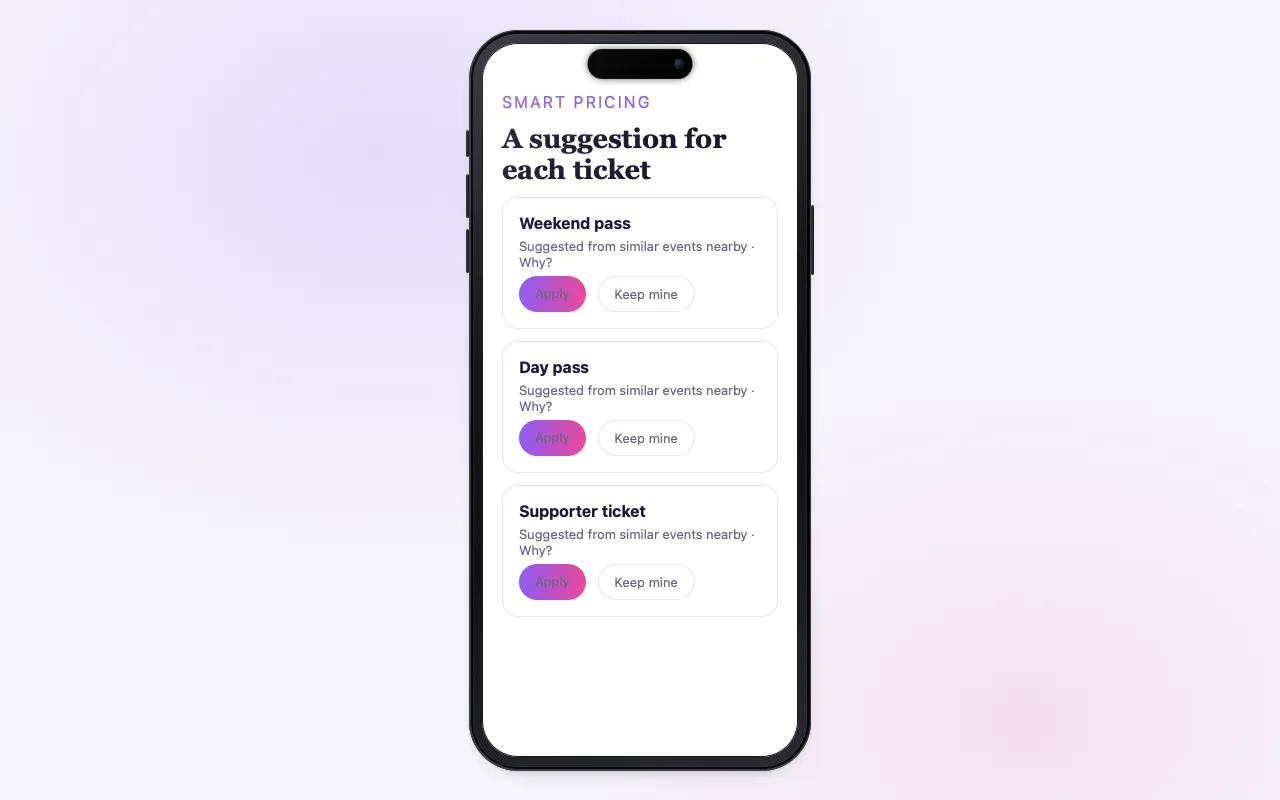
The Smart Pricing step in the event wizard: a suggested price per ticket type with its reasoning and comparable eventsThe Smart Pricing step in the event wizard: a suggested price per ticket type with its reasoning and comparable events

Smart Pricing

Get a suggested price for every ticket type, based on similar events near you, and decide for yourself.

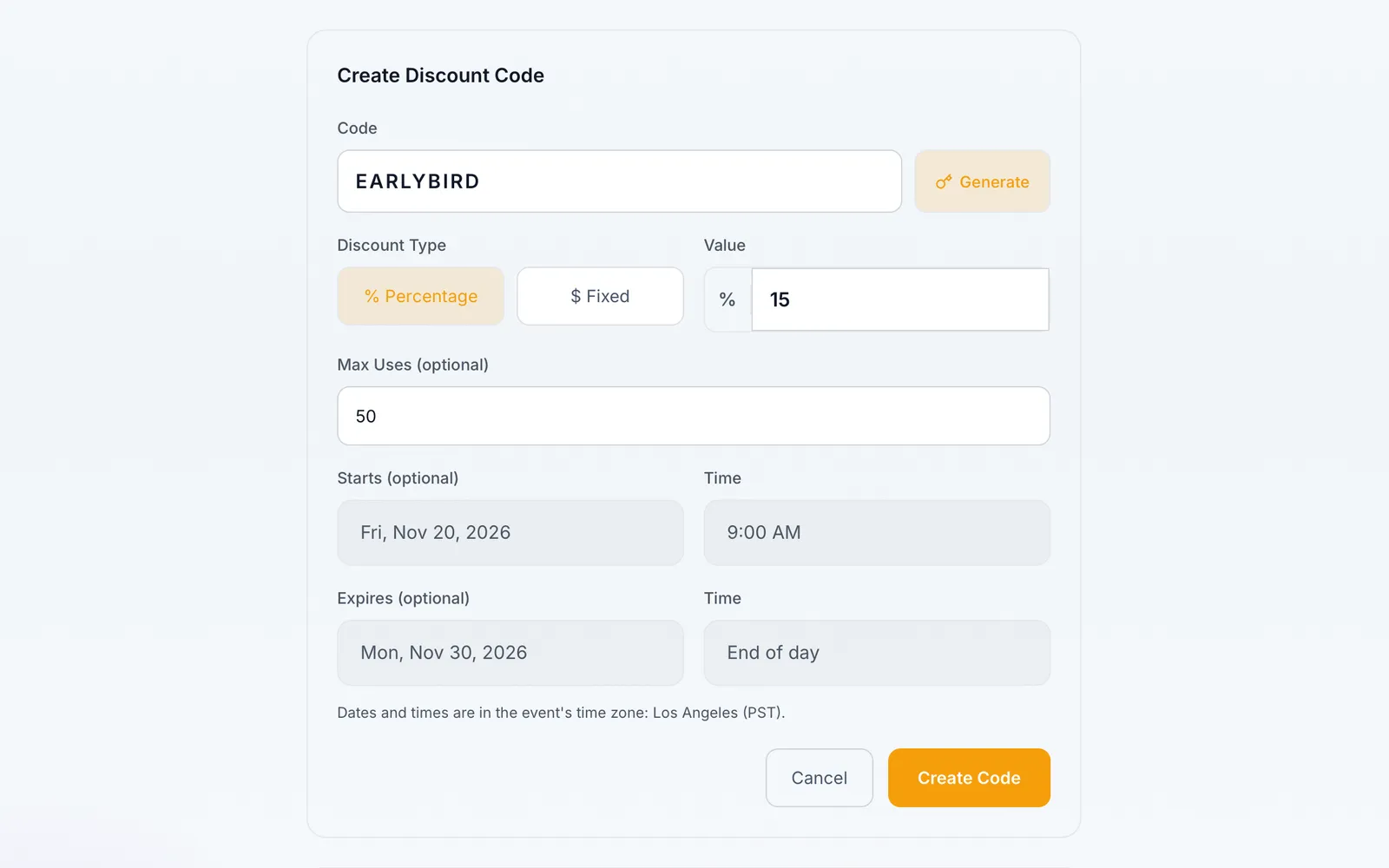
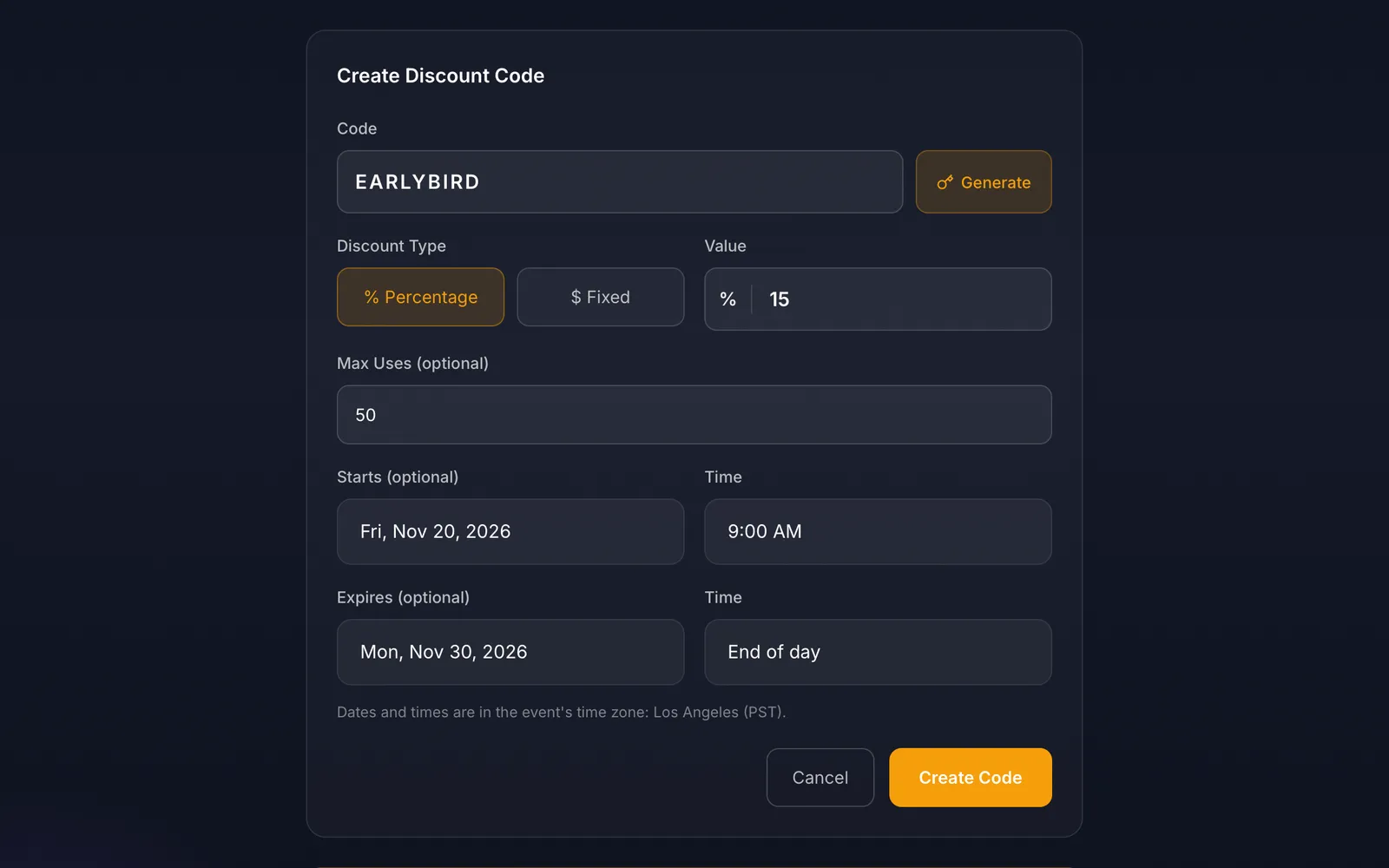
The Create Discount Code form in the event dashboard: the code EARLYBIRD, percent off, a use limit, and a start and an end, each a date and a time, in the event's time zone (Los Angeles)The Create Discount Code form in the event dashboard: the code EARLYBIRD, percent off, a use limit, and a start and an end, each a date and a time, in the event's time zone (Los Angeles)

Coupon Codes

Codes that open and close on your event's own clock, cover only the tickets you choose, and show you what each one sold.

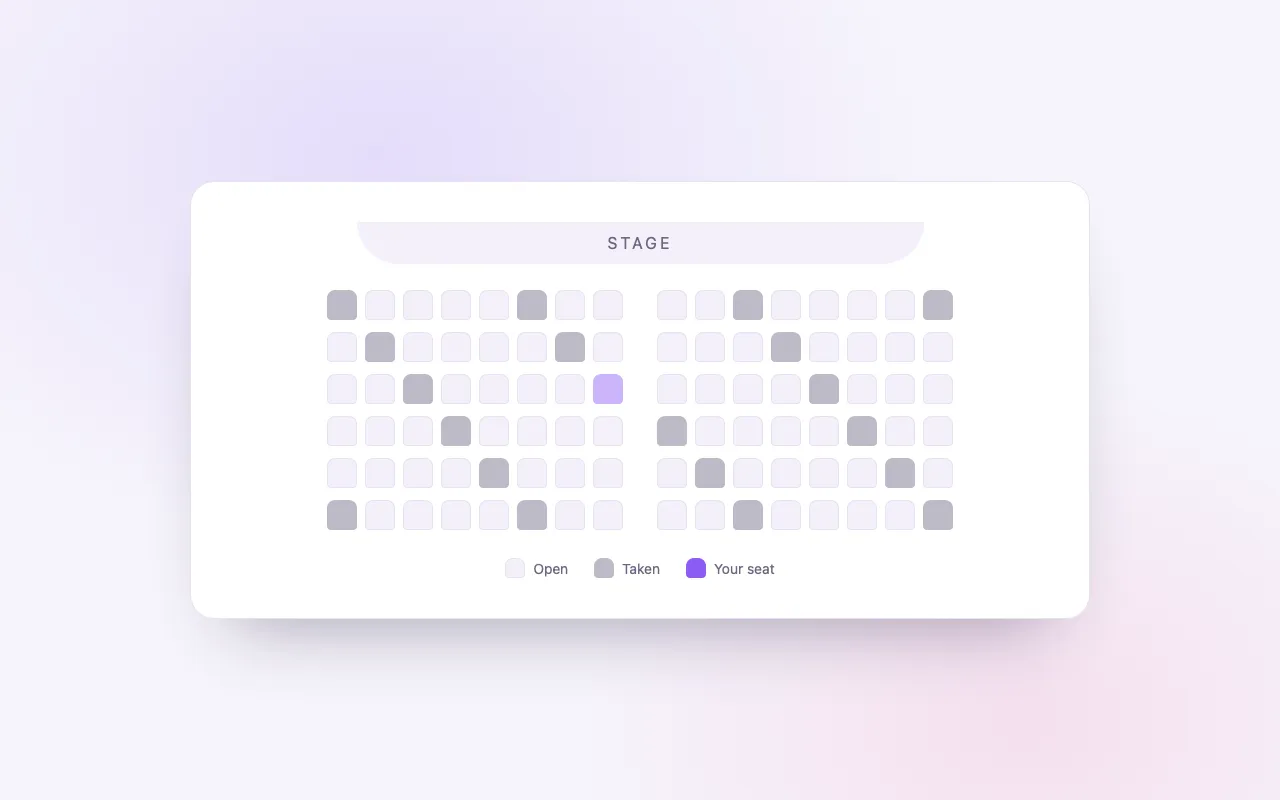
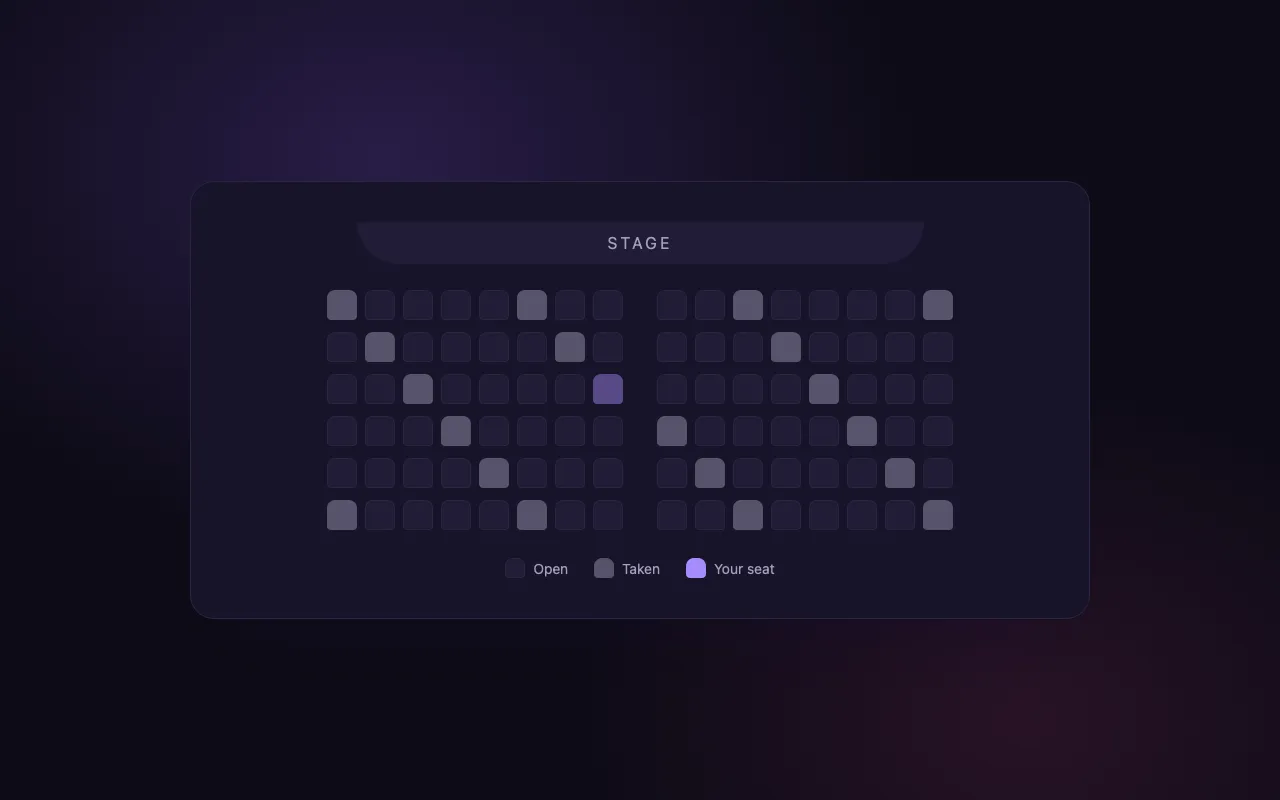
The Seating Manager on an event in the dashboard: a seating chart with priced sectionsThe Seating Manager on an event in the dashboard: a seating chart with priced sections

Assigned Seating

Buyers pick their exact seat from a clear, live map, and the seat is theirs the moment they pay.

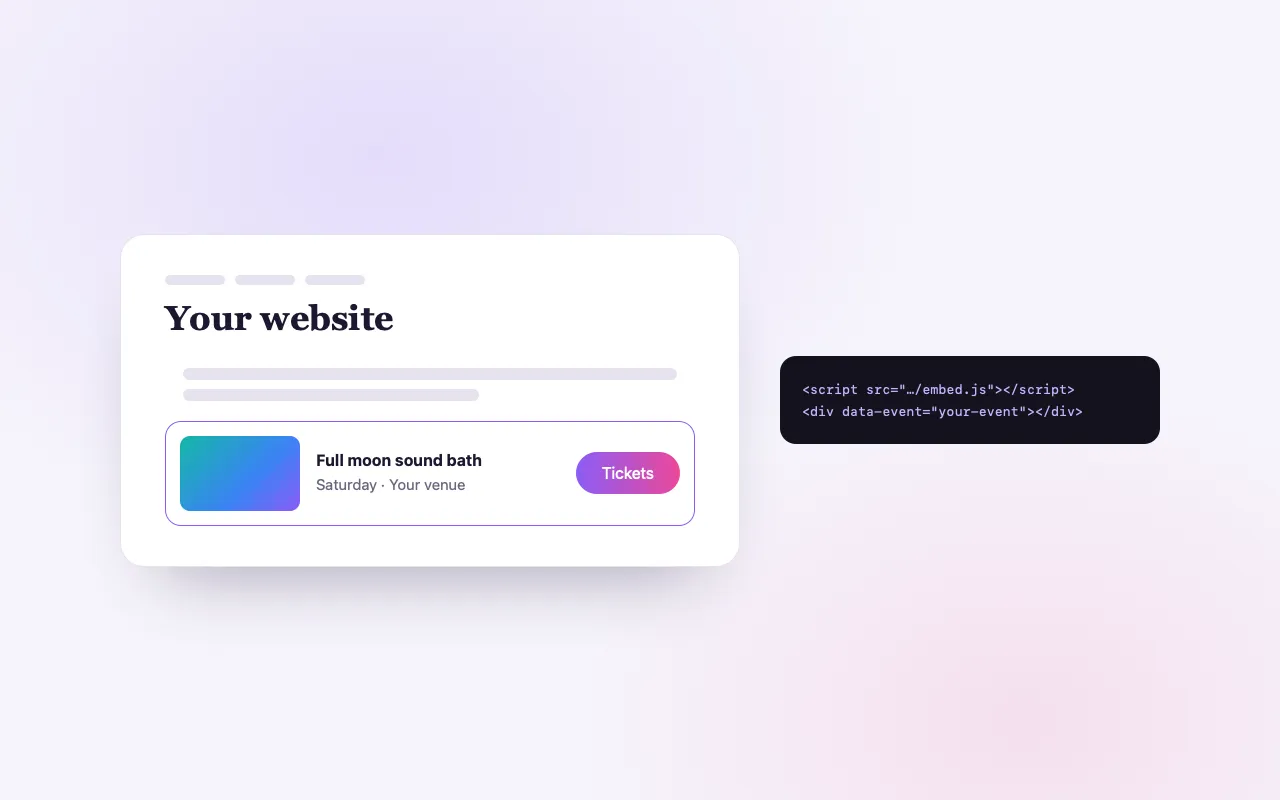
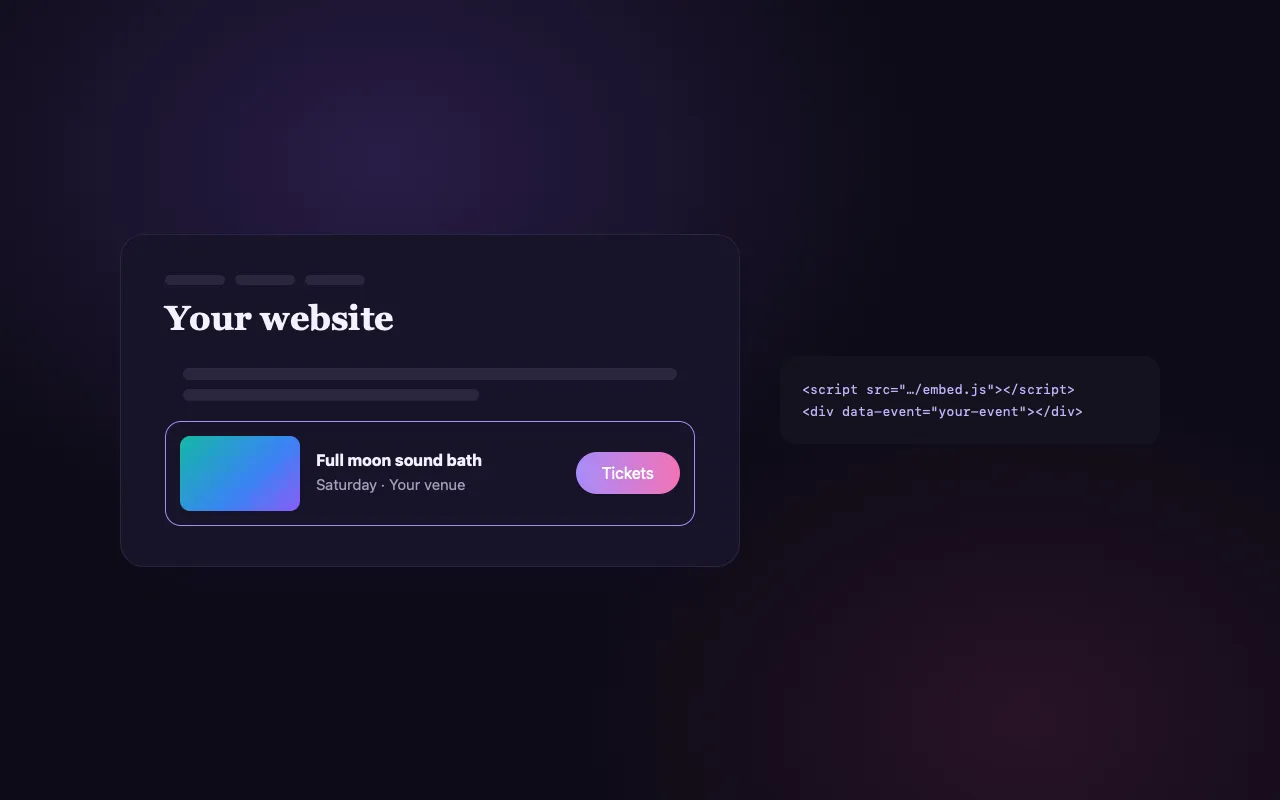
The Embed page for an event in the dashboard: widget layout and theme choices, a live preview and the code to copyThe Embed page for an event in the dashboard: widget layout and theme choices, a live preview and the code to copy

Embed Widget

Paste one snippet on your site and buyers choose tickets and pay right there, without being sent away.

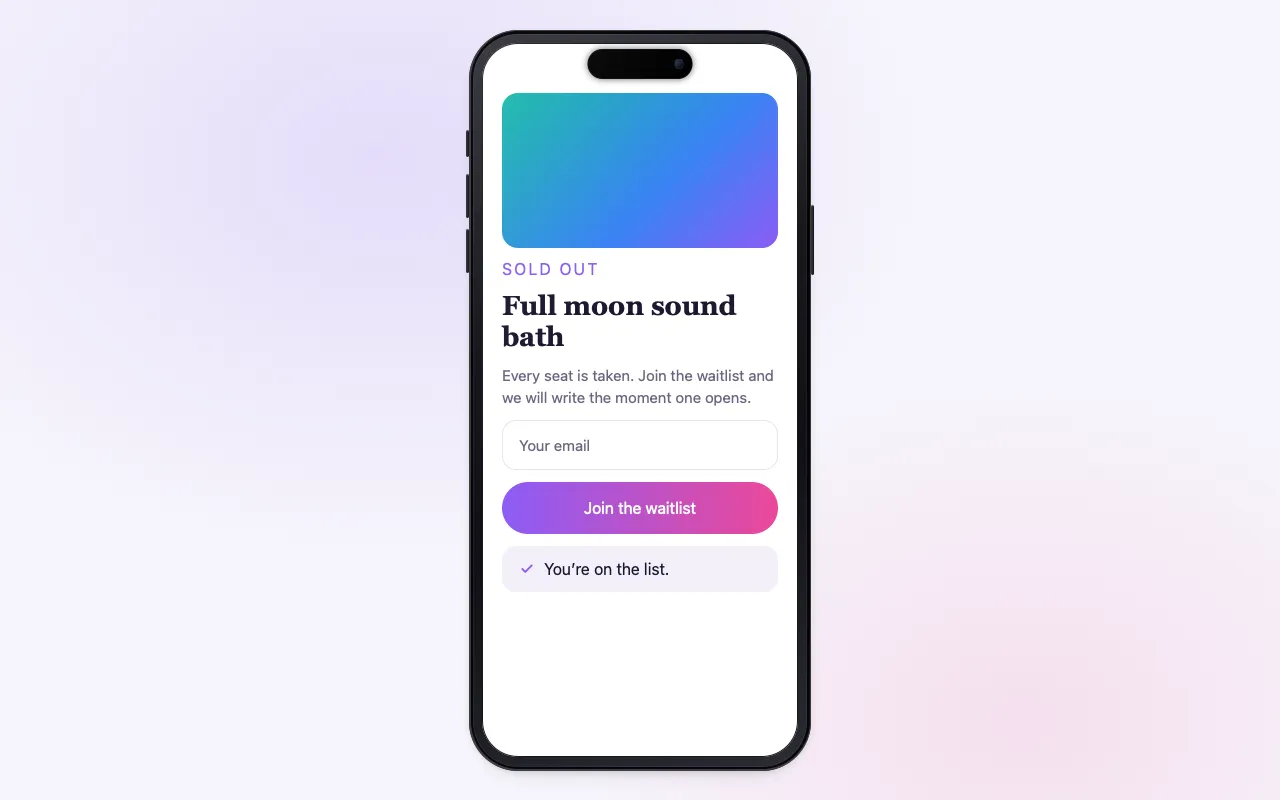
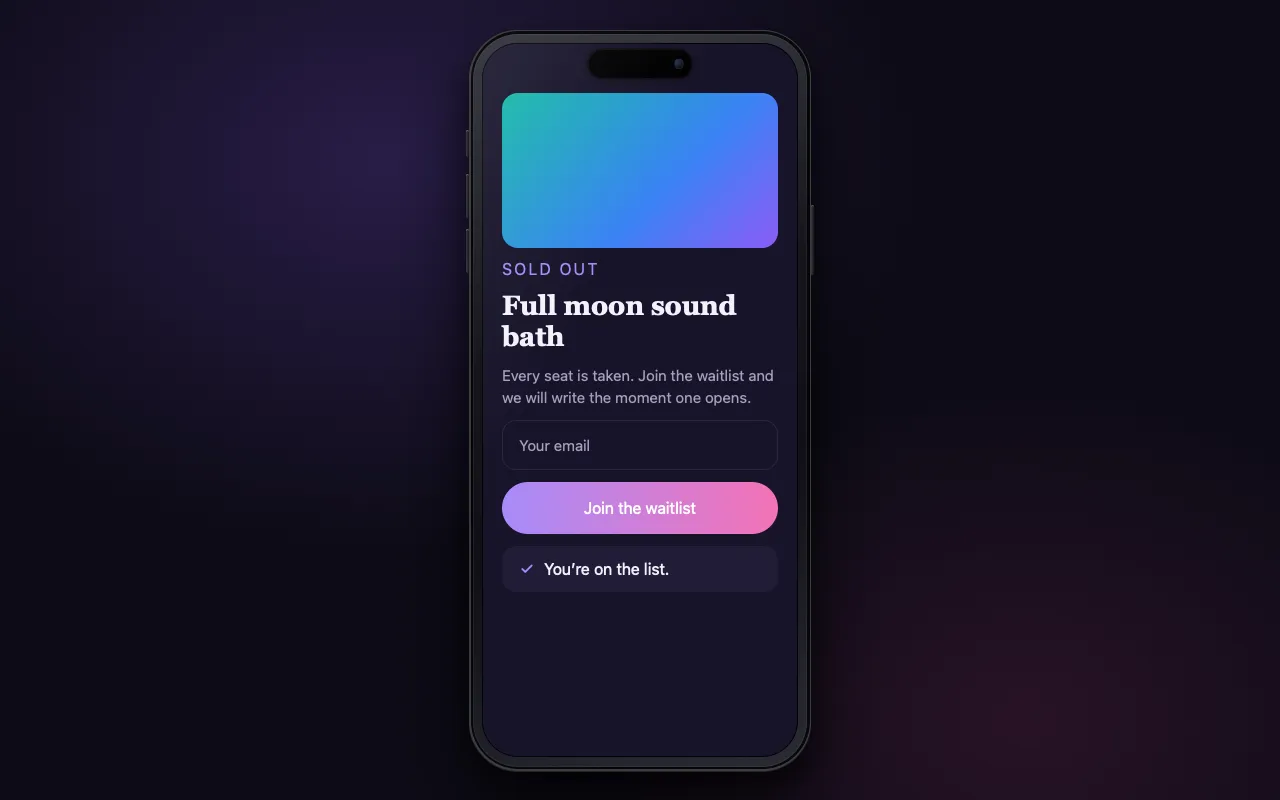
The Join Waitlist button on a sold-out event page, with the waitlist panel for the organizerThe Join Waitlist button on a sold-out event page, with the waitlist panel for the organizer

Waitlist

Your event page captures interest at every stage, from before tickets open to after it sells out, and follows up for you.

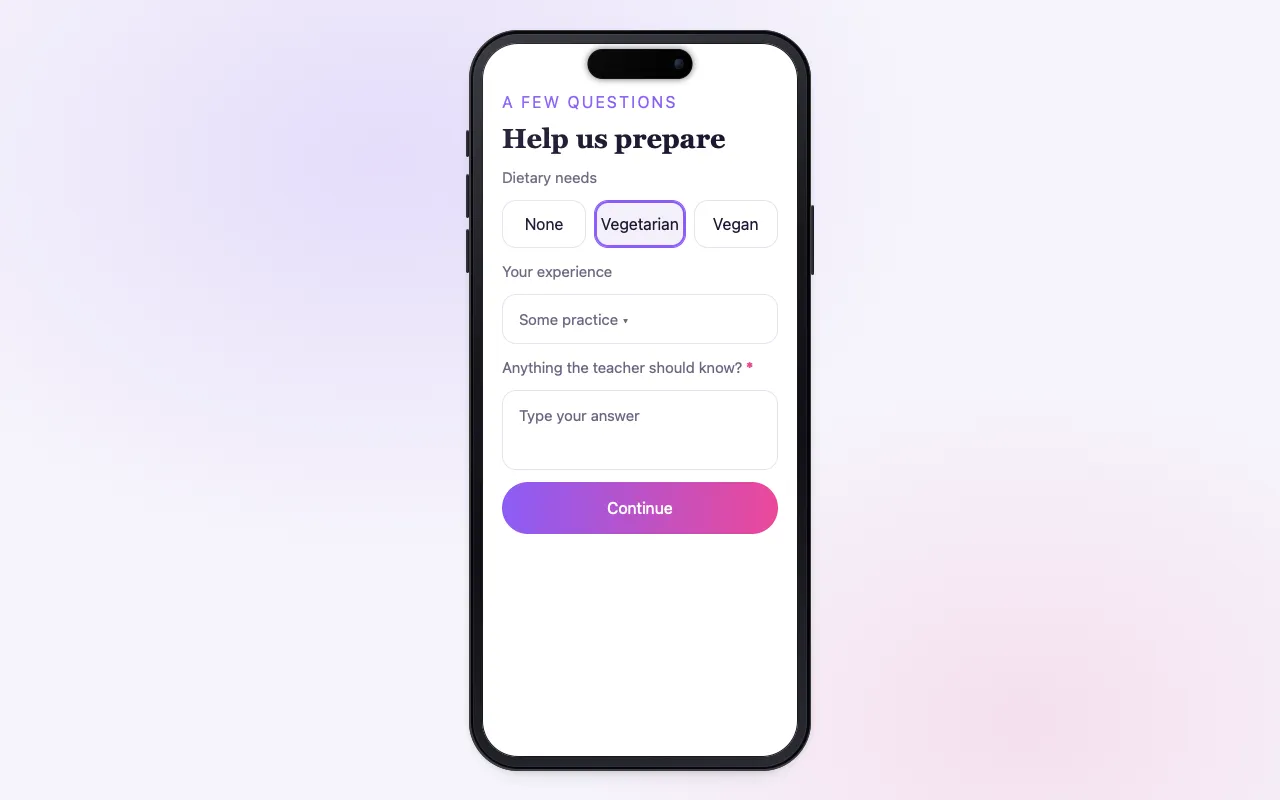
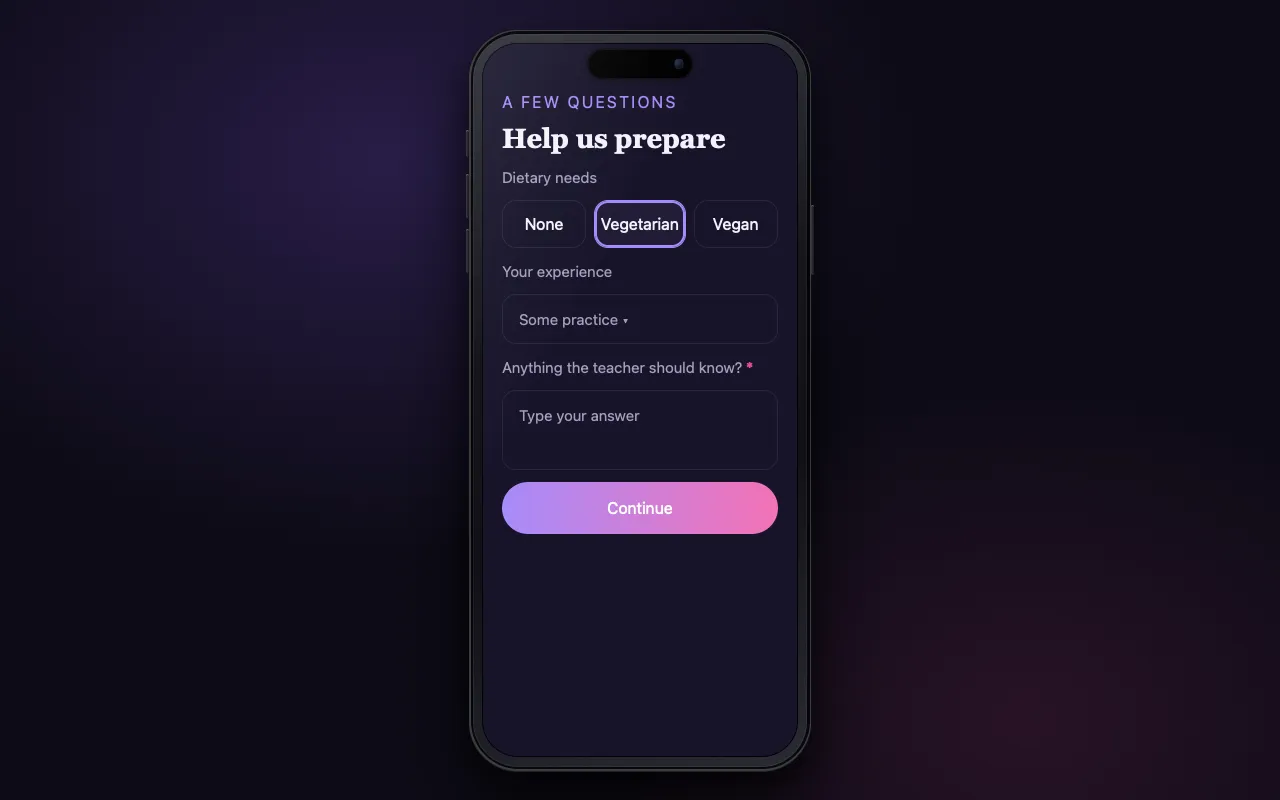
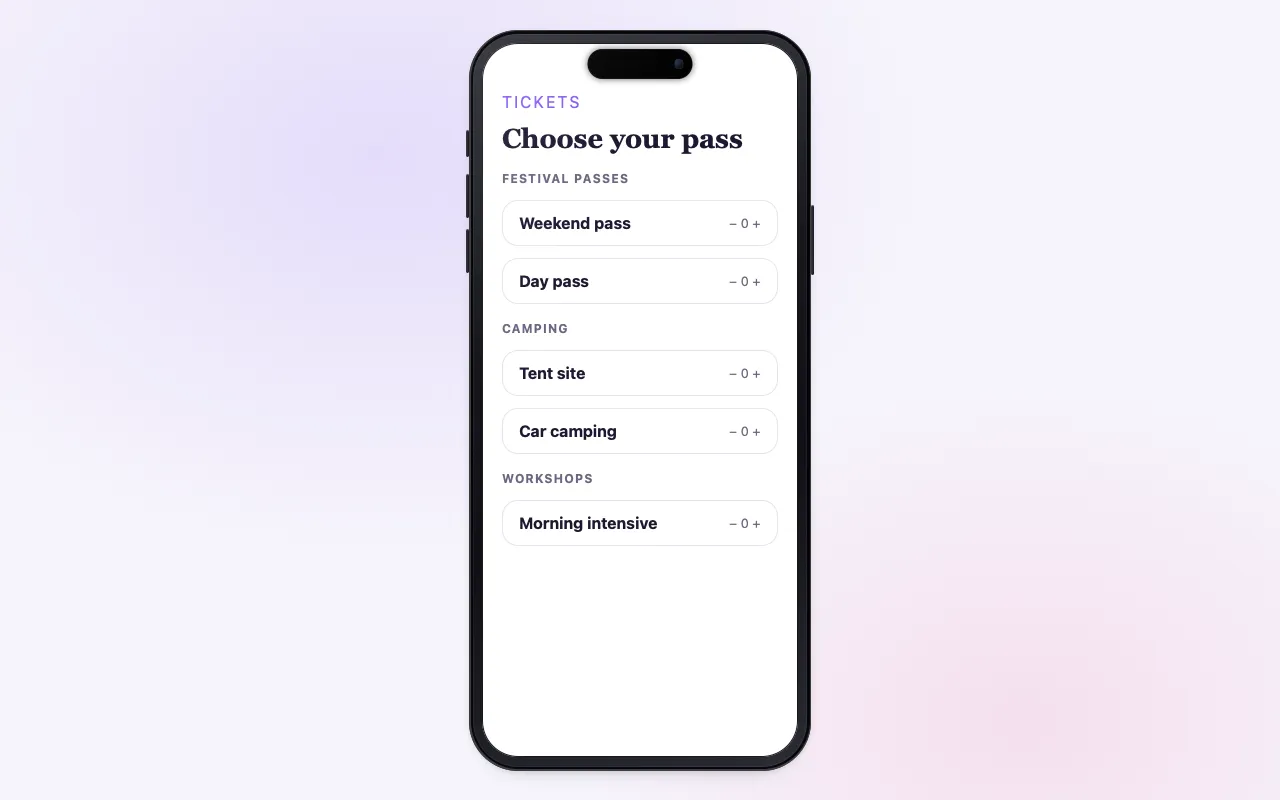
The Attendee Questions setting on an event: questions with their type and a required switchThe Attendee Questions setting on an event: questions with their type and a required switch

Custom Questions

Add your own questions to checkout and every answer arrives tied to the right attendee, ready to export.

The Share tab on a buyer’s order: tickets assigned to friends by emailThe Share tab on a buyer’s order: tickets assigned to friends by email

Ticket Sharing

Buyers share tickets with the people coming along, and each person gets their own QR code for the door.

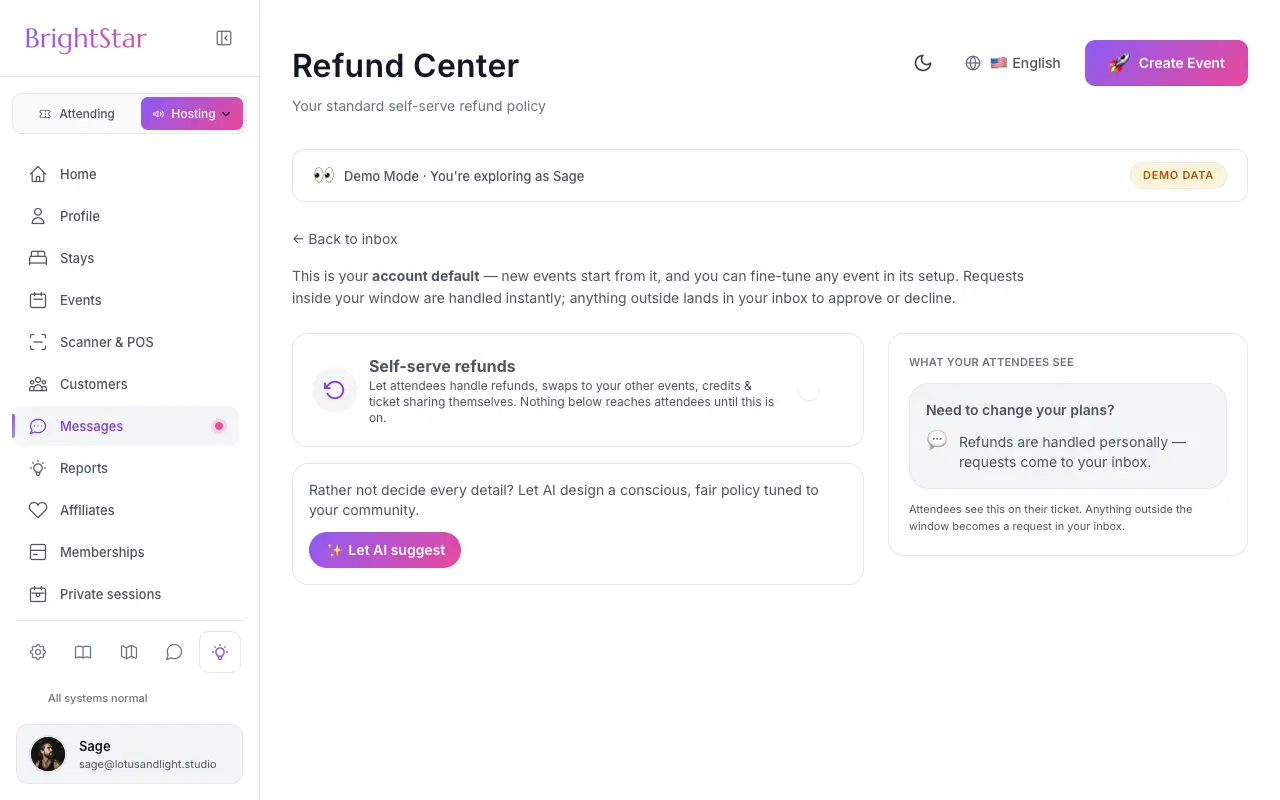
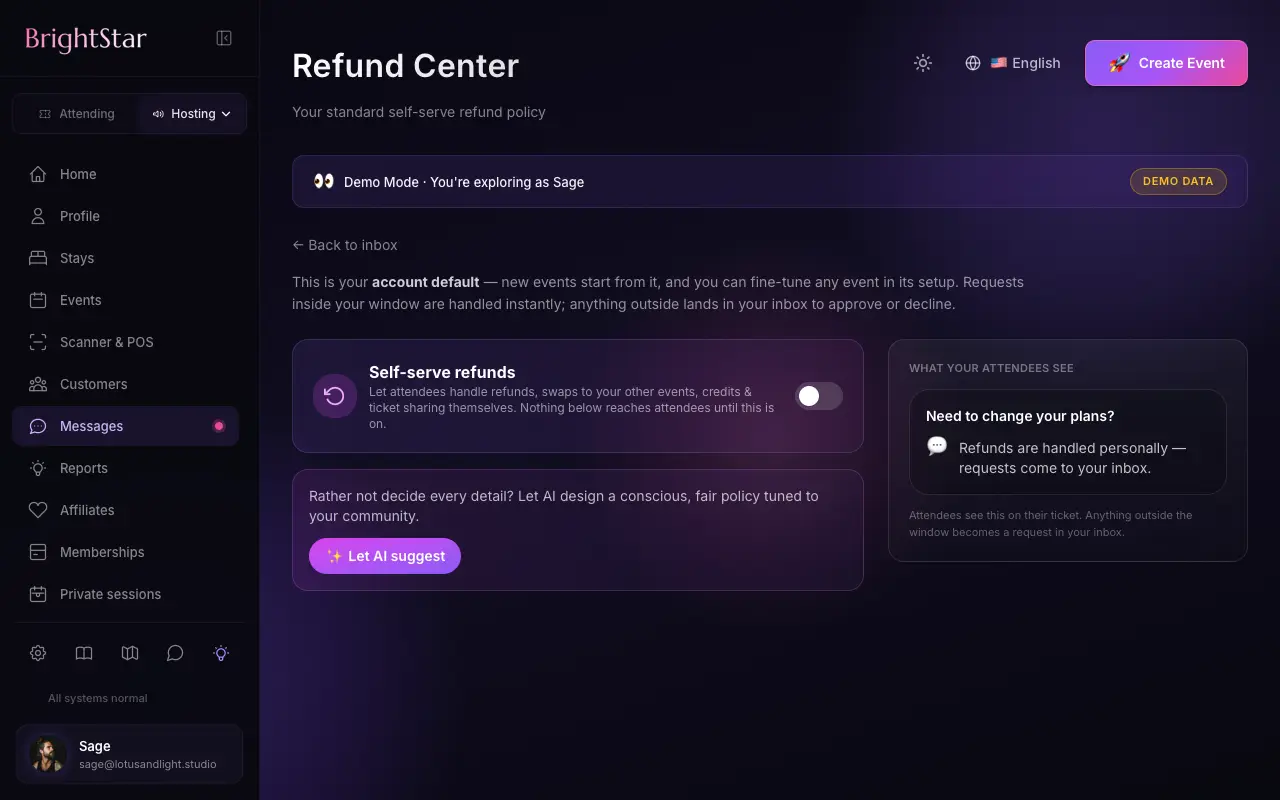
The Self-Serve Refunds setting on an event: the refund window and policy textThe Self-Serve Refunds setting on an event: the refund window and policy text

Flexible Refunds

Buyers request a refund themselves; inside your policy it is processed at once, outside it the request comes to you.

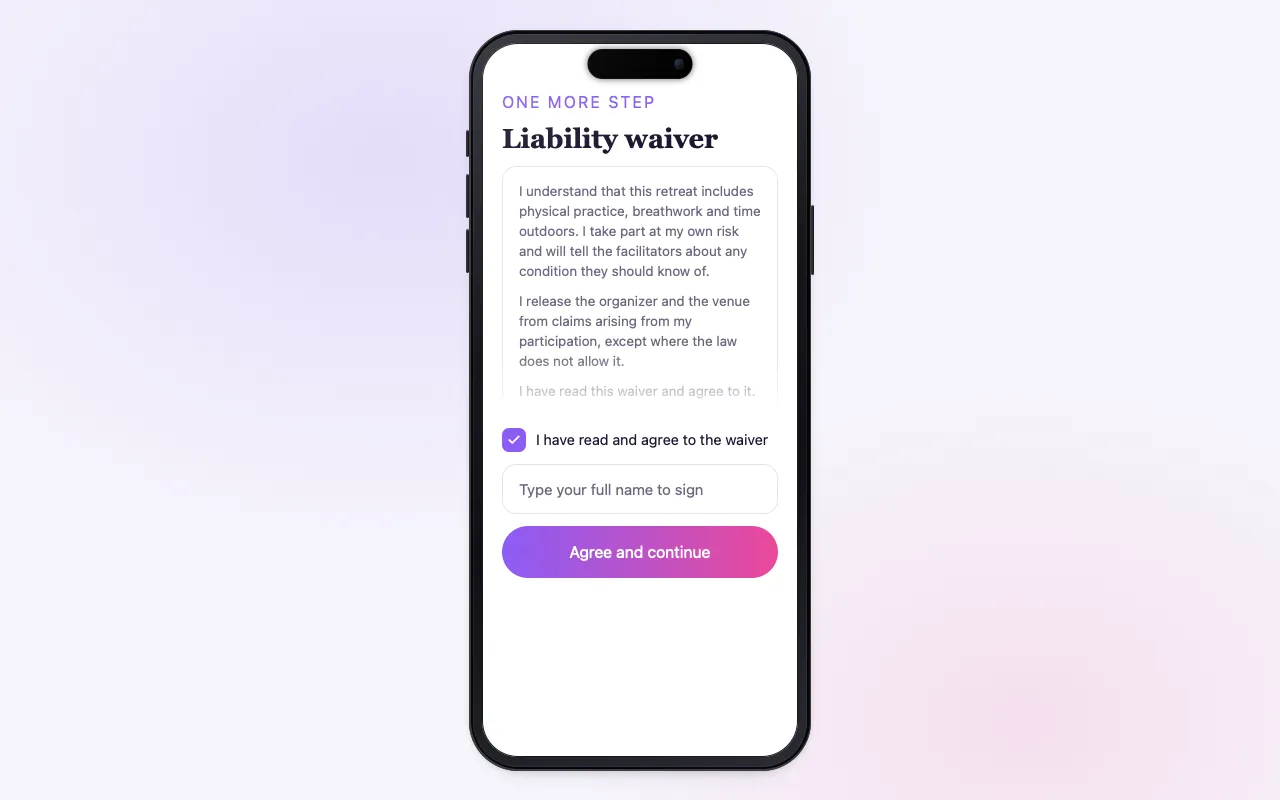
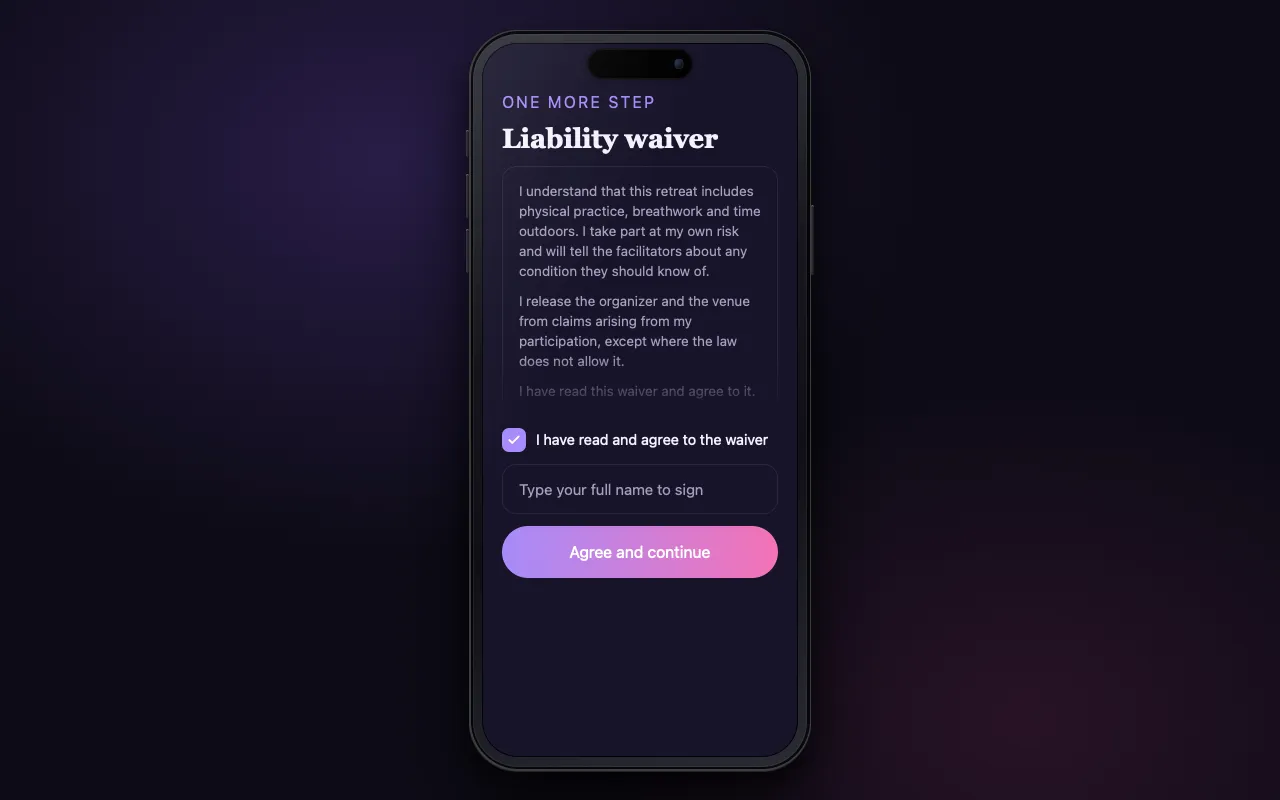
A waiver at checkout: the agreement text in a scrolling box with an I agree checkboxA waiver at checkout: the agreement text in a scrolling box with an I agree checkbox

Digital Waivers

Your waiver appears in checkout, each buyer agrees before paying, and the record shows exactly which version they accepted.

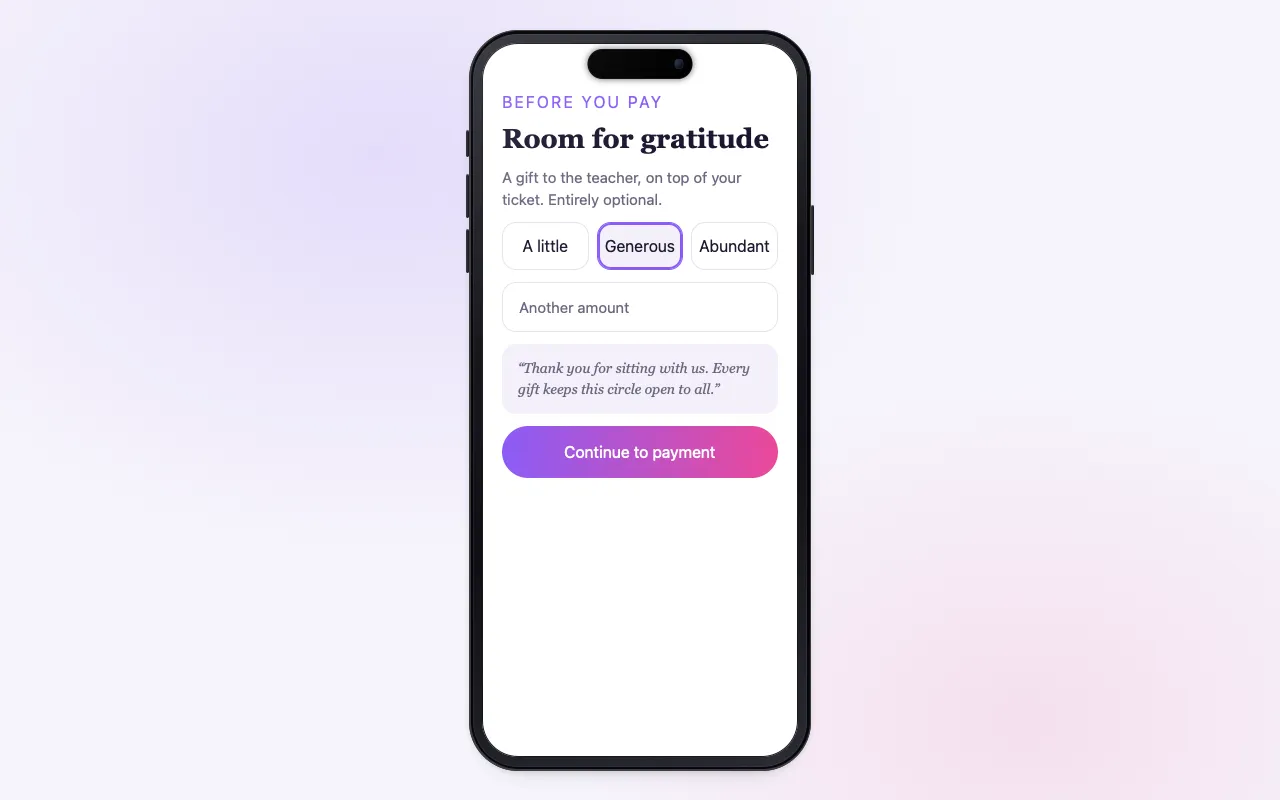
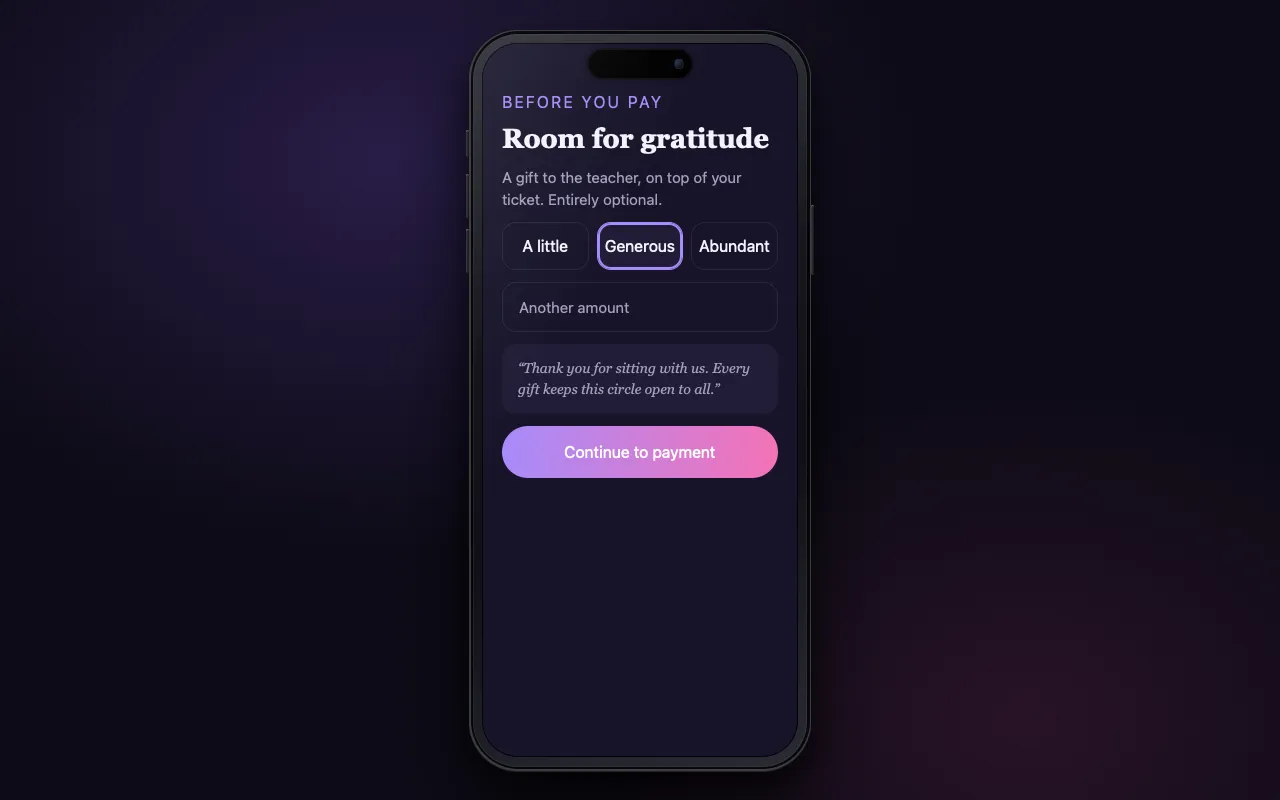
The tip step at checkout: suggested amounts, an open amount and the organizer’s thank-you noteThe tip step at checkout: suggested amounts, an open amount and the organizer’s thank-you note

Tip Jar

Some guests want to give a little more; a gentle tip option at checkout lets them, with no pressure.

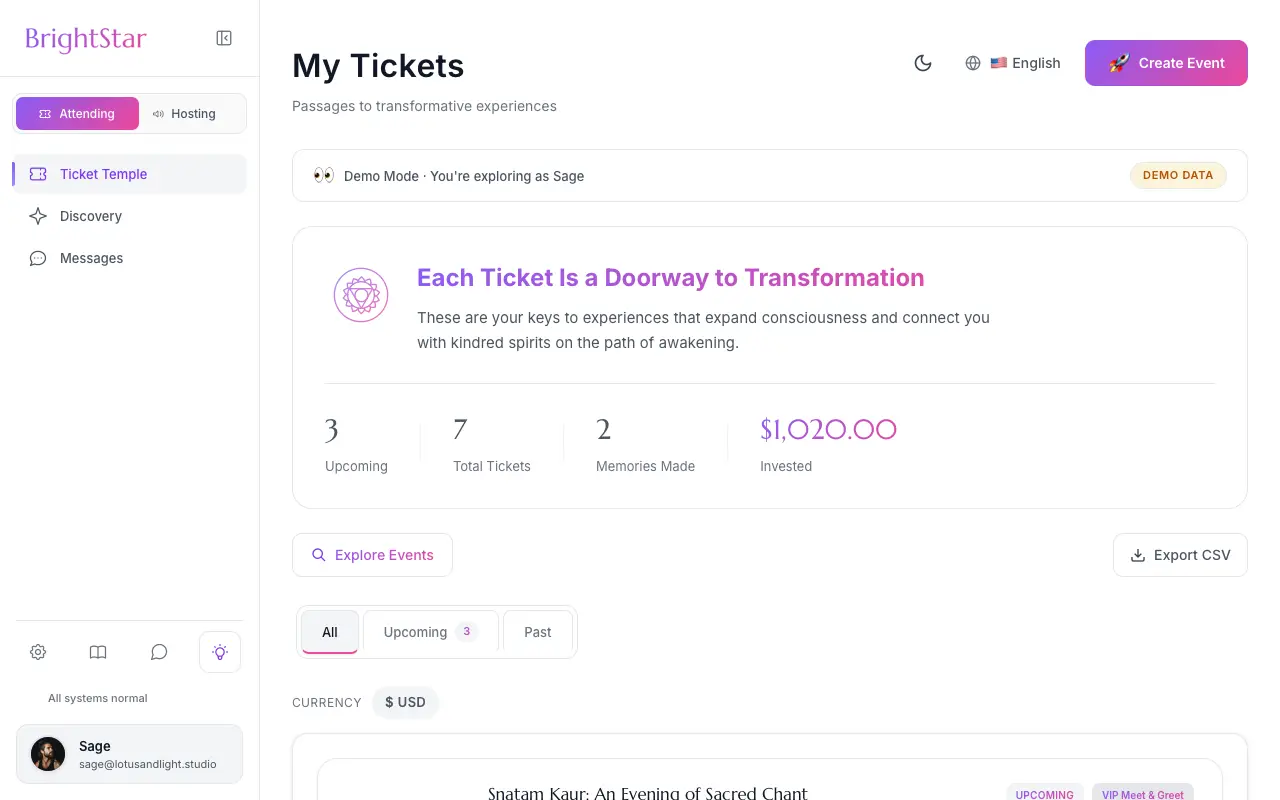
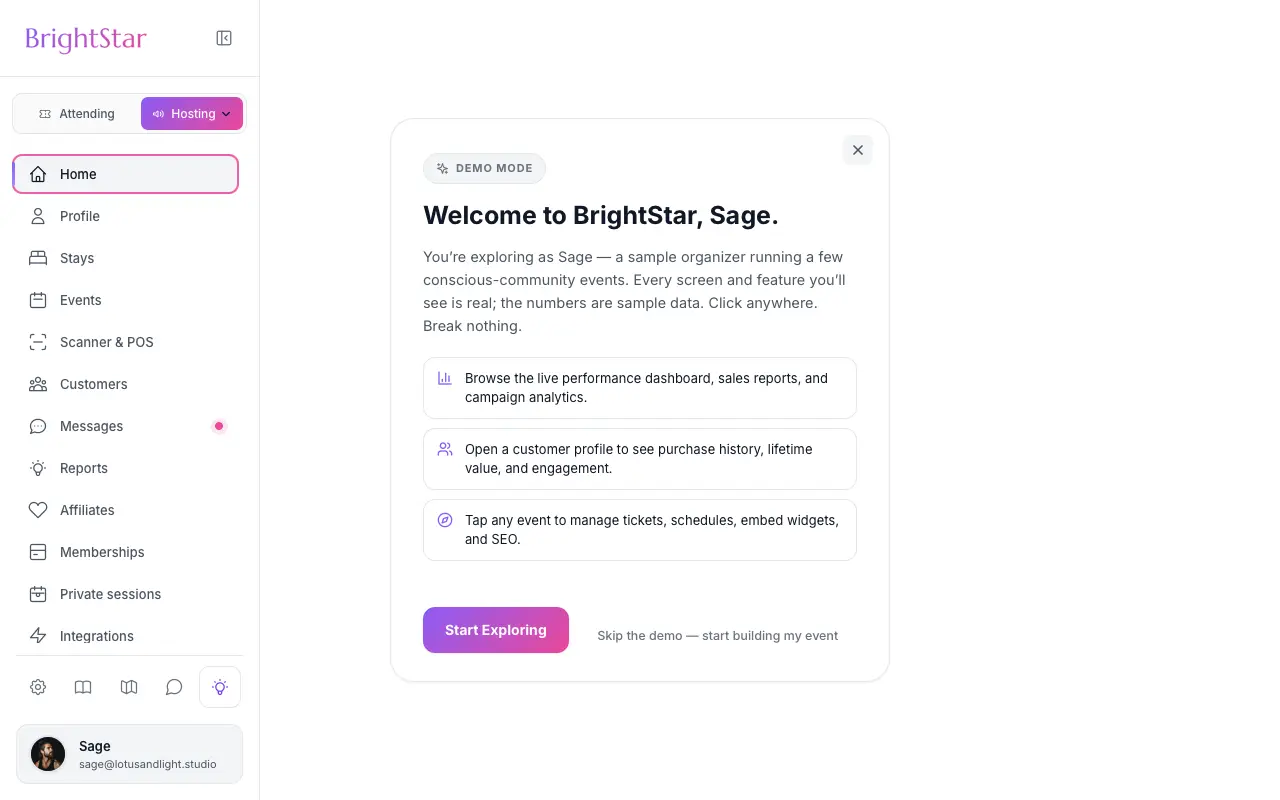
The organizer dashboard home: a calm overview of events, sales and next stepsThe organizer dashboard home: a calm overview of events, sales and next steps

Mindful UX

An interface that feels calm and almost invisible, so you can focus on your events and your community.

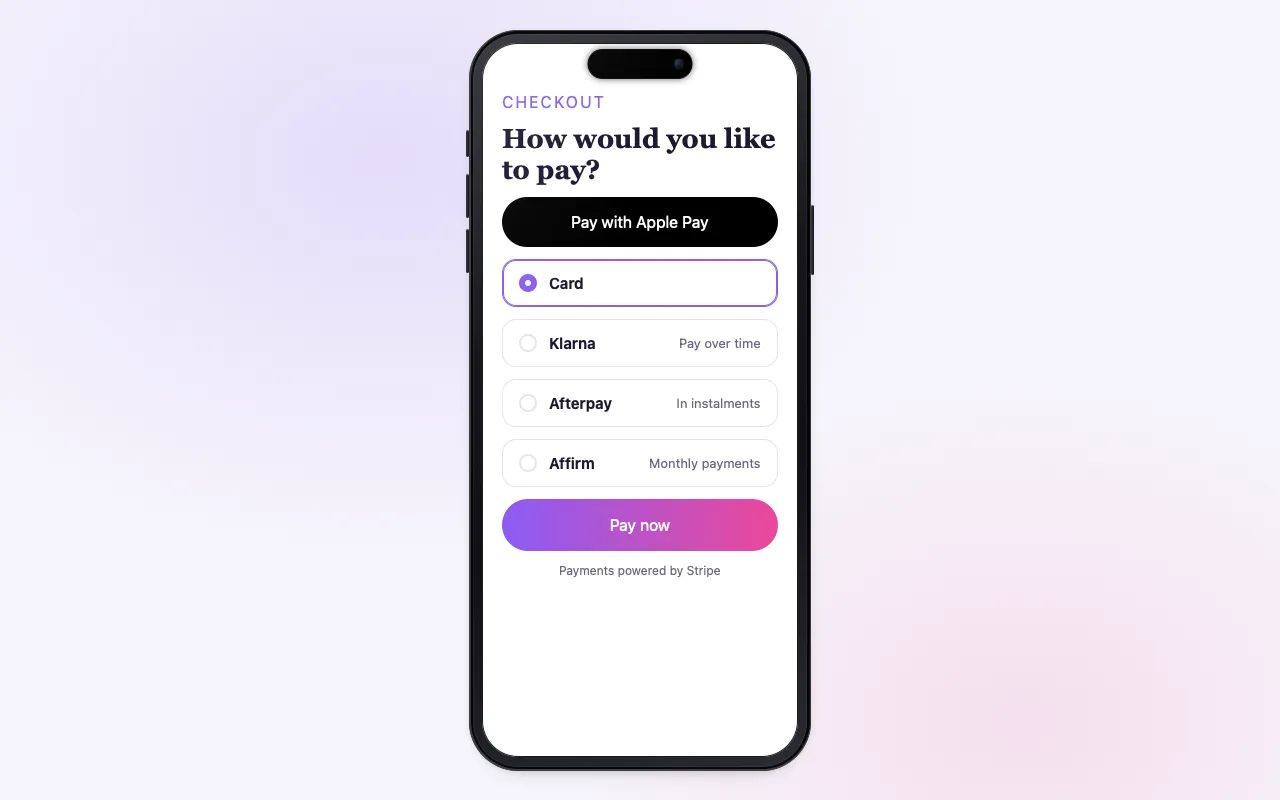
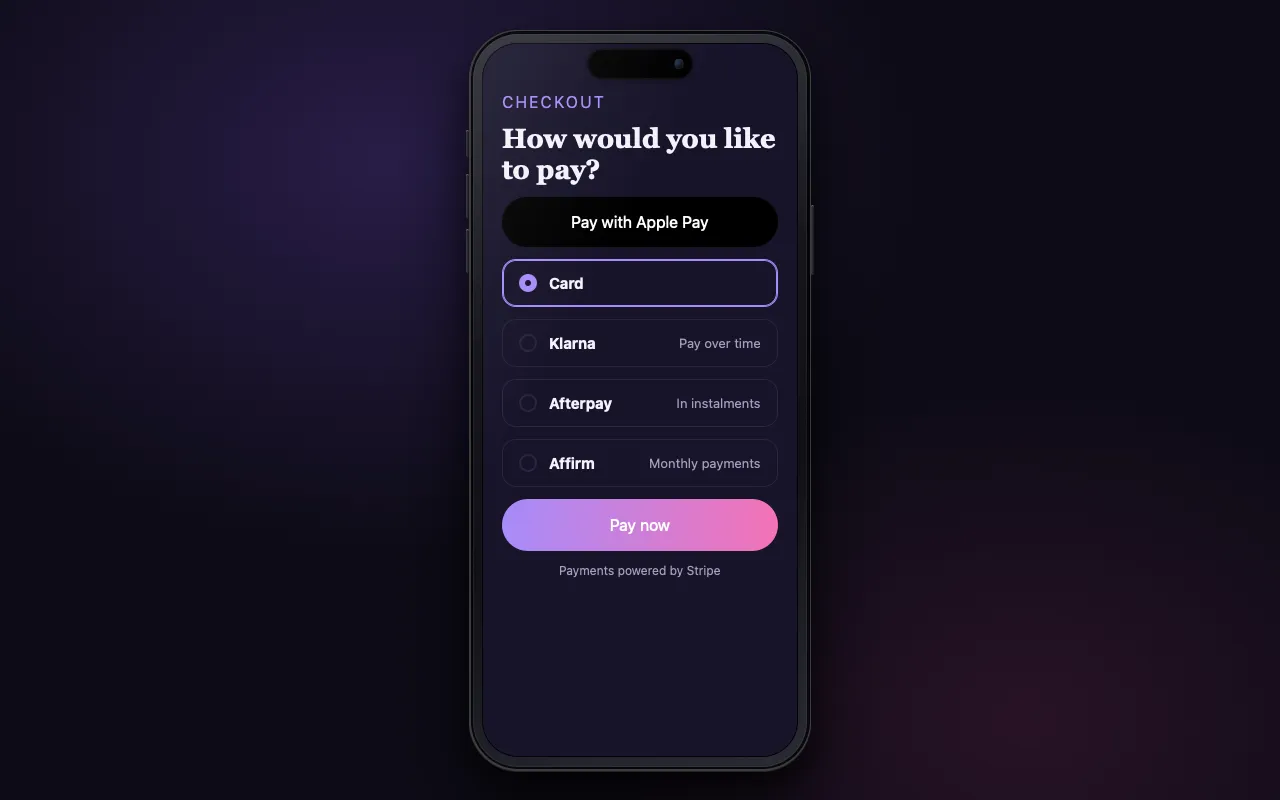
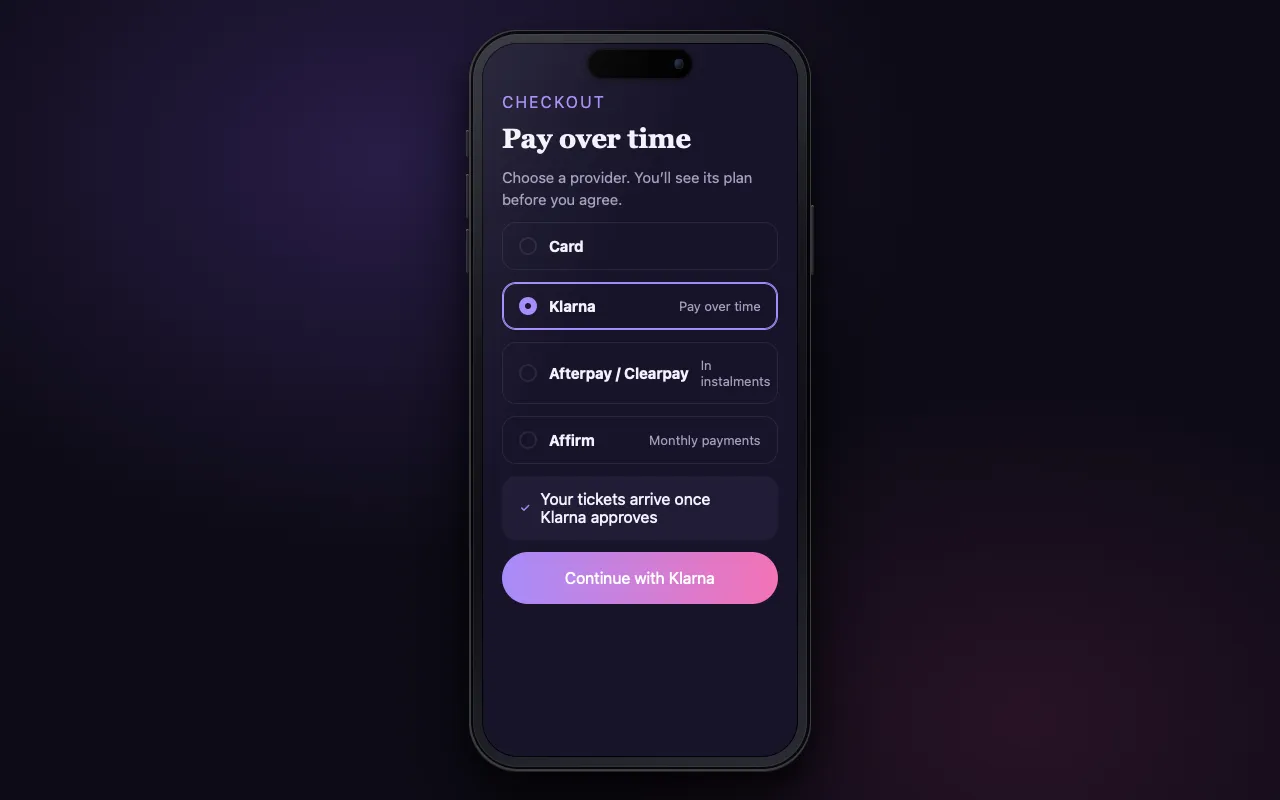
A ticket checkout on a phone: Apple Pay, card, and pay-over-time options from Klarna, Afterpay and AffirmA ticket checkout on a phone: Apple Pay, card, and pay-over-time options from Klarna, Afterpay and Affirm

Payments, powered by Stripe

Every ticket is paid through Stripe into your own Stripe account, with the ways of paying your buyers already use.

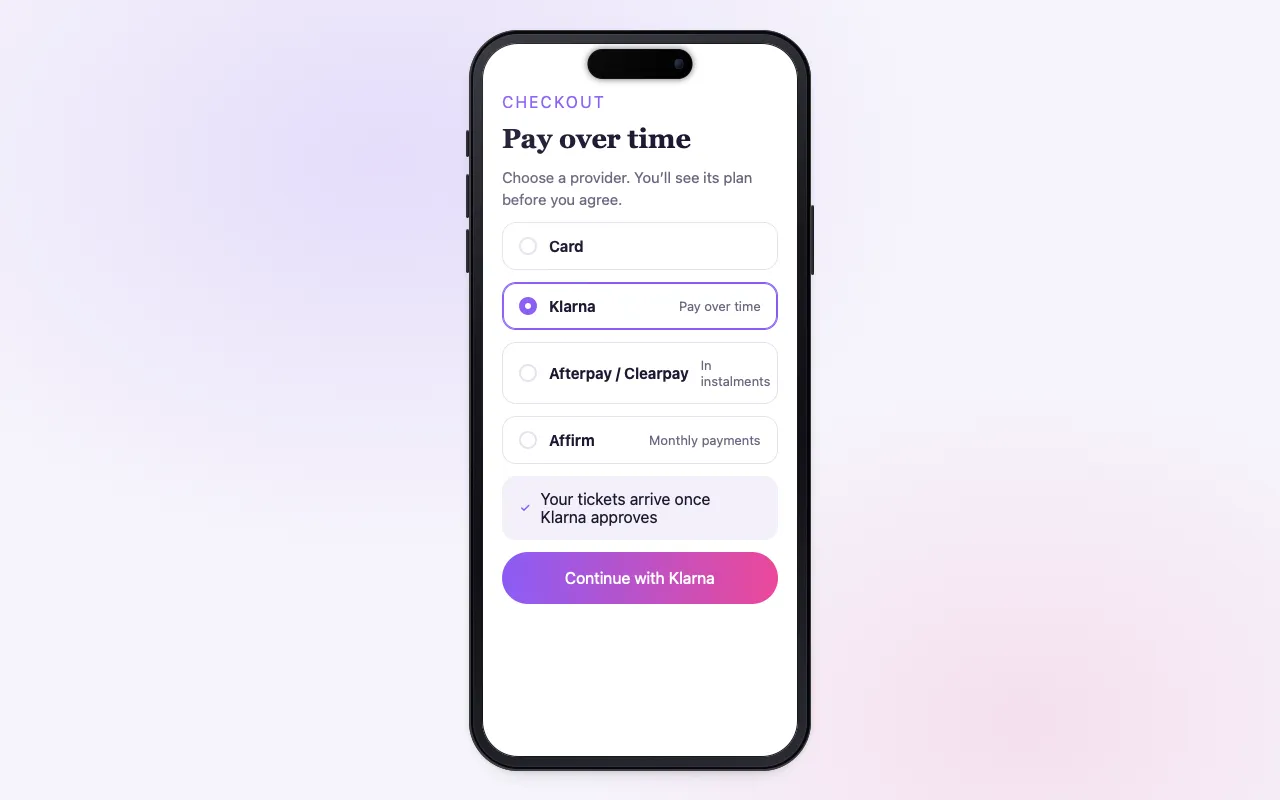
A ticket checkout on a phone with pay-over-time options from Klarna, Afterpay and Affirm beside the cardA ticket checkout on a phone with pay-over-time options from Klarna, Afterpay and Affirm beside the card

Buy now, pay later

Guests can spread the cost of a bigger ticket with Klarna, Afterpay, or Affirm, and you receive the full amount when they book.

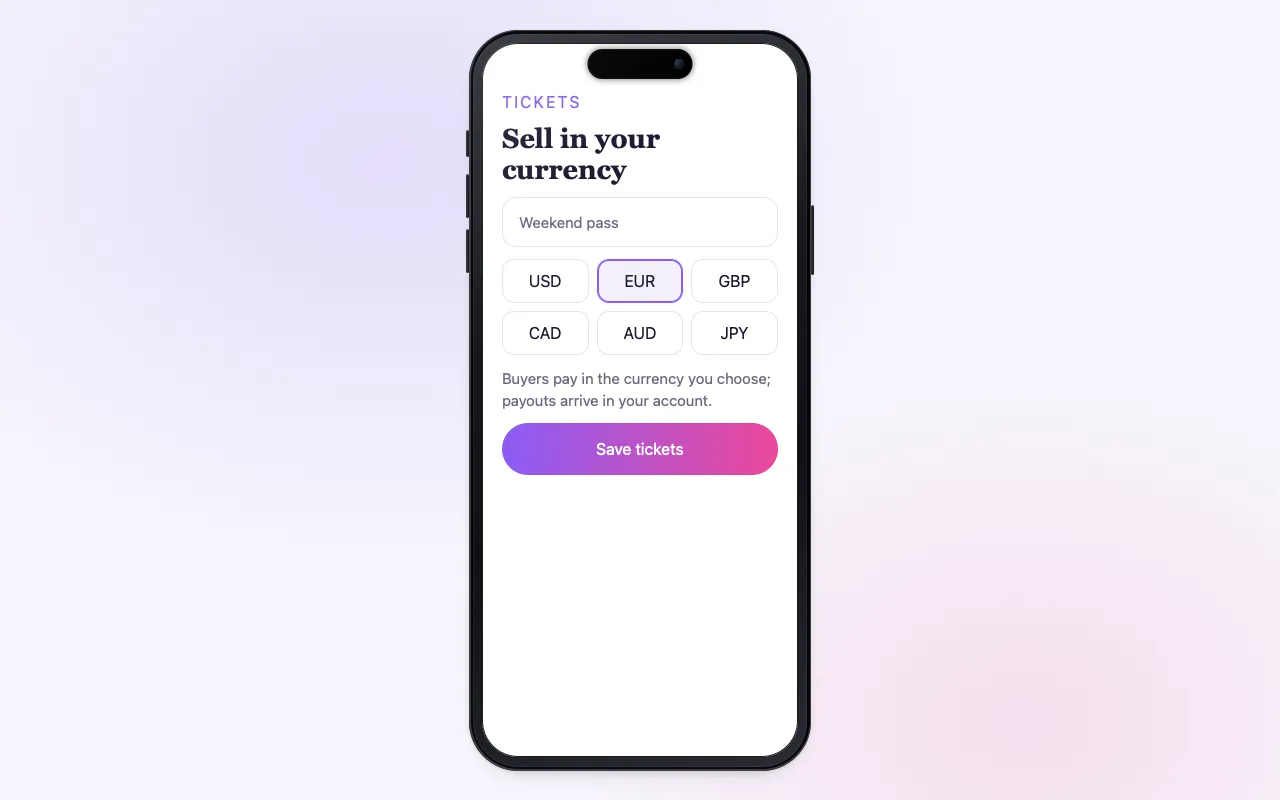
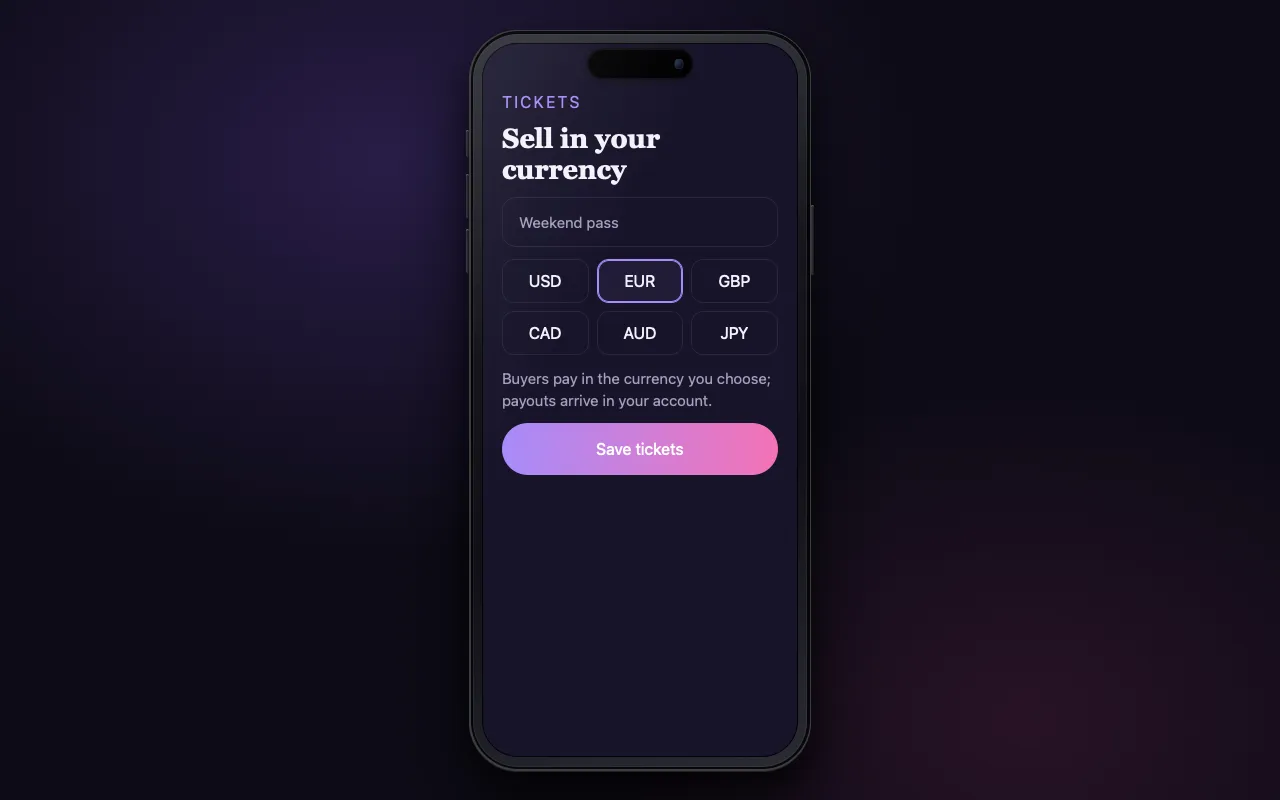
The currency picker in the event wizard beside an event’s ticket pricesThe currency picker in the event wizard beside an event’s ticket prices

Multi-Currency

Choose the currency for each event, and BrightStar presents it clearly to buyers wherever they are, in their language.

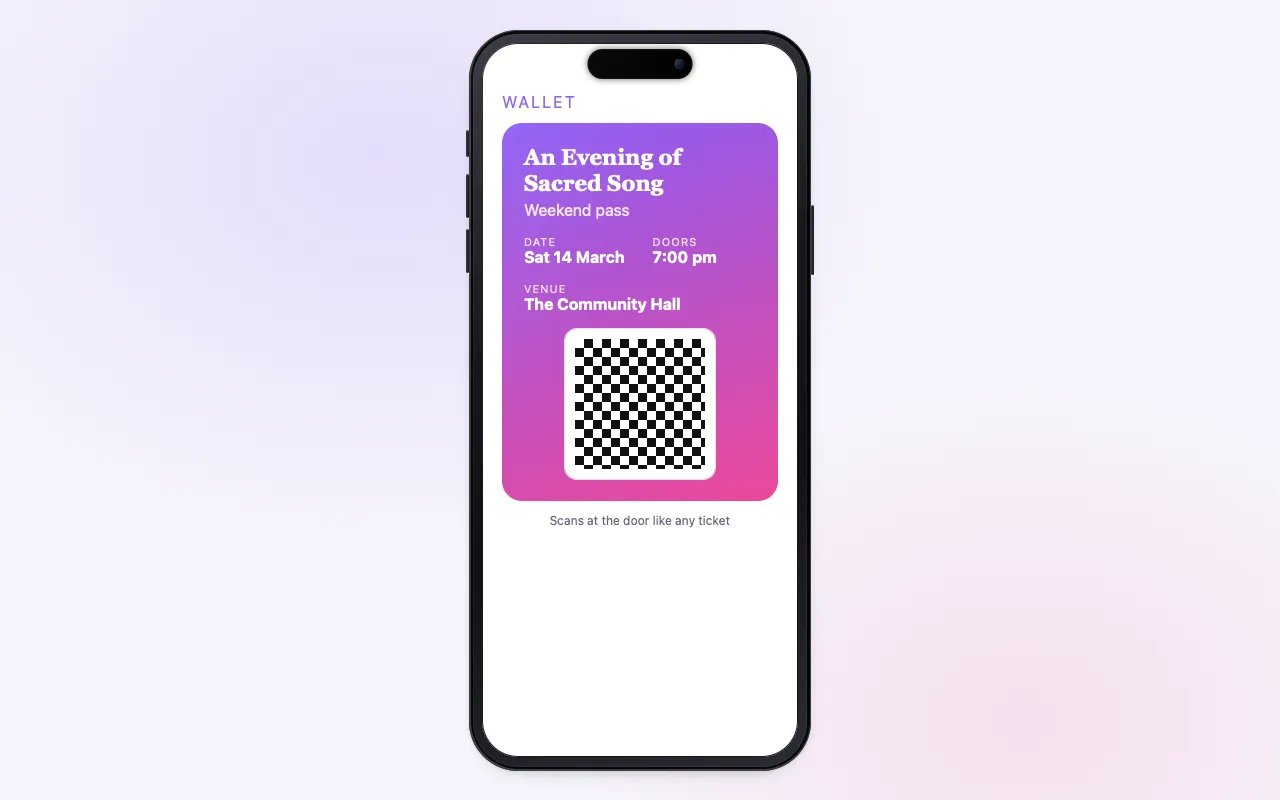
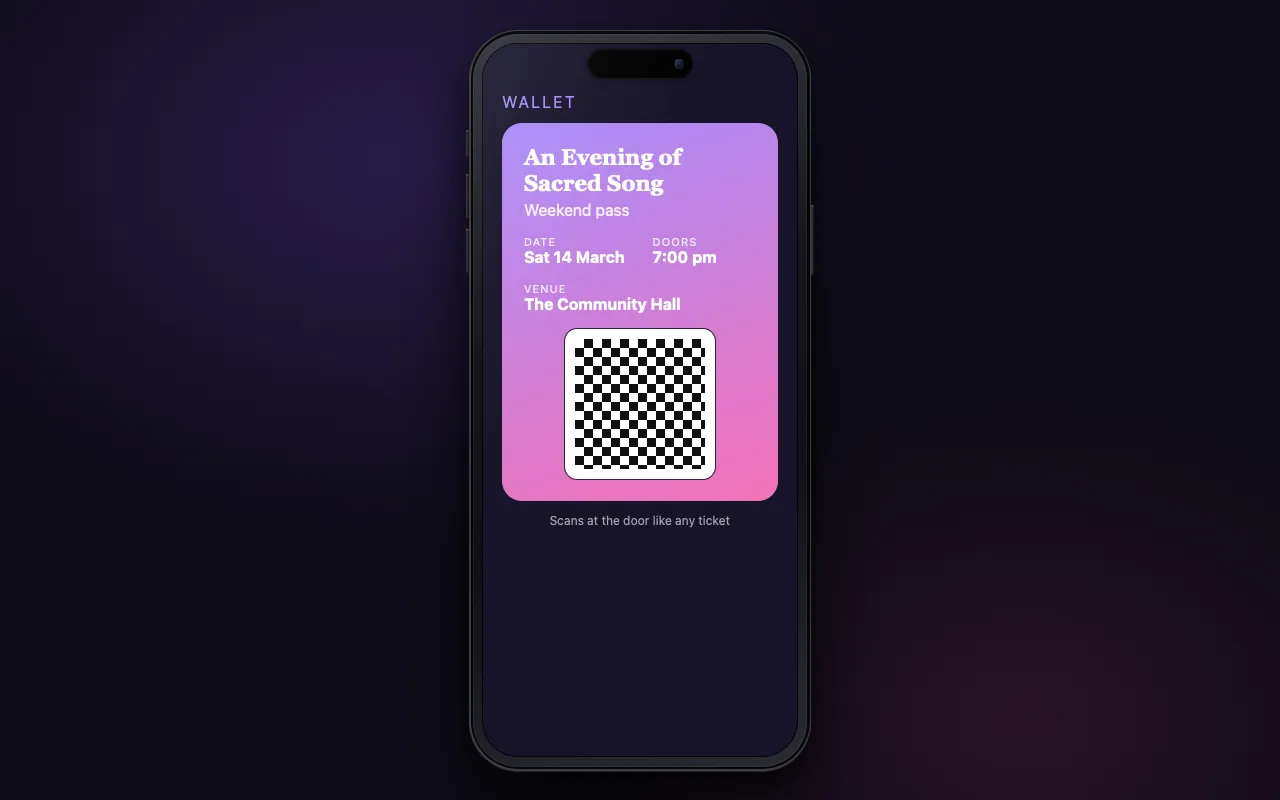
A ticket pass in a phone’s wallet: the event, date, venue, ticket type and a QR codeA ticket pass in a phone’s wallet: the event, date, venue, ticket type and a QR code

Apple Wallet tickets

Buyers add their tickets to Apple Wallet in one tap, and the door scans the pass like any ticket.

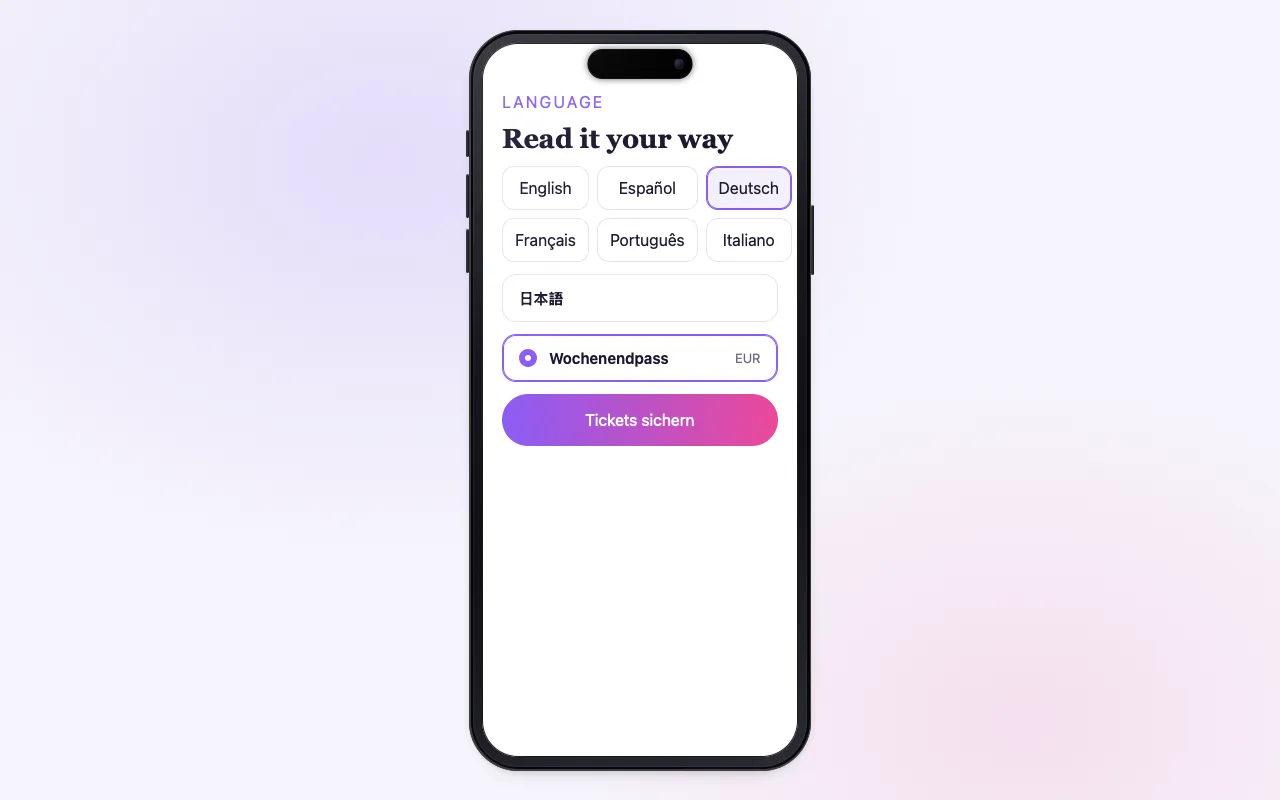
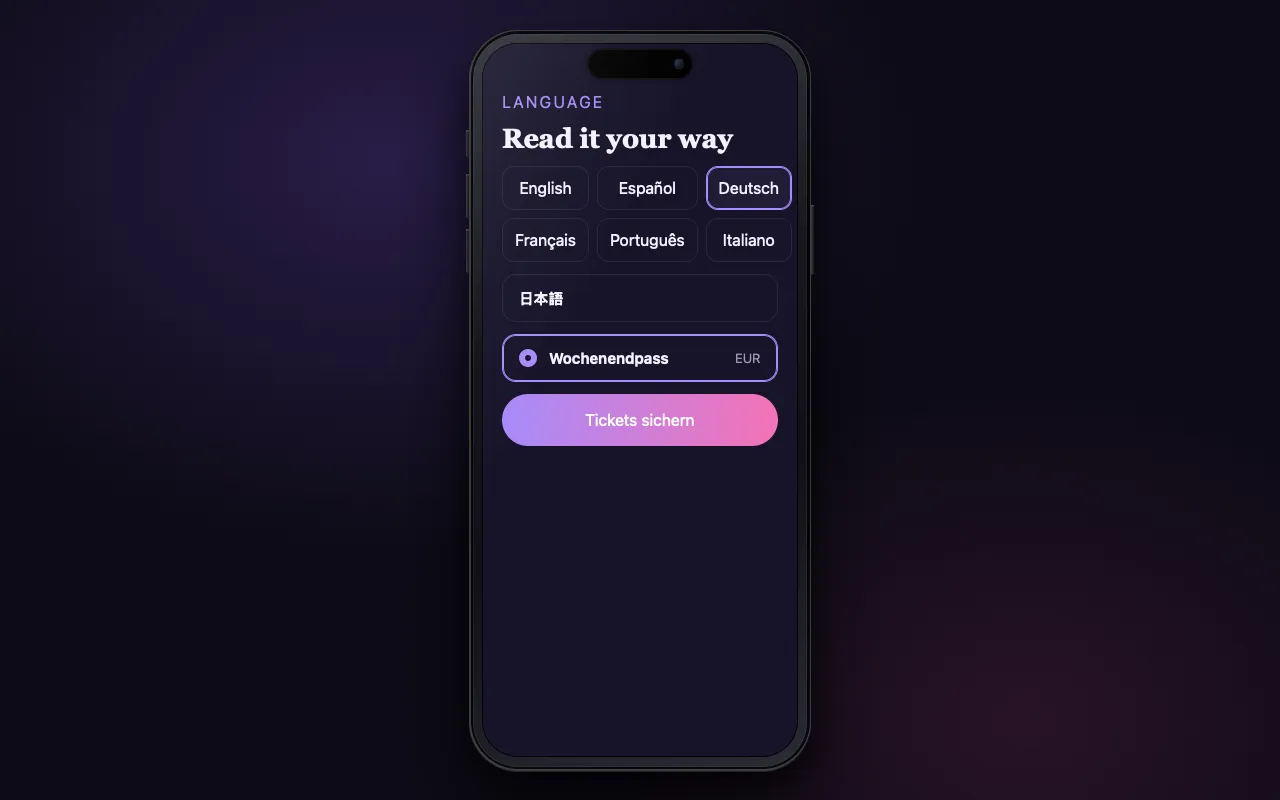
An event page in seven languagesAn event page in seven languages

Sell worldwide

Pages, checkout and emails in seven languages, a currency for each event, and payments through Stripe wherever it works.

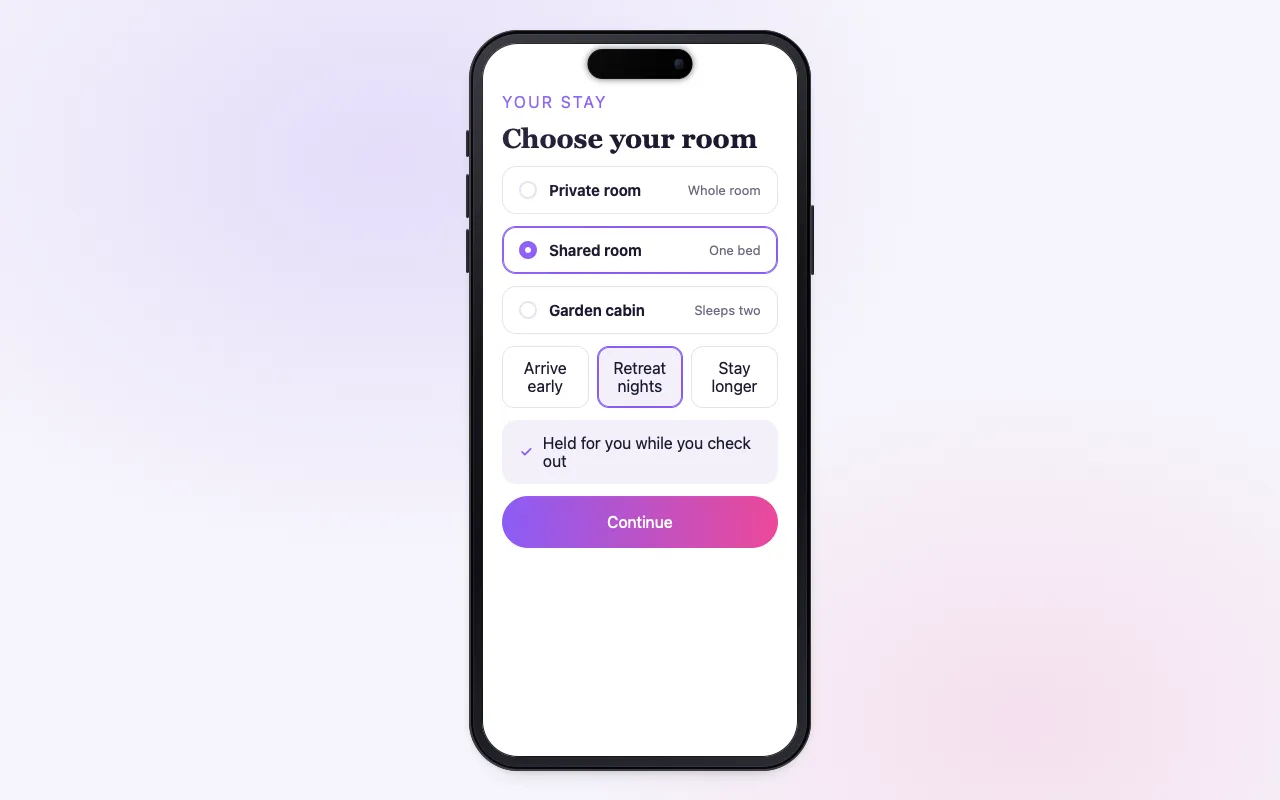
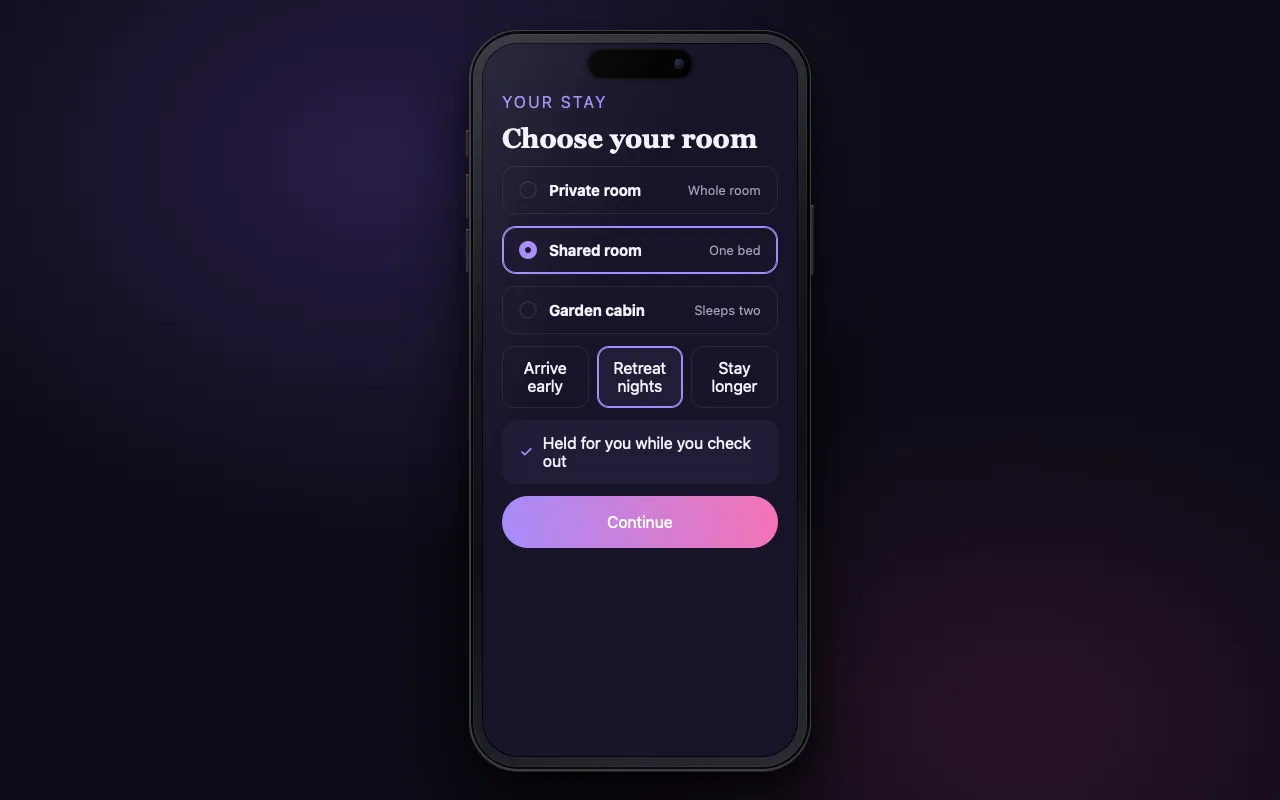
Choosing a room at checkout: a private room, a shared room priced per bed, and the nights of the stayChoosing a room at checkout: a private room, a shared room priced per bed, and the nights of the stay

Rooms and stays

Guests choose their room as they buy their ticket, and every bed is counted so nothing is sold twice.

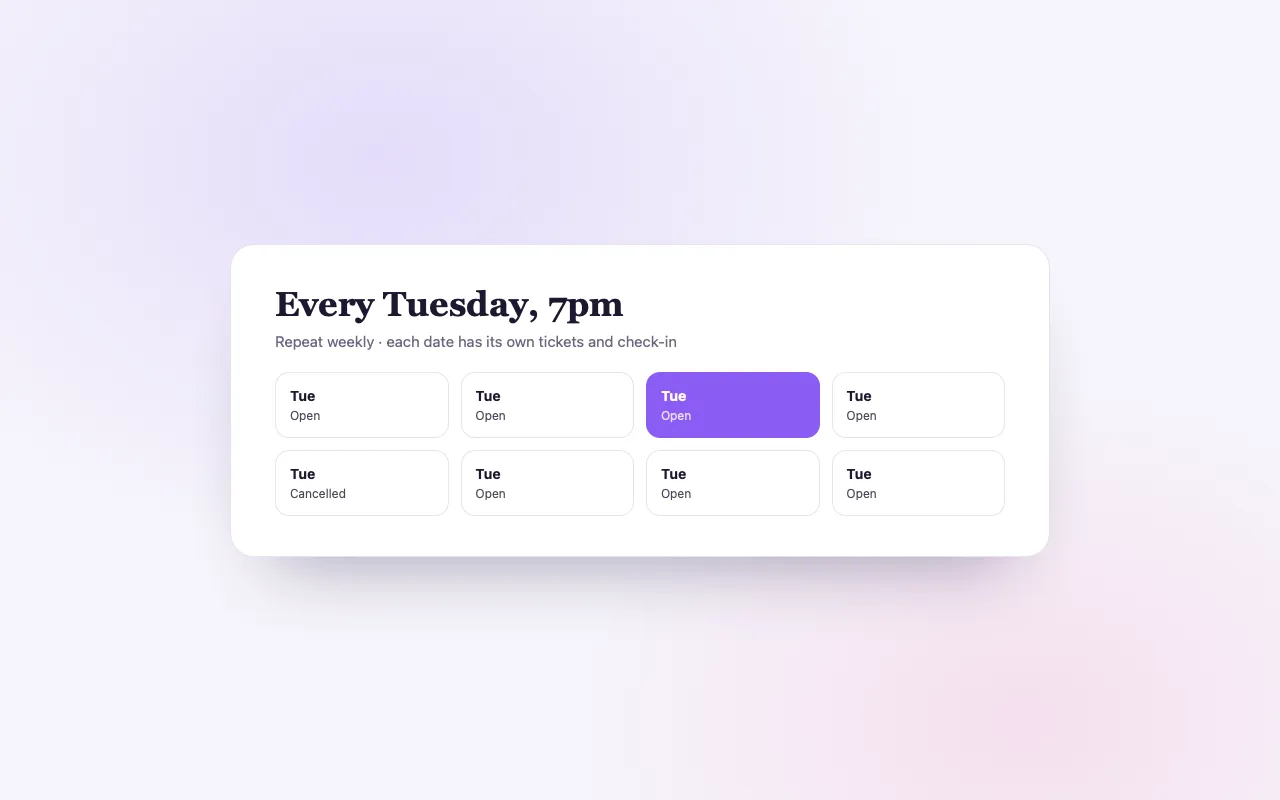
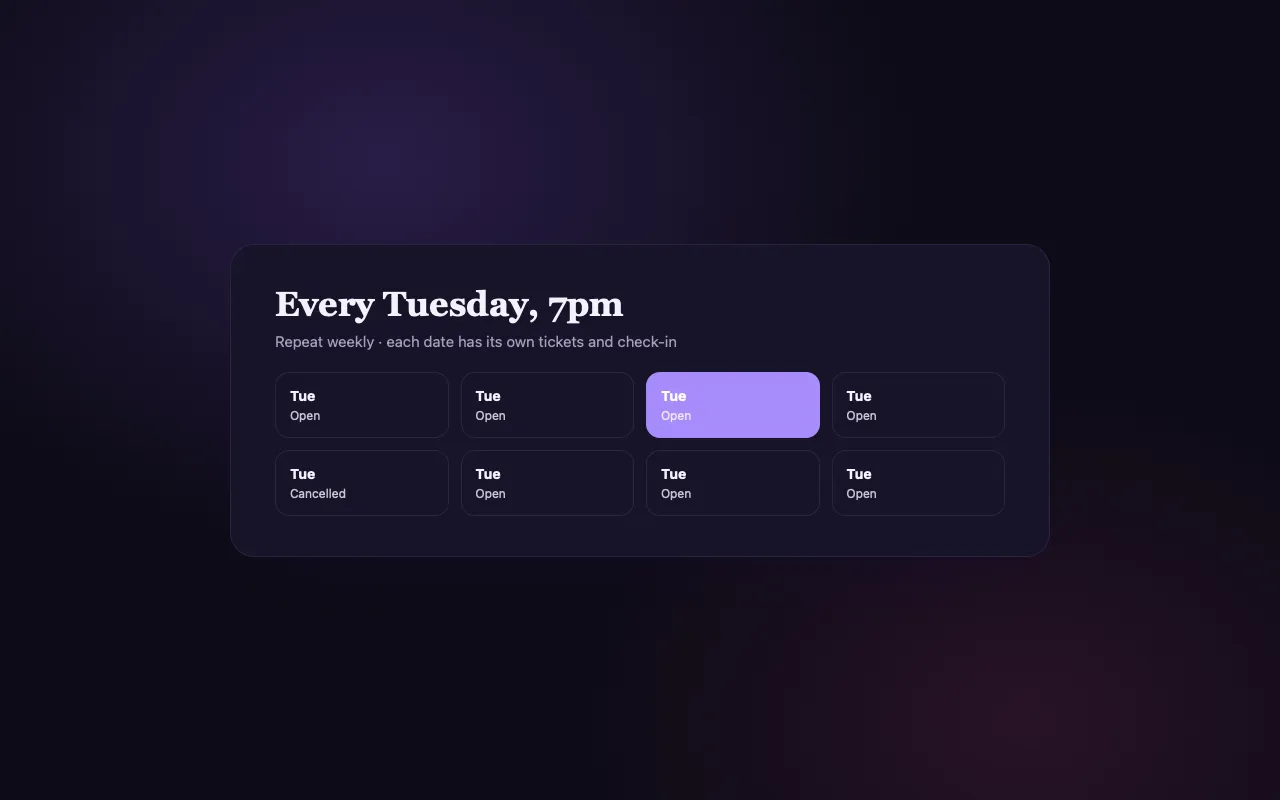
The weekly classes view in the dashboard: a series with its upcoming datesThe weekly classes view in the dashboard: a series with its upcoming dates

Recurring Events

Create a weekly class or series in one setup, and BrightStar keeps the dates coming and on sale.

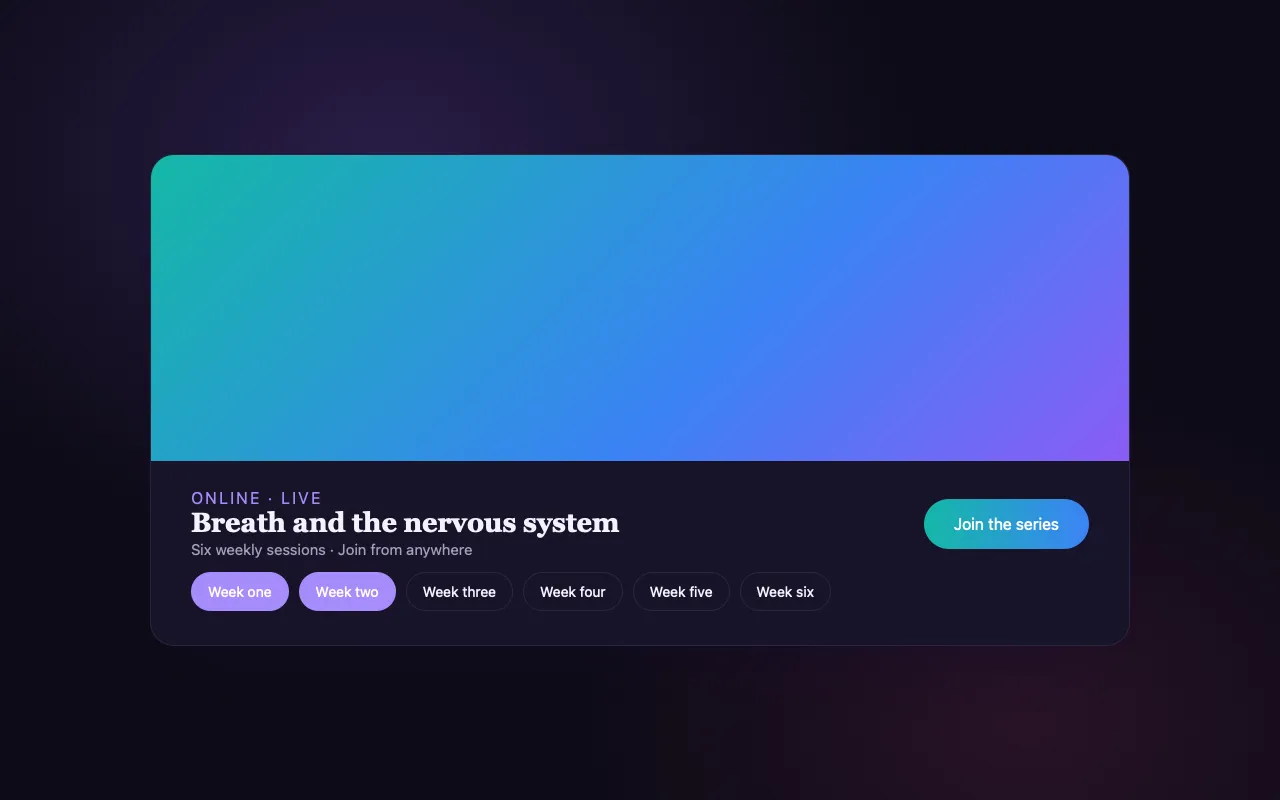
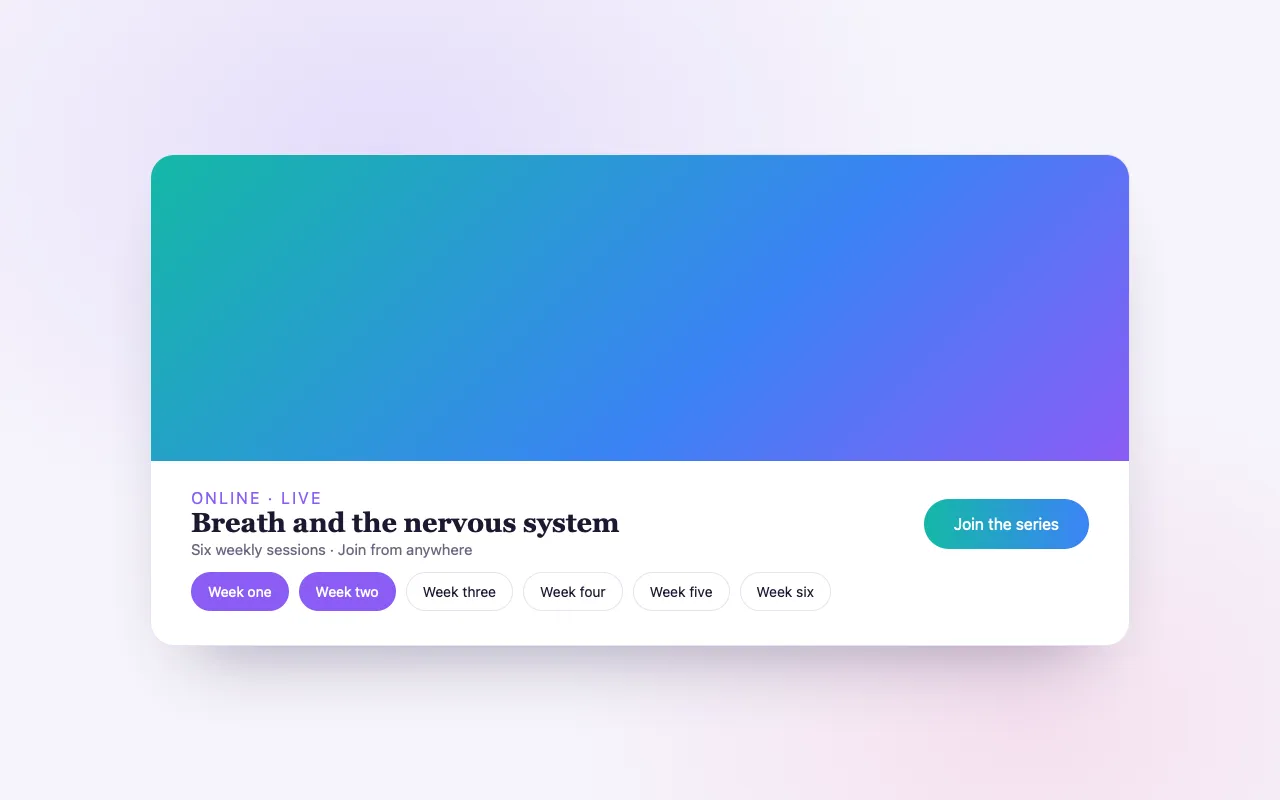
The event wizard’s location step with Online selected and the join link fieldThe event wizard’s location step with Online selected and the join link field

Online Teaching

Run online classes and series beside your in-person events, with one audience and one dashboard.

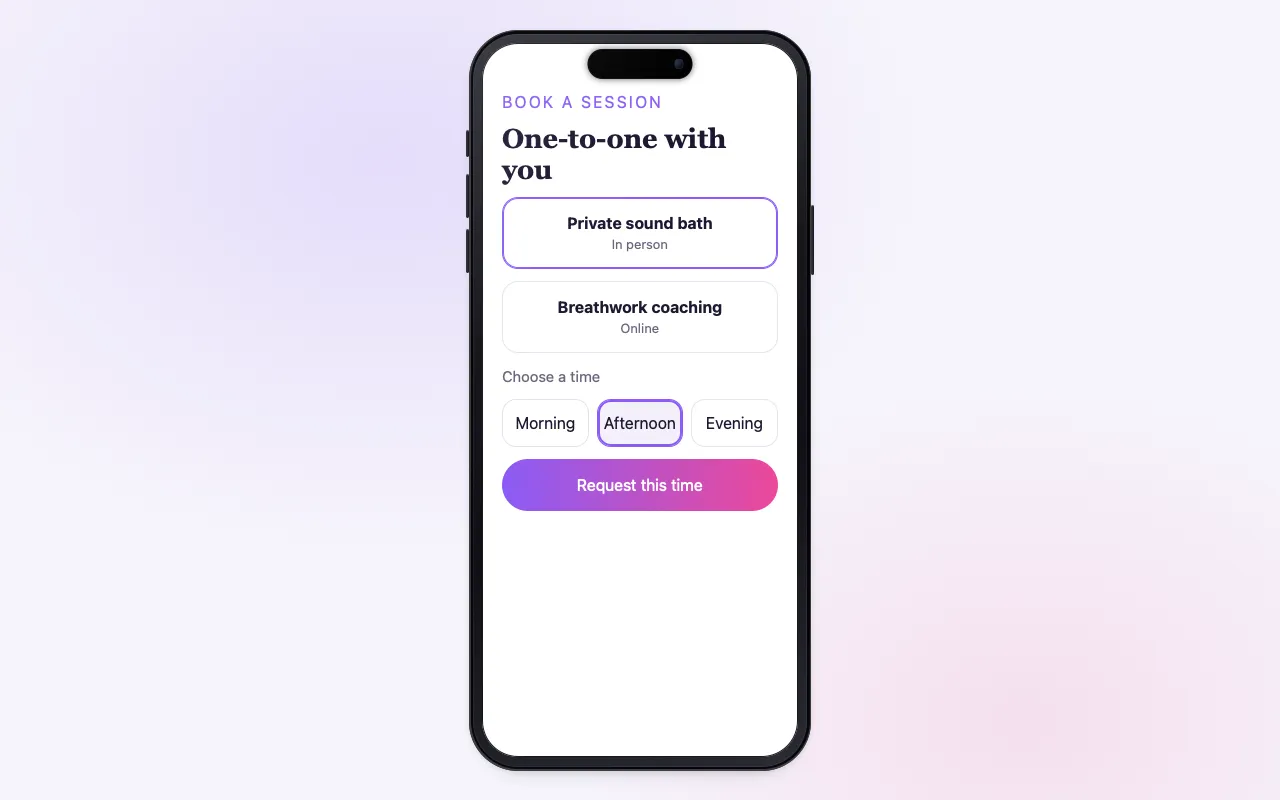
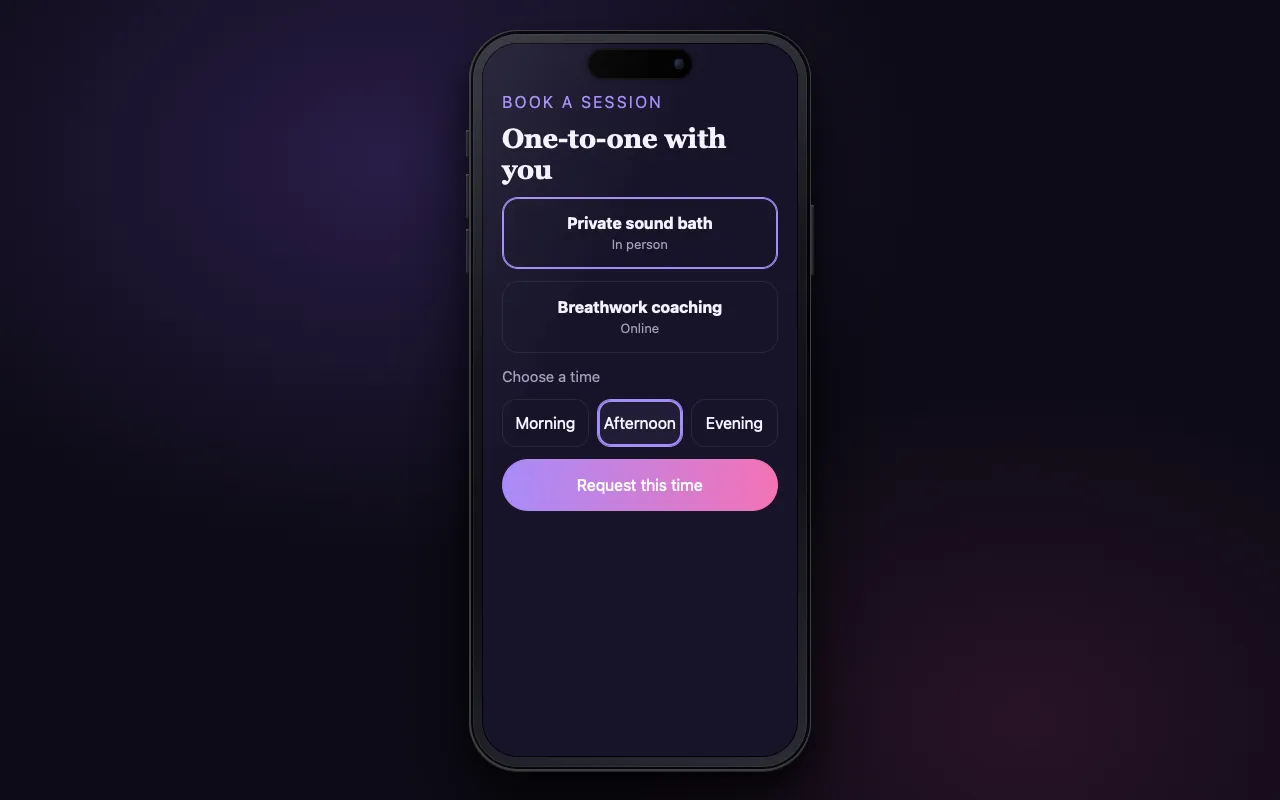
The Book a session section on a profile: session types and open timesThe Book a session section on a profile: session types and open times

Private Sessions

Clients book free sessions from your profile today; paid sessions are opening soon.

The Schedule Manager for a multi-day online event: sessions by day with their speakersThe Schedule Manager for a multi-day online event: sessions by day with their speakers

Online Summits

Bring speakers, sessions and passes together in one online event, and let every speaker help spread the word.

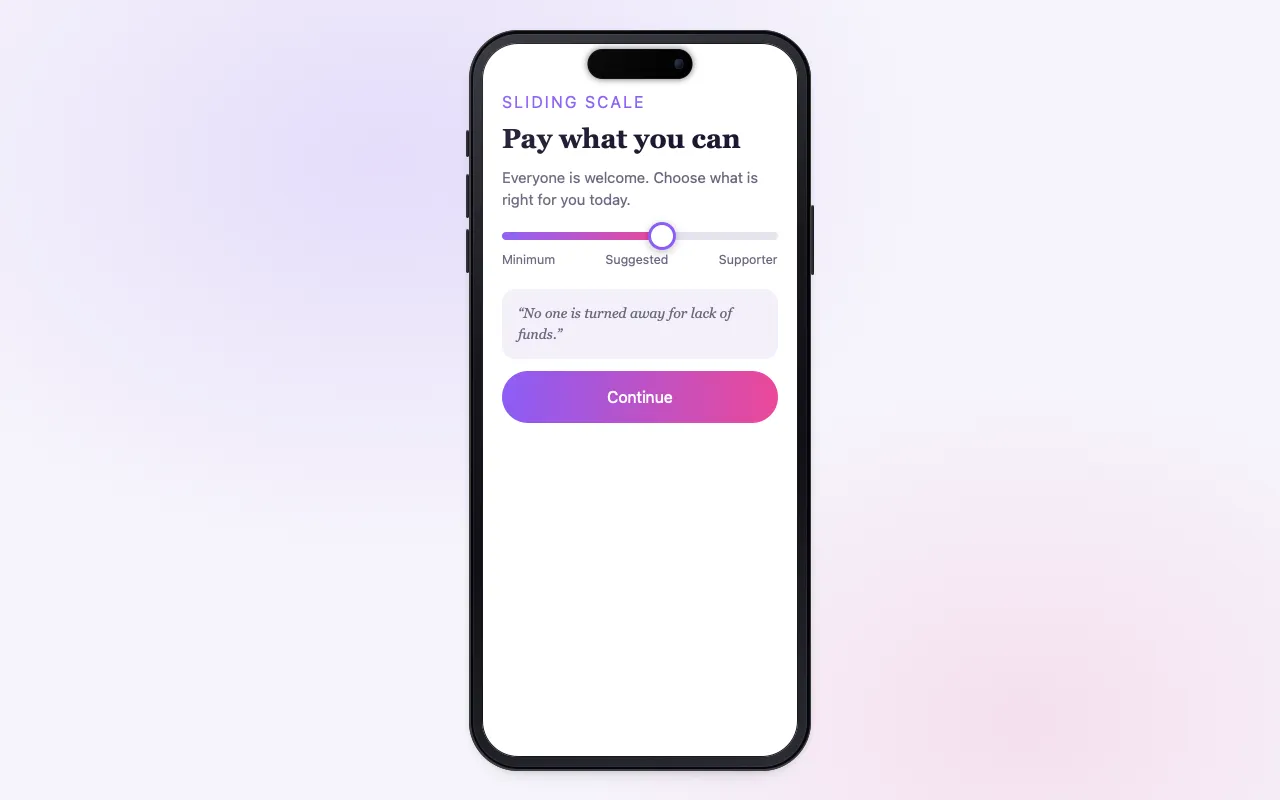
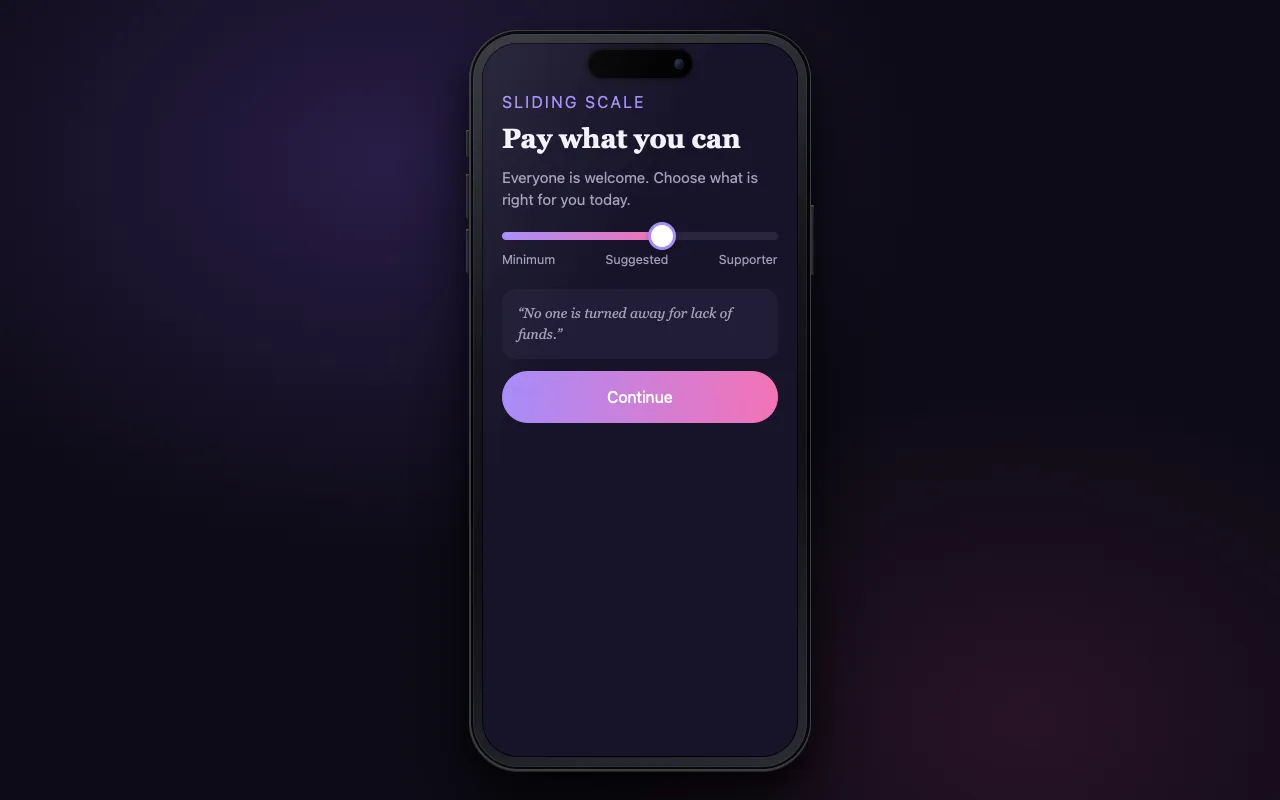
A sliding-scale ticket at checkout: the buyer chooses an amount between the minimum and maximum, with the suggested price shownA sliding-scale ticket at checkout: the buyer chooses an amount between the minimum and maximum, with the suggested price shown

Donations & Sliding Scale

Let attendees choose what they can pay within the range you set, or give freely, so no one is turned away because of money.

The Cart Recovery setting on an event in the dashboard: the switch and the reminder emails it sendsThe Cart Recovery setting on an event in the dashboard: the switch and the reminder emails it sends

Abandoned Cart Recovery

When someone starts checkout and leaves, BrightStar follows up with warm reminder emails that bring them back to the tickets they chose.

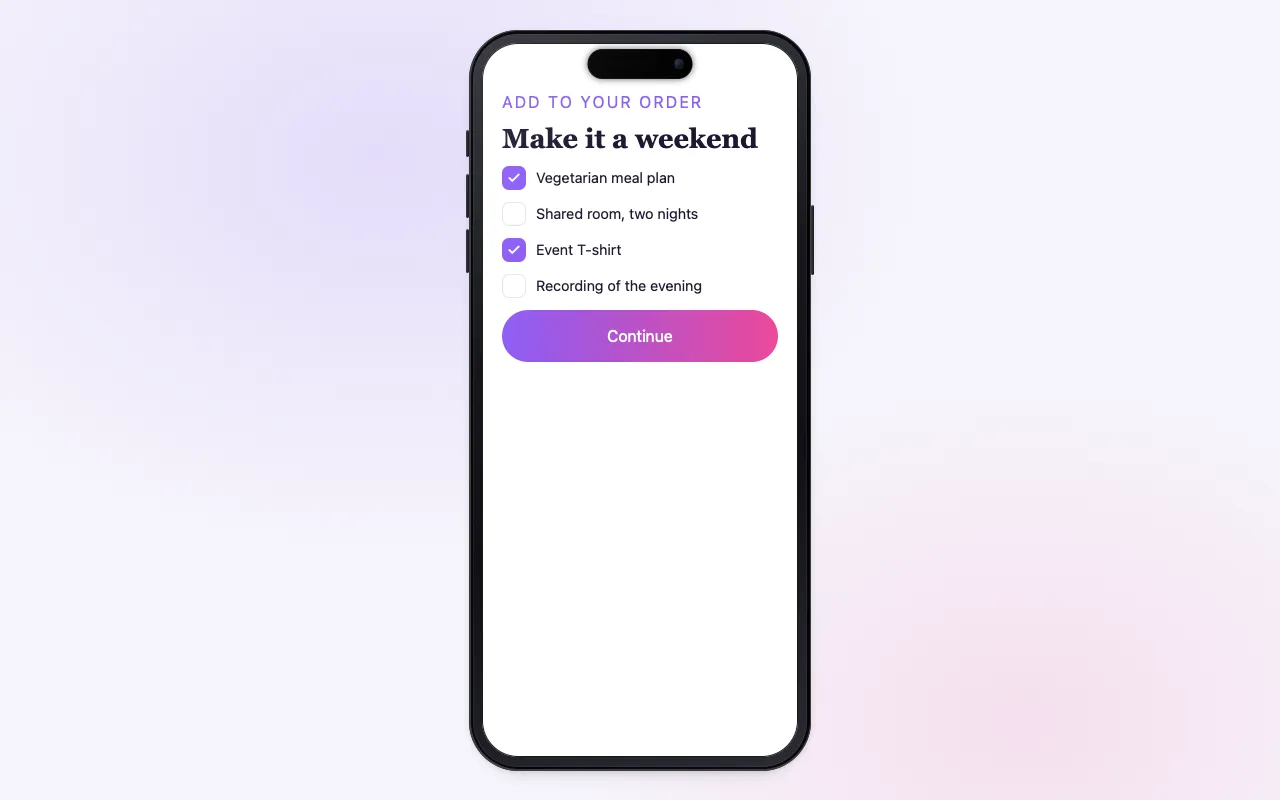
The add-ons step in checkout: extras like parking and a workshop beside the ticketsThe add-ons step in checkout: extras like parking and a workshop beside the tickets

Upsells & Add-ons

Offer the extras that make the experience complete in checkout, and invite buyers to your next event after they book.

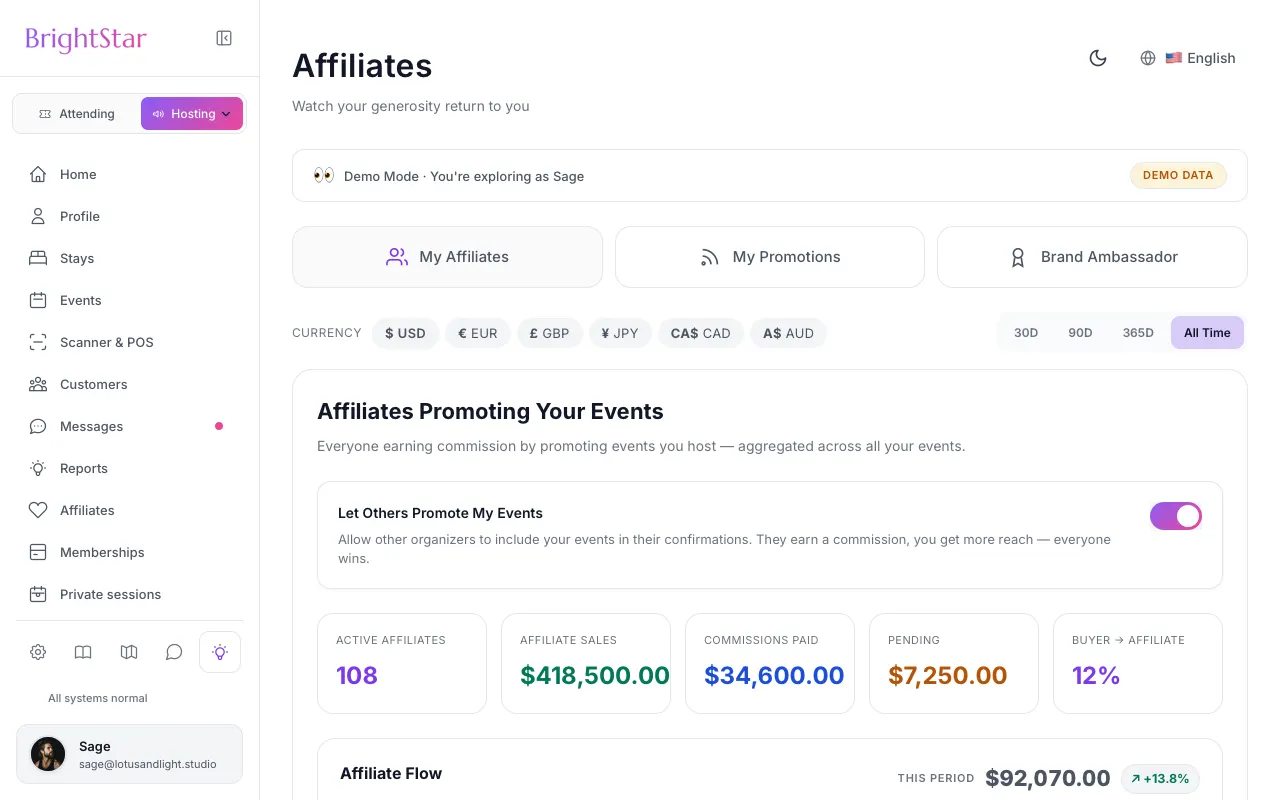
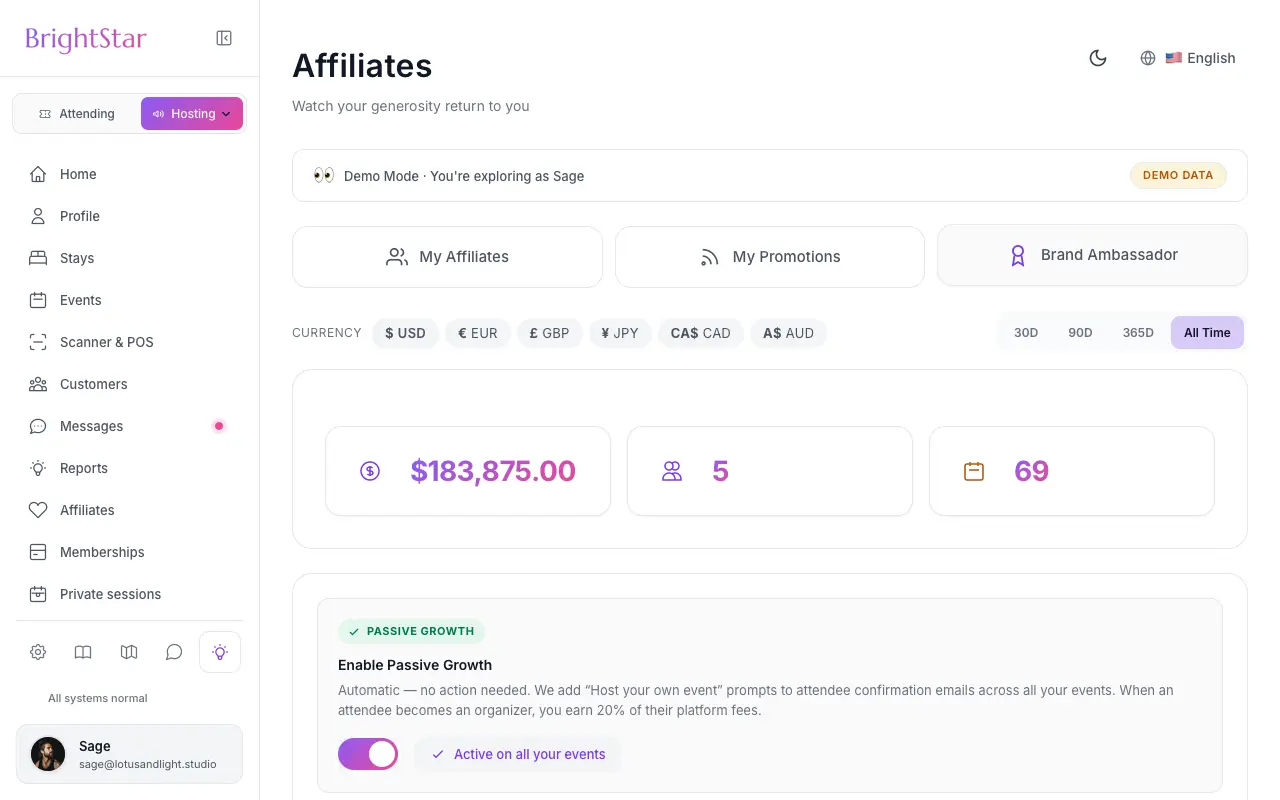
The Affiliates page in the dashboard: affiliates promoting events, their sales and the commissions paidThe Affiliates page in the dashboard: affiliates promoting events, their sales and the commissions paid

Affiliate Engine

After booking, every buyer is invited to get their own share link. When a friend buys through it, they earn the commission you set, and you fill more seats.After booking, every buyer is invited to get their own share link.

The visitor recovery invitation on an event page: save your spot with an email, and an optional welcome discountThe visitor recovery invitation on an event page: save your spot with an email, and an optional welcome discount

Visitor Recovery

When someone is about to leave your event page, a gentle invitation saves their interest, and timely reminders follow.

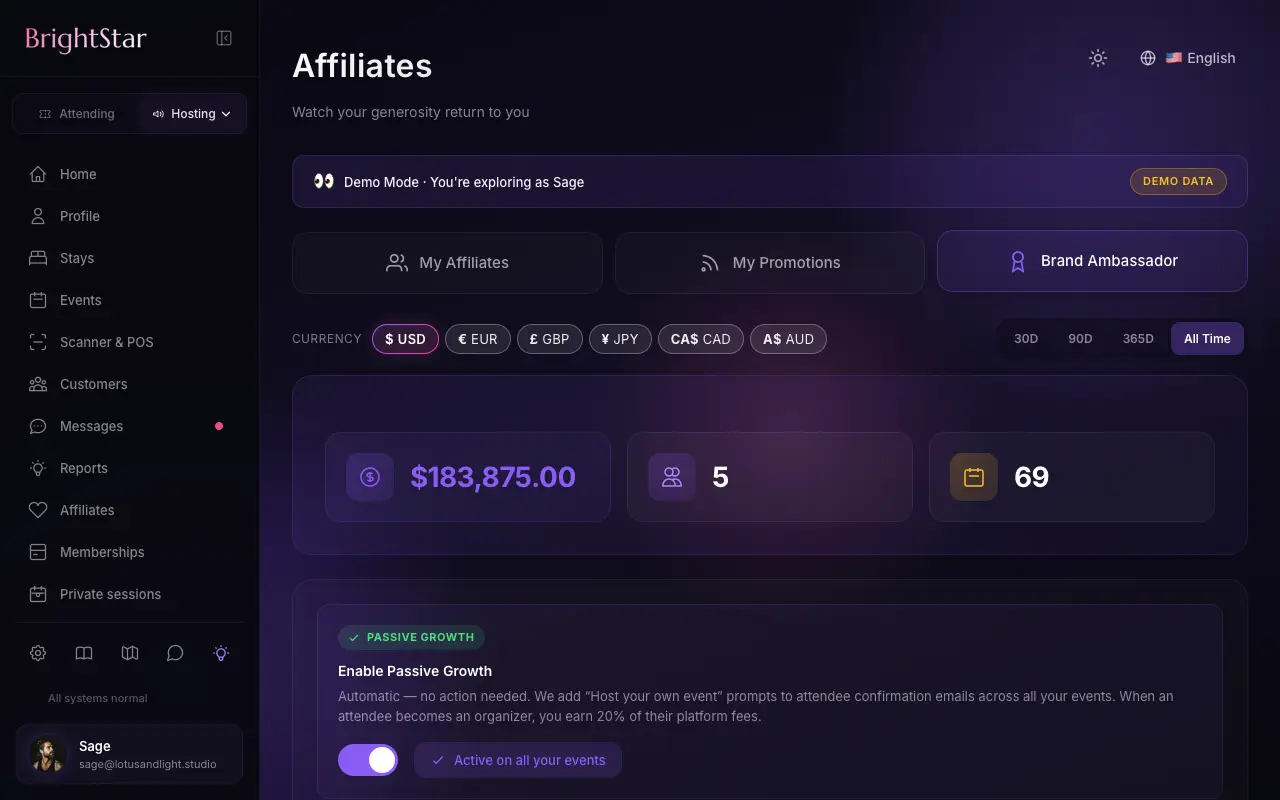
The Brand Ambassador page in the dashboard: your personal link, the invitation letter and the organizers you broughtThe Brand Ambassador page in the dashboard: your personal link, the invitation letter and the organizers you brought

Brand Ambassador

If your events spark something in people — if attendees walk away wanting to create their own experiences — this program is for you.

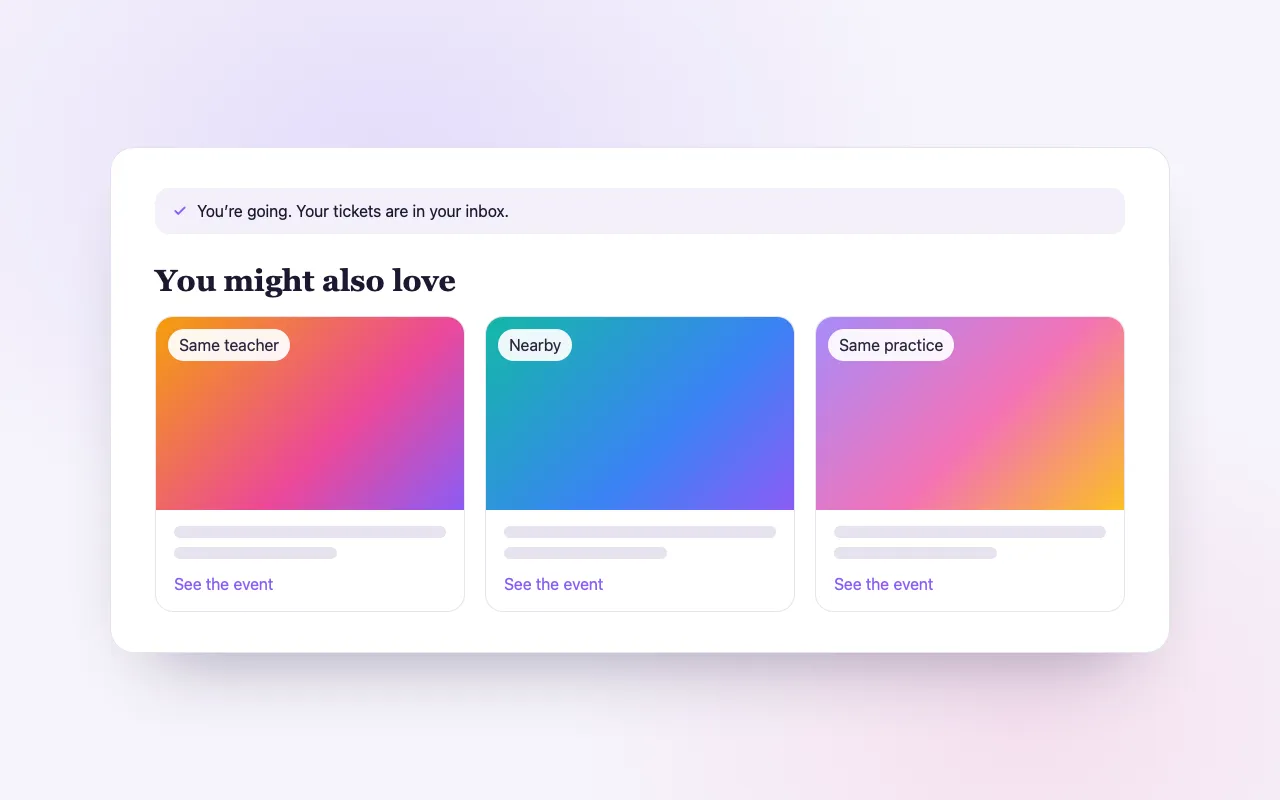
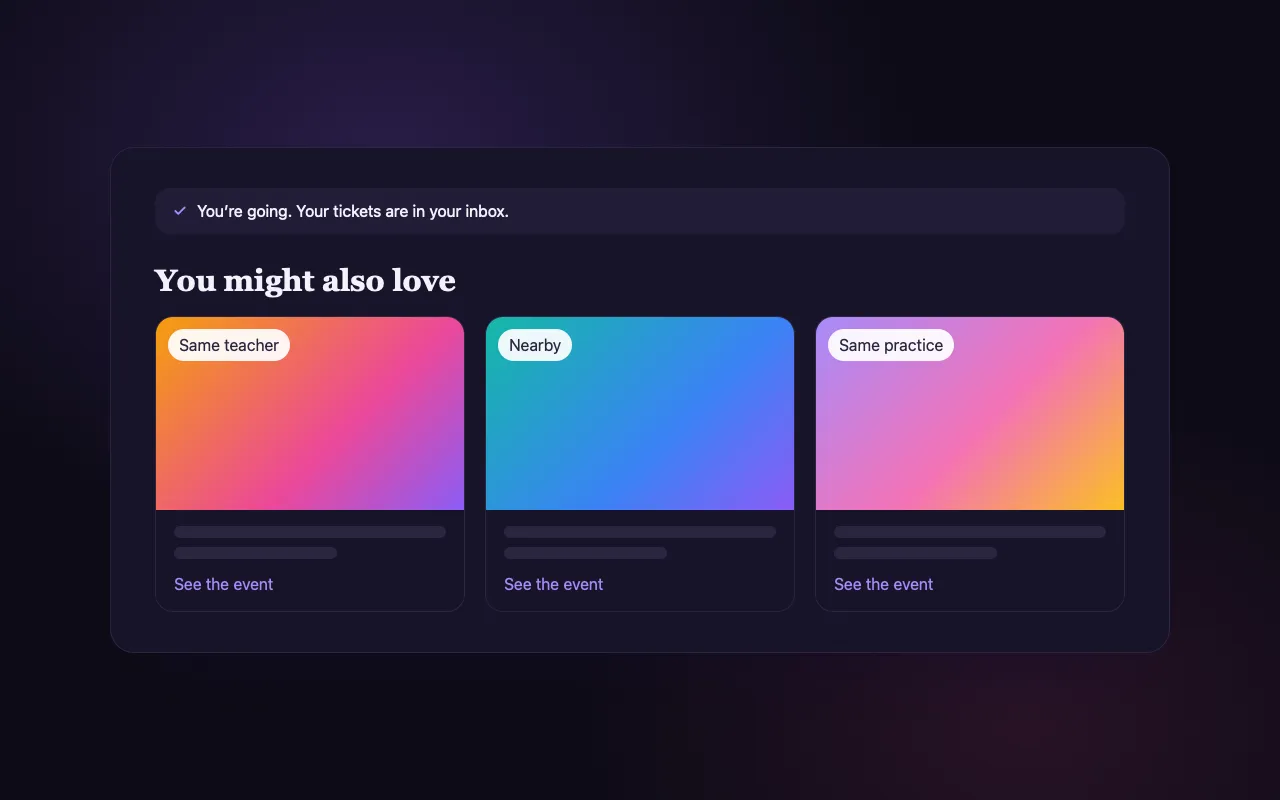
An order confirmation with recommended events from other organizers, each with its match reasonAn order confirmation with recommended events from other organizers, each with its match reason

Upsell Affiliate Network

BrightStar automatically recommends related gatherings after your buyers book. You earn a commission when those recommendations lead to eligible bookings.BrightStar automatically recommends related gatherings after your buyers book.

A conversation with Maestro in the dashboard: a request, a card showing the change before and after, Apply and UndoA conversation with Maestro in the dashboard: a request, a card showing the change before and after, Apply and Undo

Maestro

Maestro works in your dashboard: ask in your own words, check the change on one card, tap to apply.

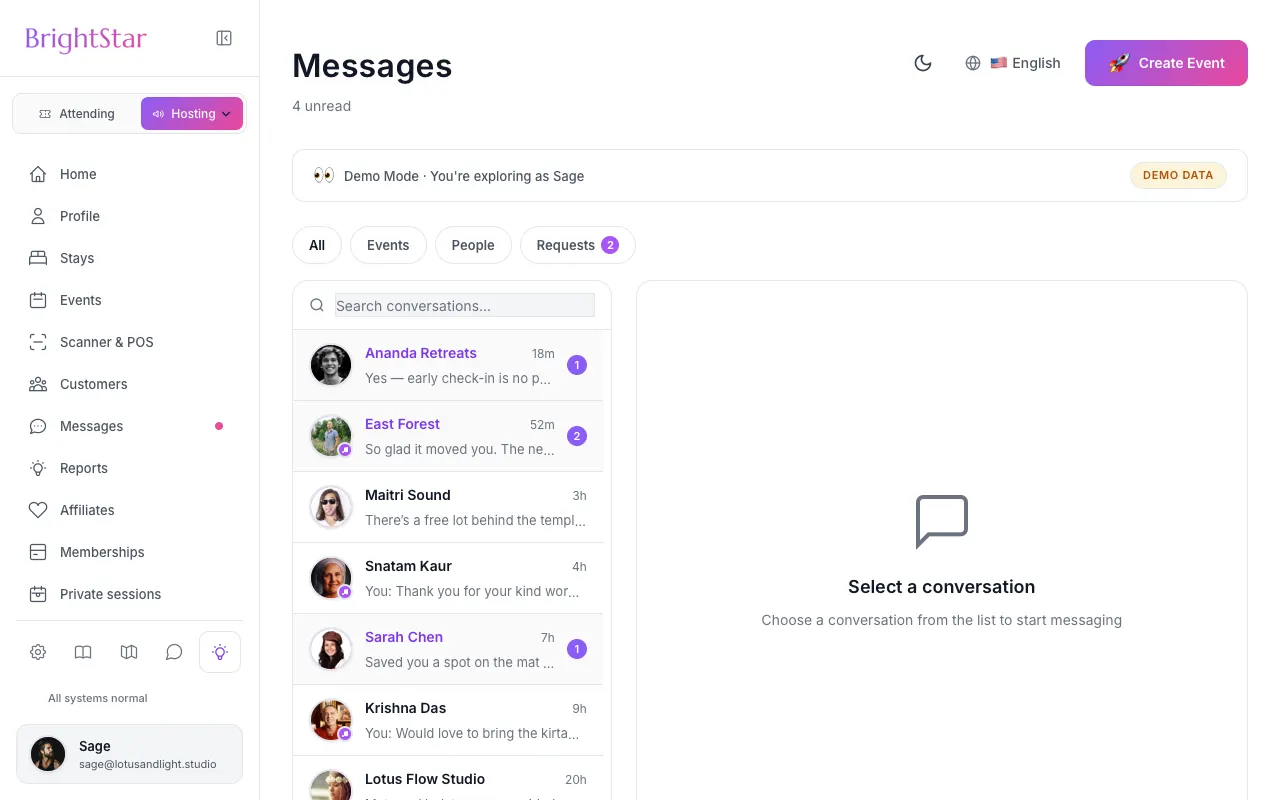
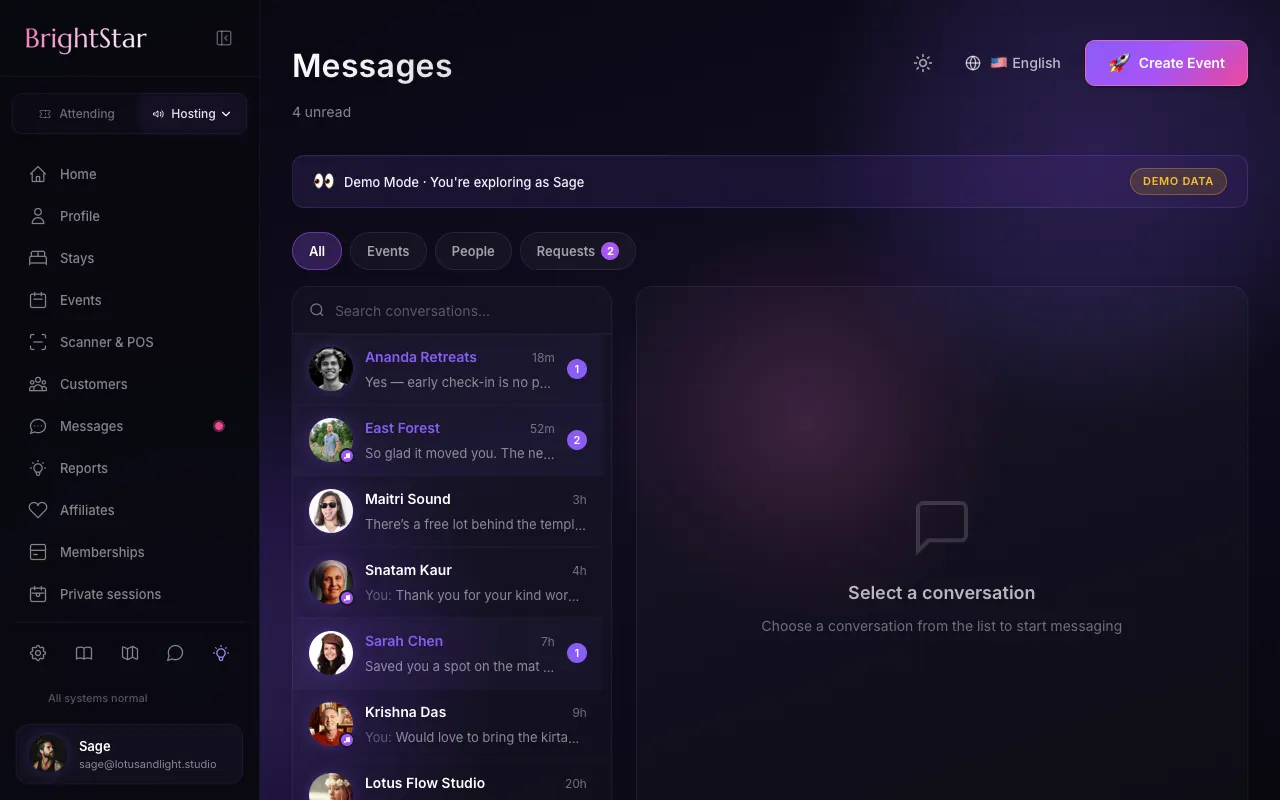
The Message Center inbox in the dashboard: conversations with buyers, unread counts and requestsThe Message Center inbox in the dashboard: conversations with buyers, unread counts and requests

Message Center

One inbox on every plan. Automatic replies with Pro and Amplify.One inbox on every plan.

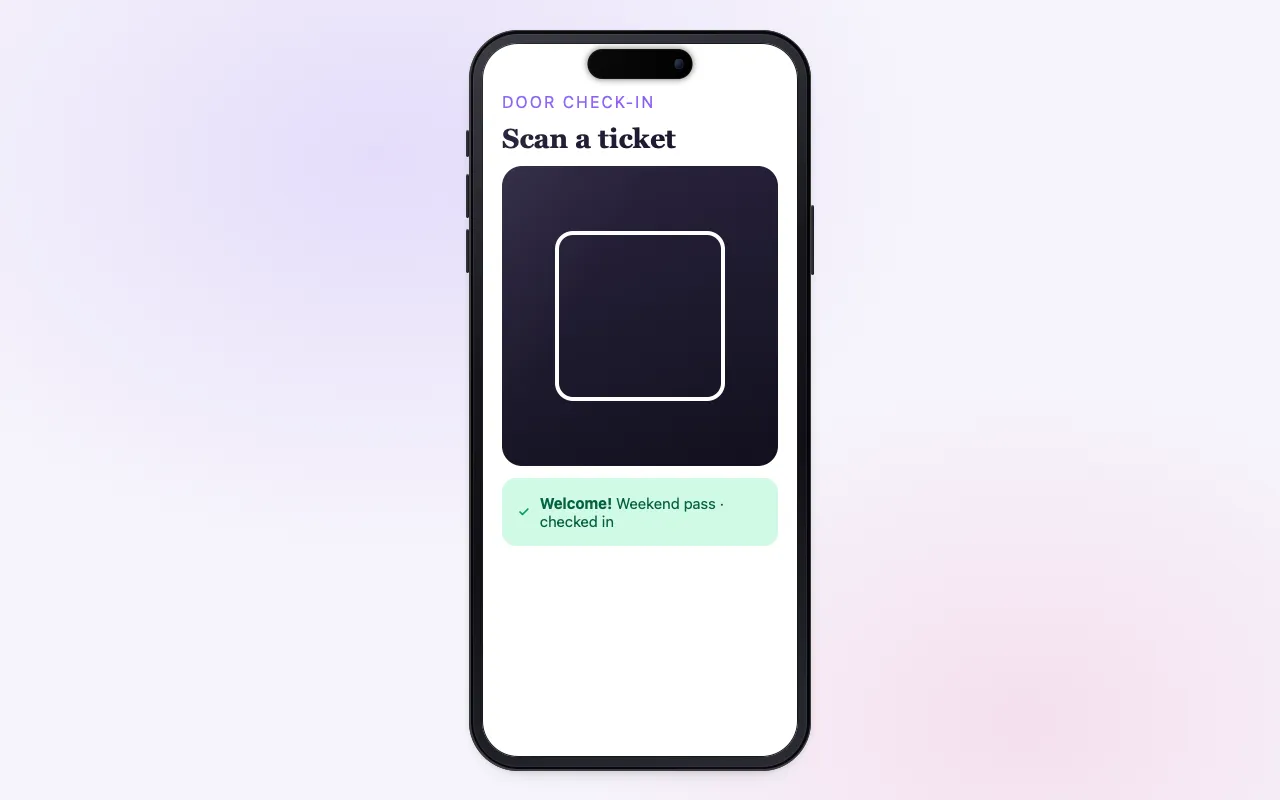
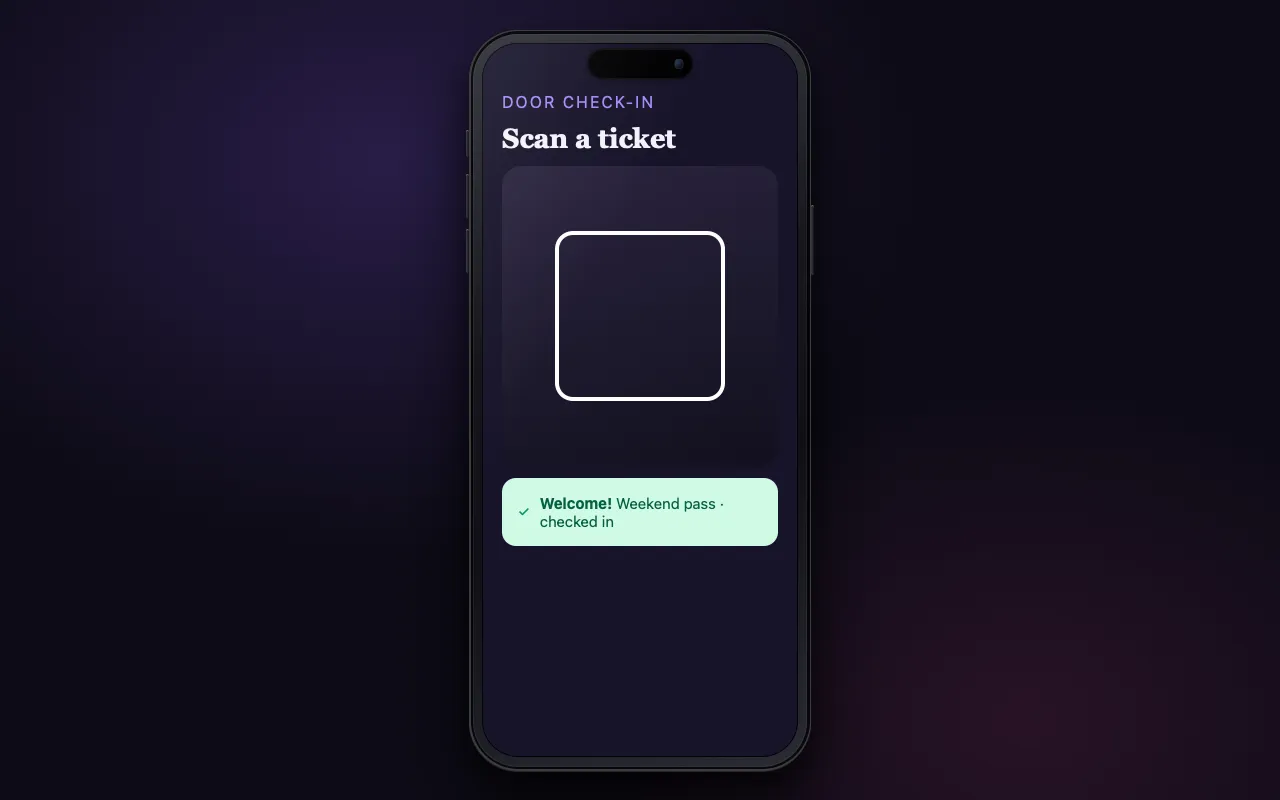
The scanner on a phone: camera view with a successful check-in resultThe scanner on a phone: camera view with a successful check-in result

Ticket Scanner

One app for the door: download BrightStar Organizer, sign in with your team login, pick the event and scan.

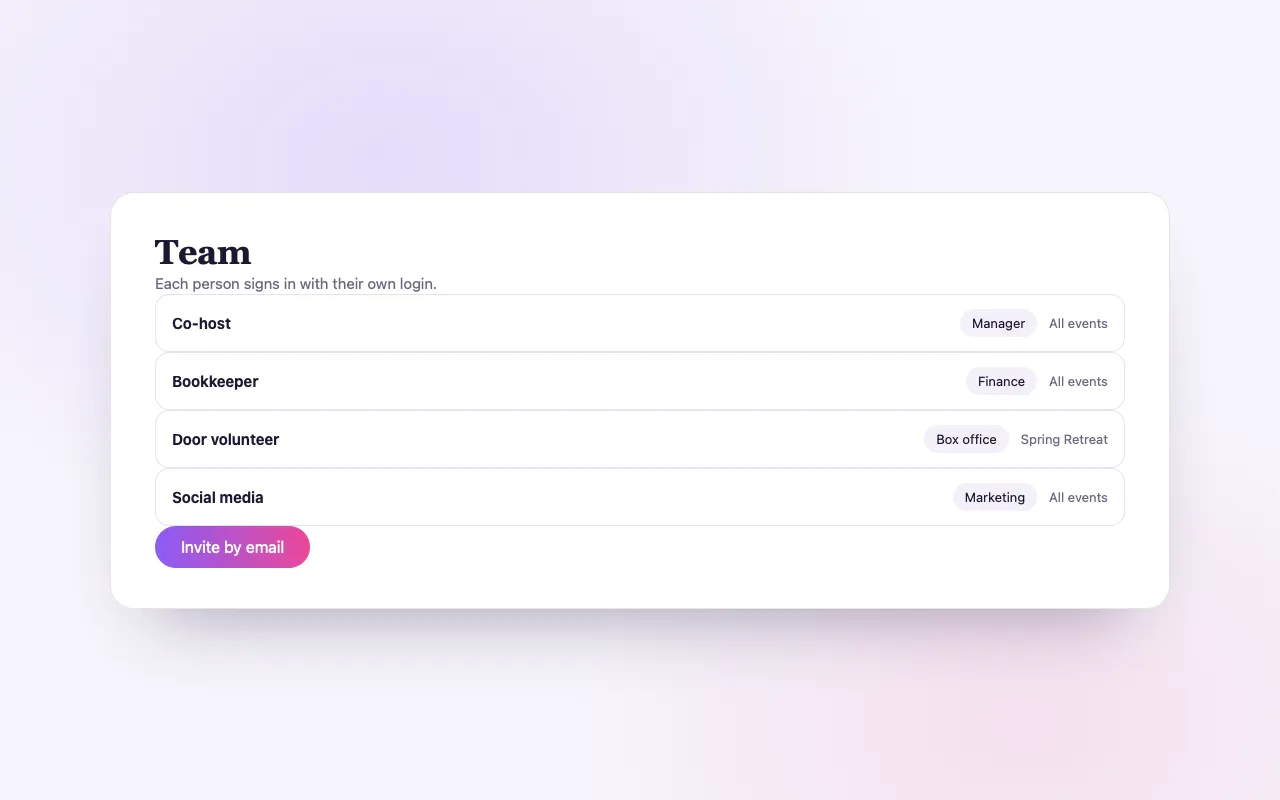
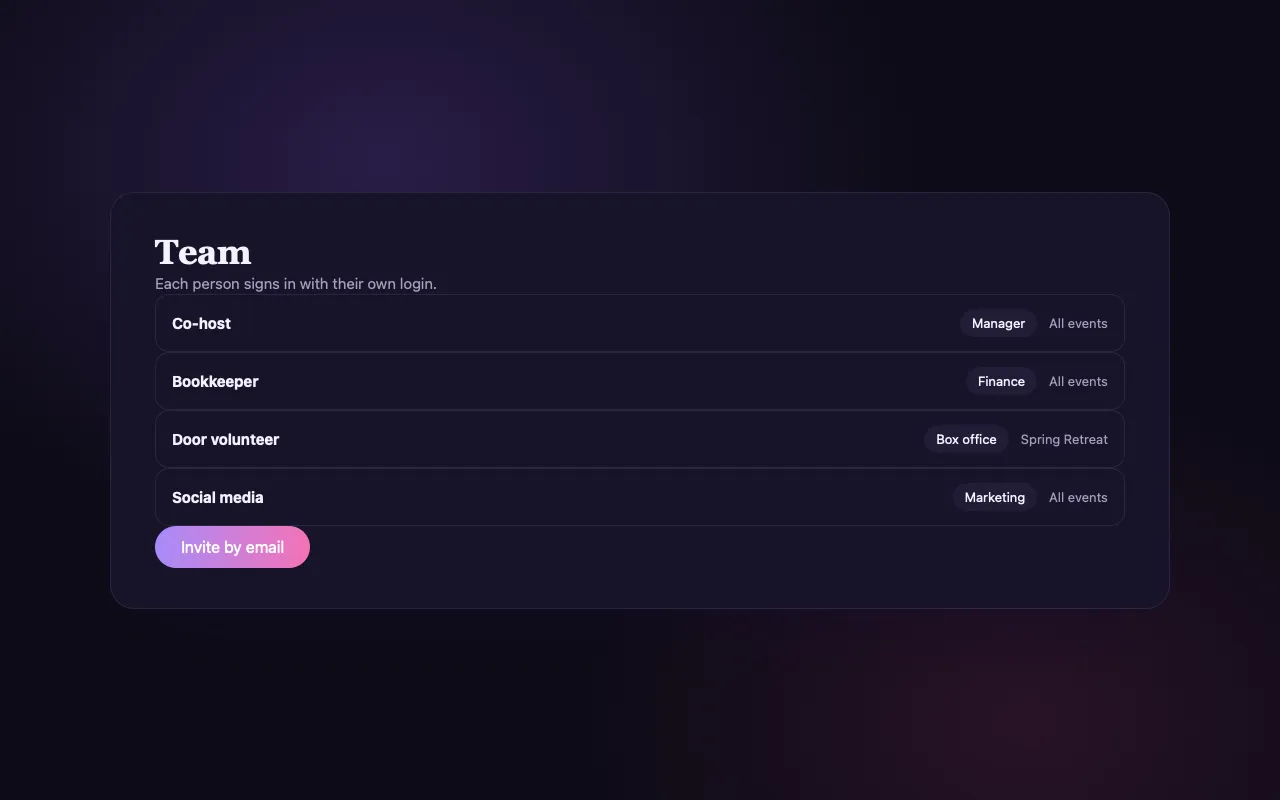
The Team settings in the dashboard: teammates with their roles and the events they can openThe Team settings in the dashboard: teammates with their roles and the events they can open

Team access

Invite the people who run your events with you, give each one a role, and keep money and buyer details to those who need them.

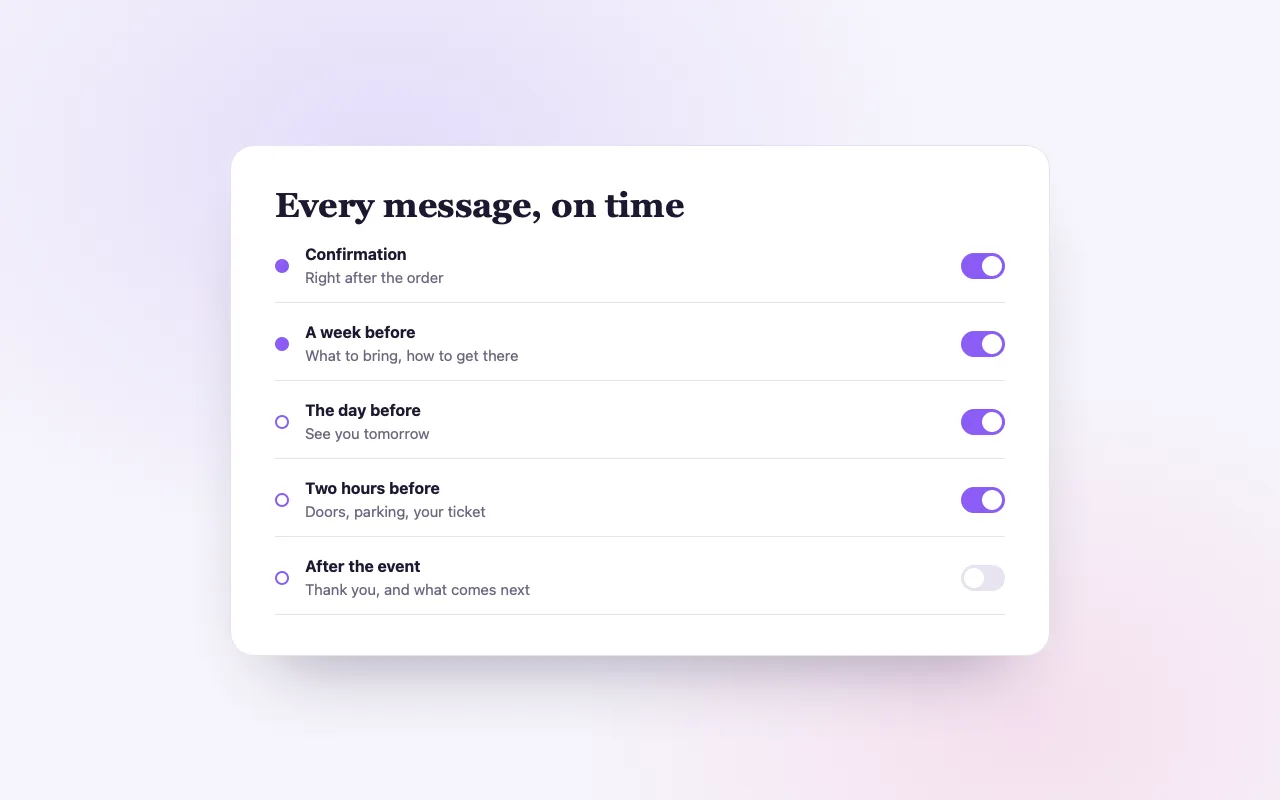
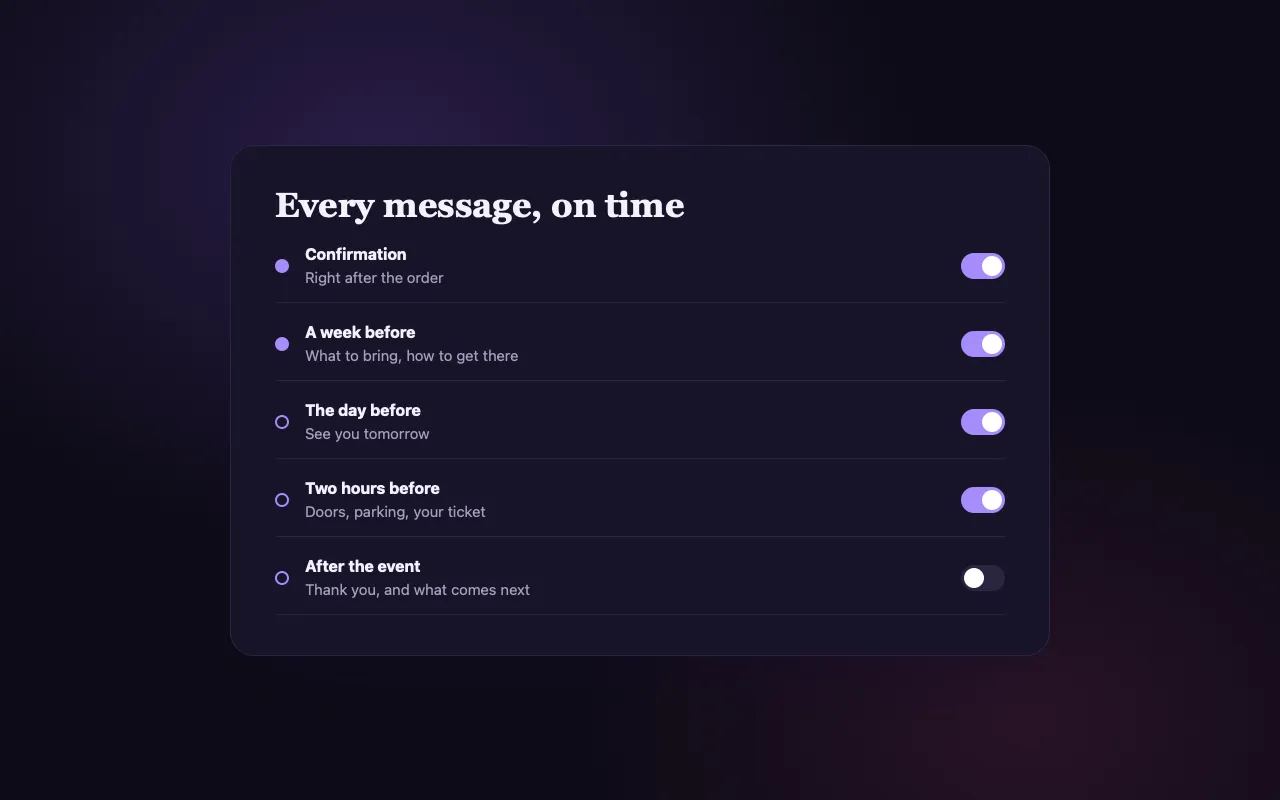
The Event Reminders setting on an event: the reminder stages, each with its switch and the organizer’s own messageThe Event Reminders setting on an event: the reminder stages, each with its switch and the organizer’s own message

Email Sequences

Confirmations go out the moment someone buys, and timed reminders keep your event in mind until the day.

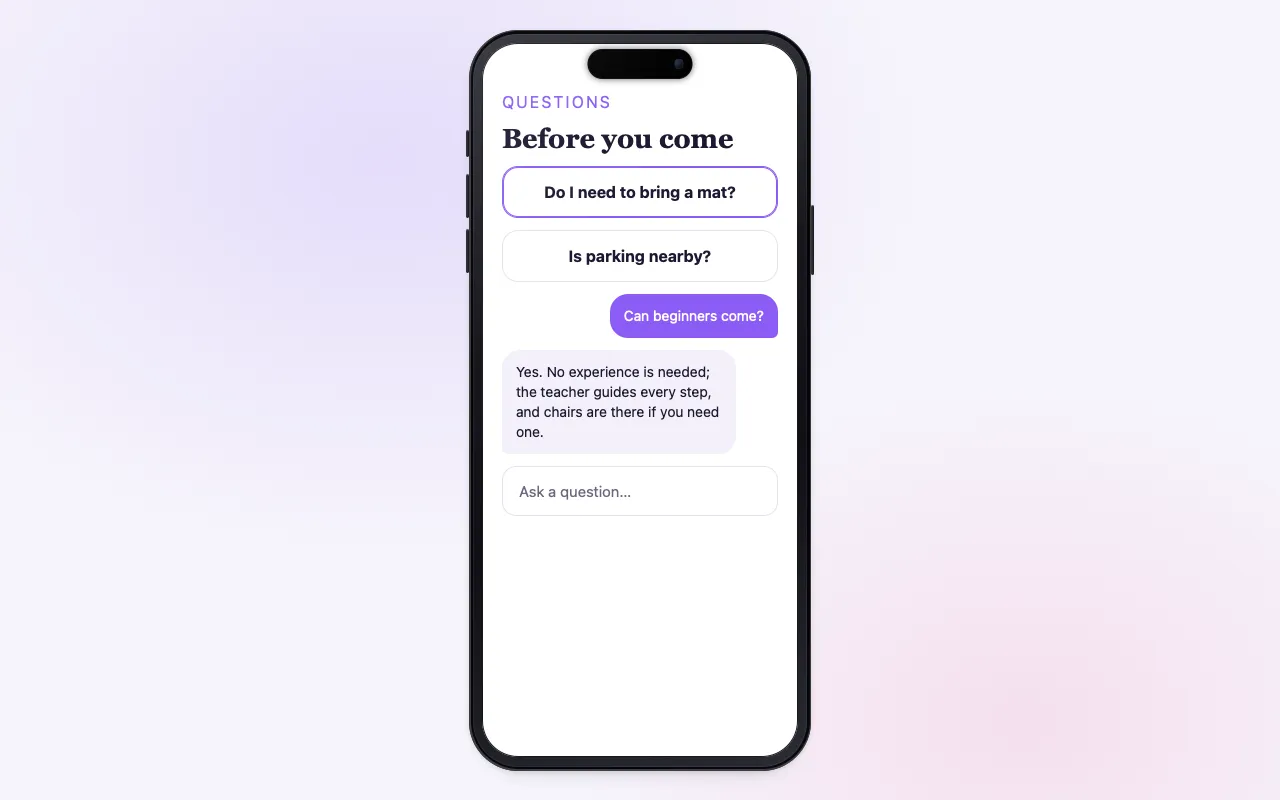
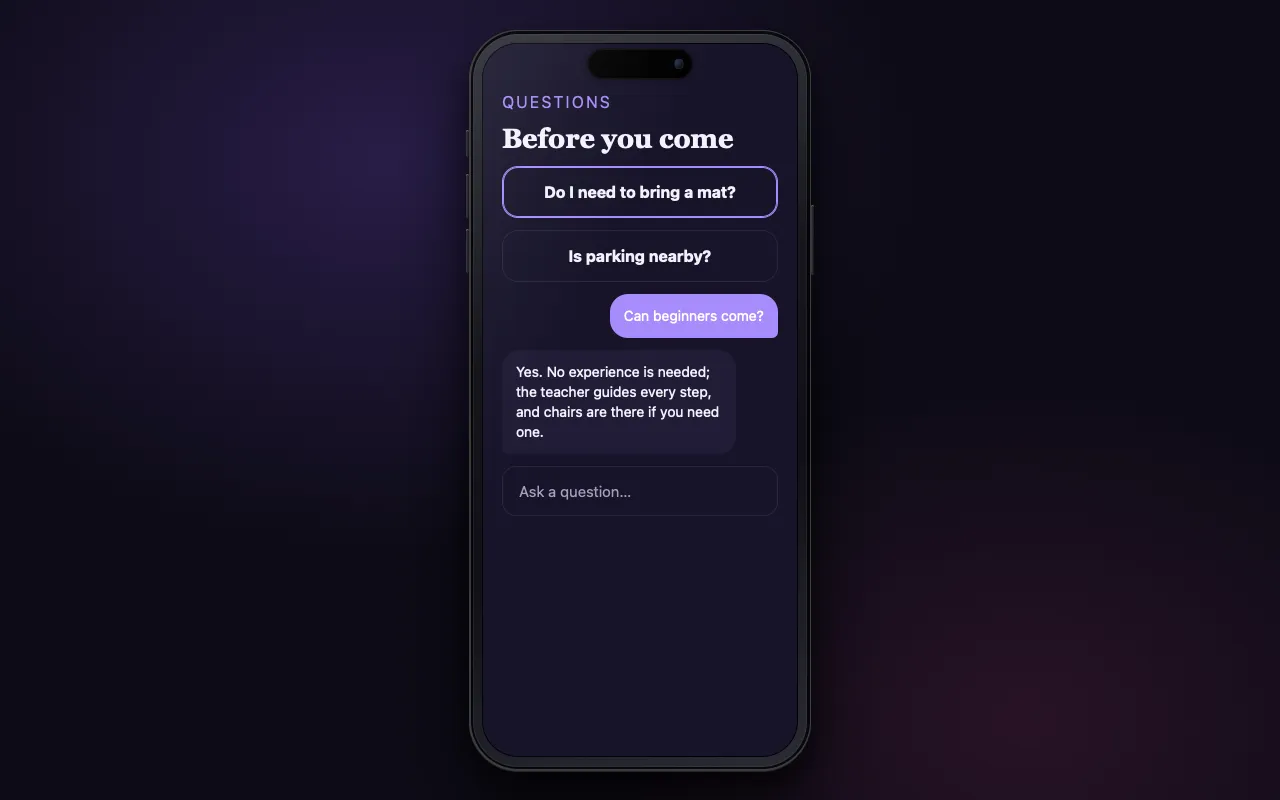
The FAQ section on an event page with the Ask AI card that answers visitors’ questions about the eventThe FAQ section on an event page with the Ask AI card that answers visitors’ questions about the event

AI FAQ Assistant

Your event page carries its own questions and answers, and an assistant on the page answers the rest from your event’s details.

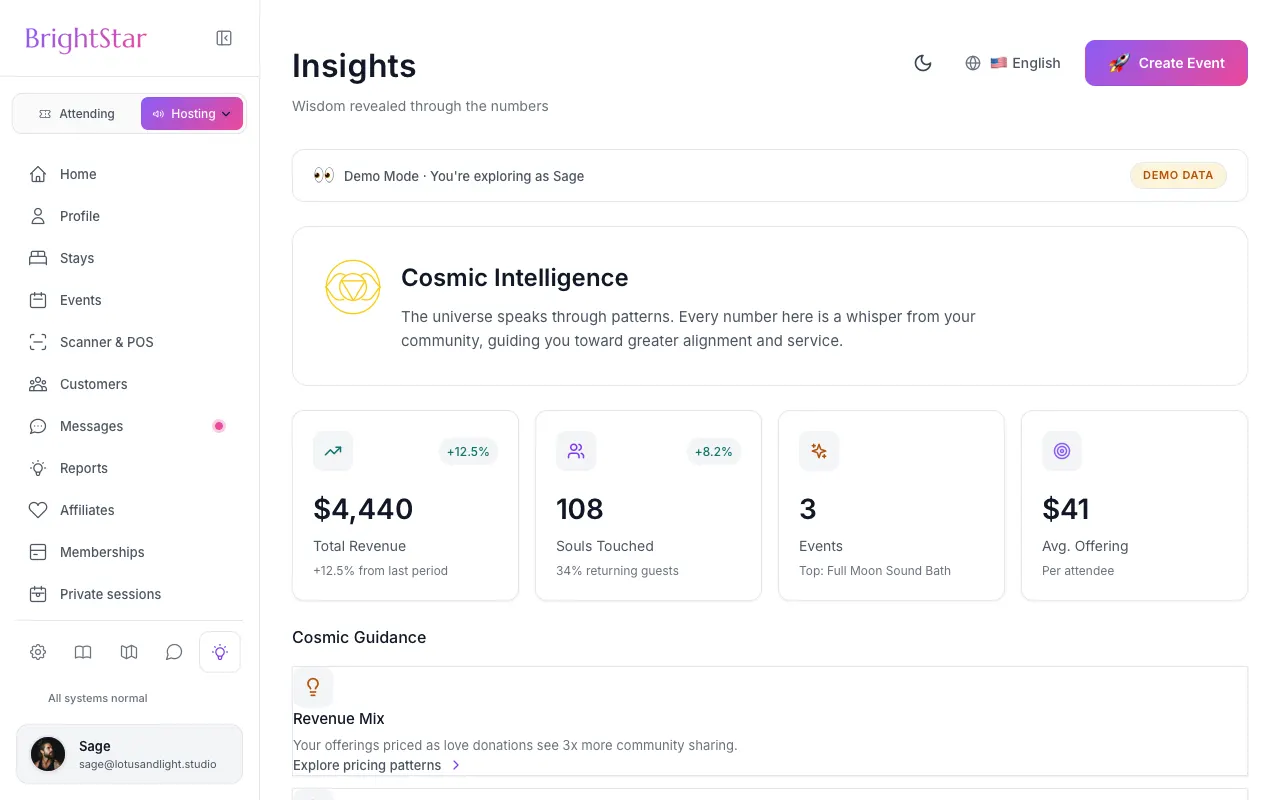
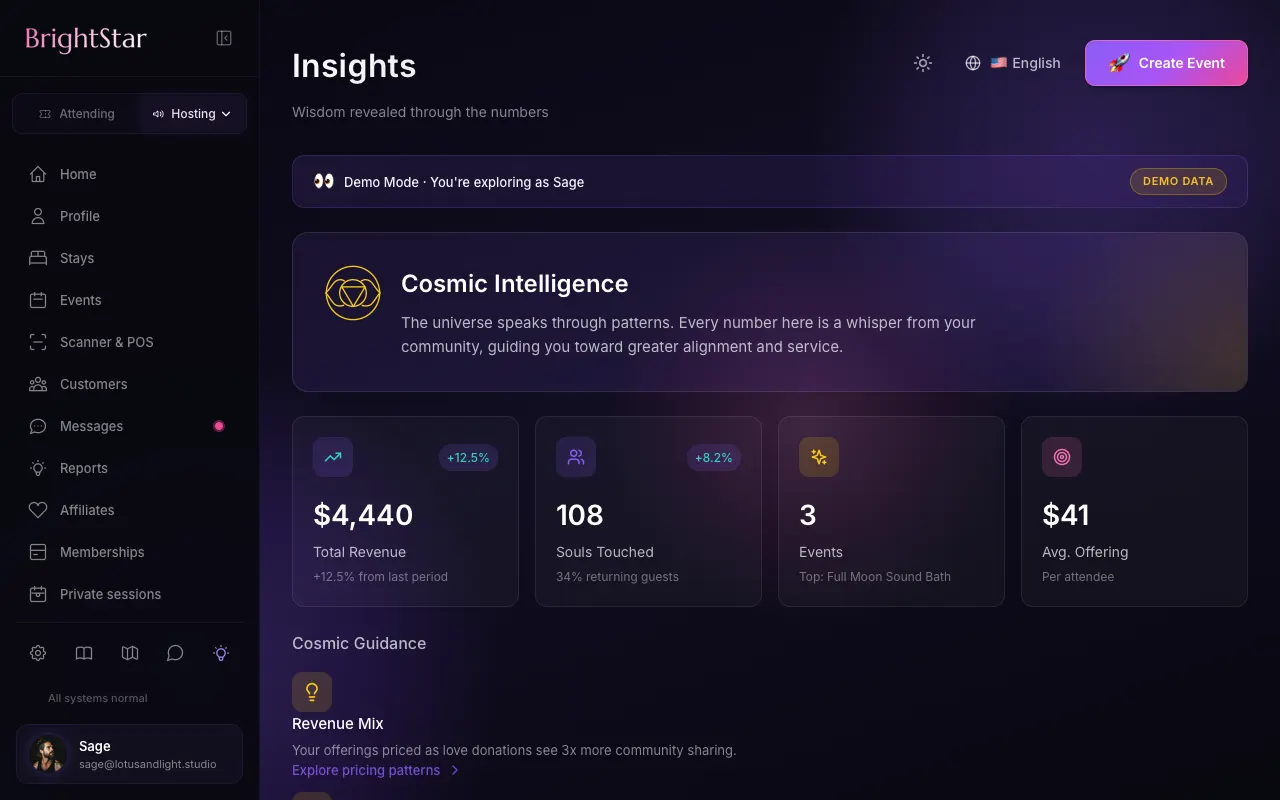
The Insights page in the dashboard: revenue, guests, events and average ticket, with guidance underneathThe Insights page in the dashboard: revenue, guests, events and average ticket, with guidance underneath

Analytics & Reporting

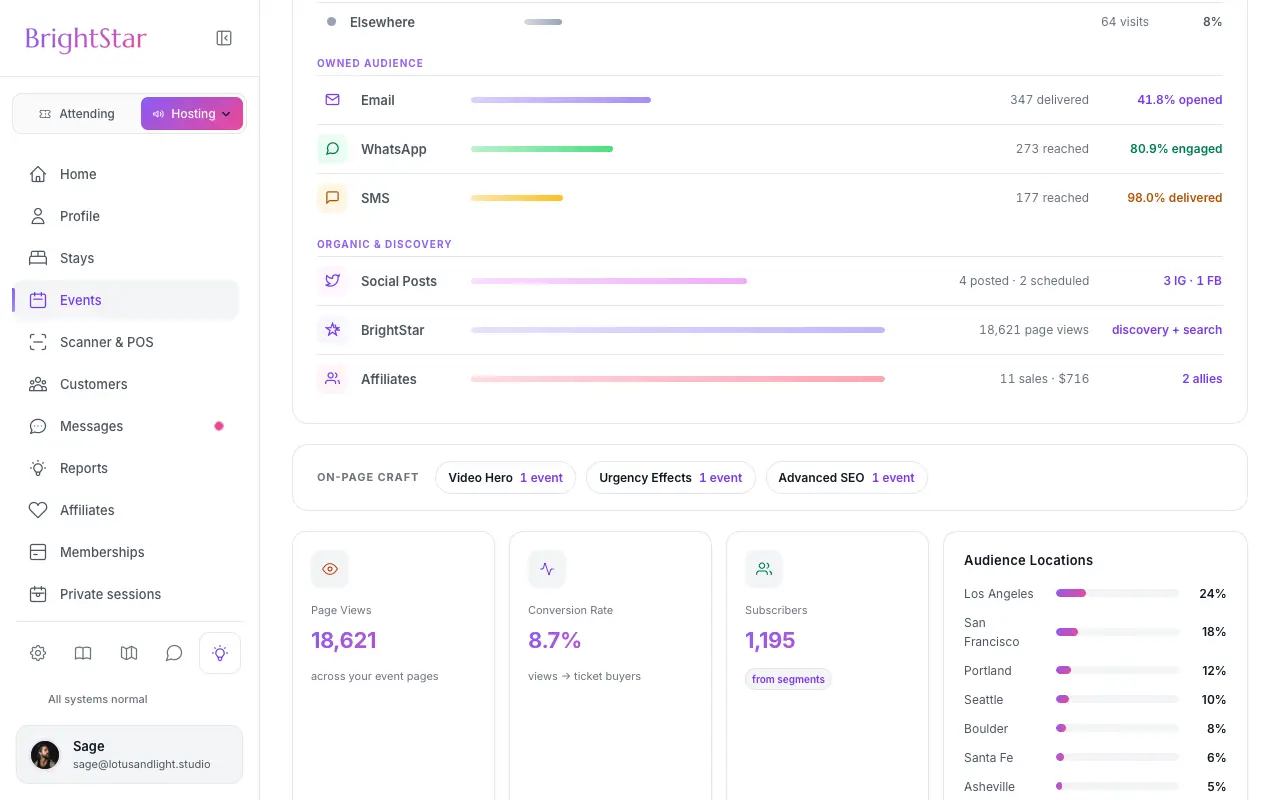
Sales, revenue and returning guests as they happen, with insights in plain words about what to do next.

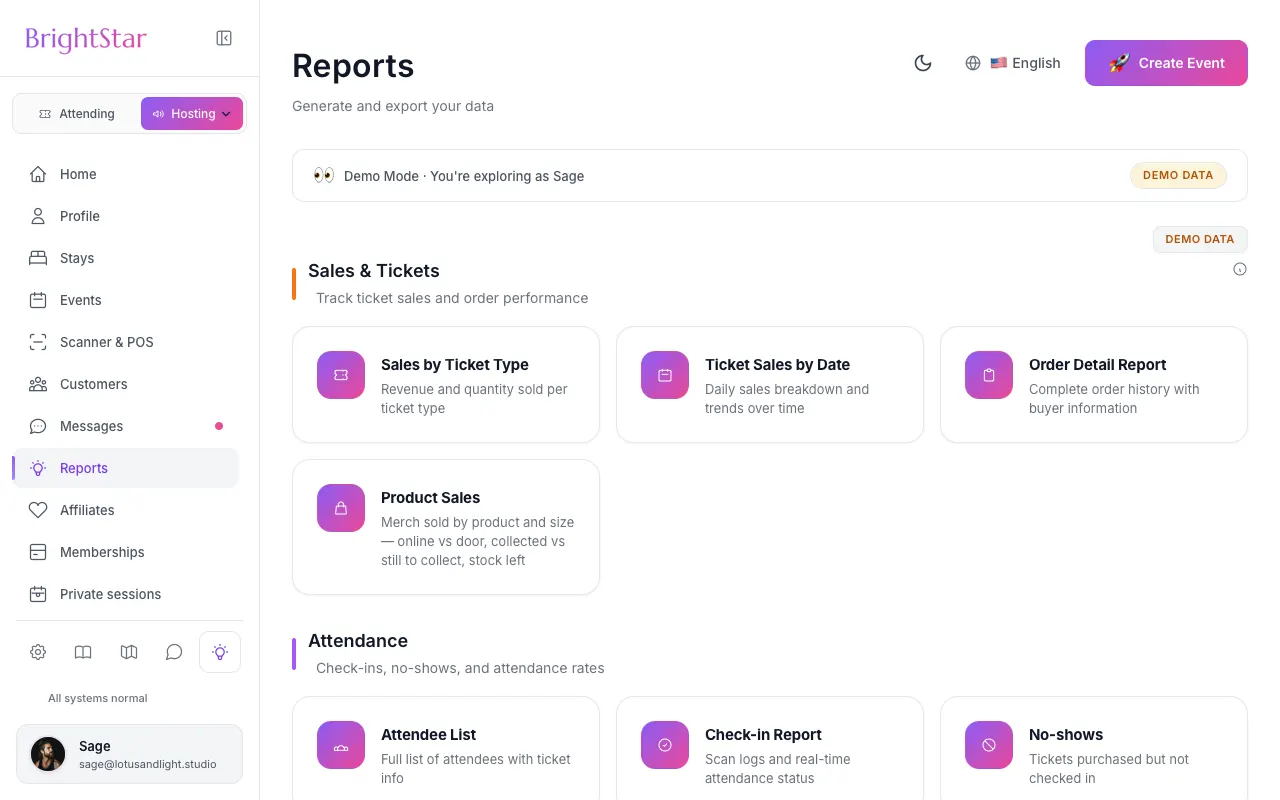
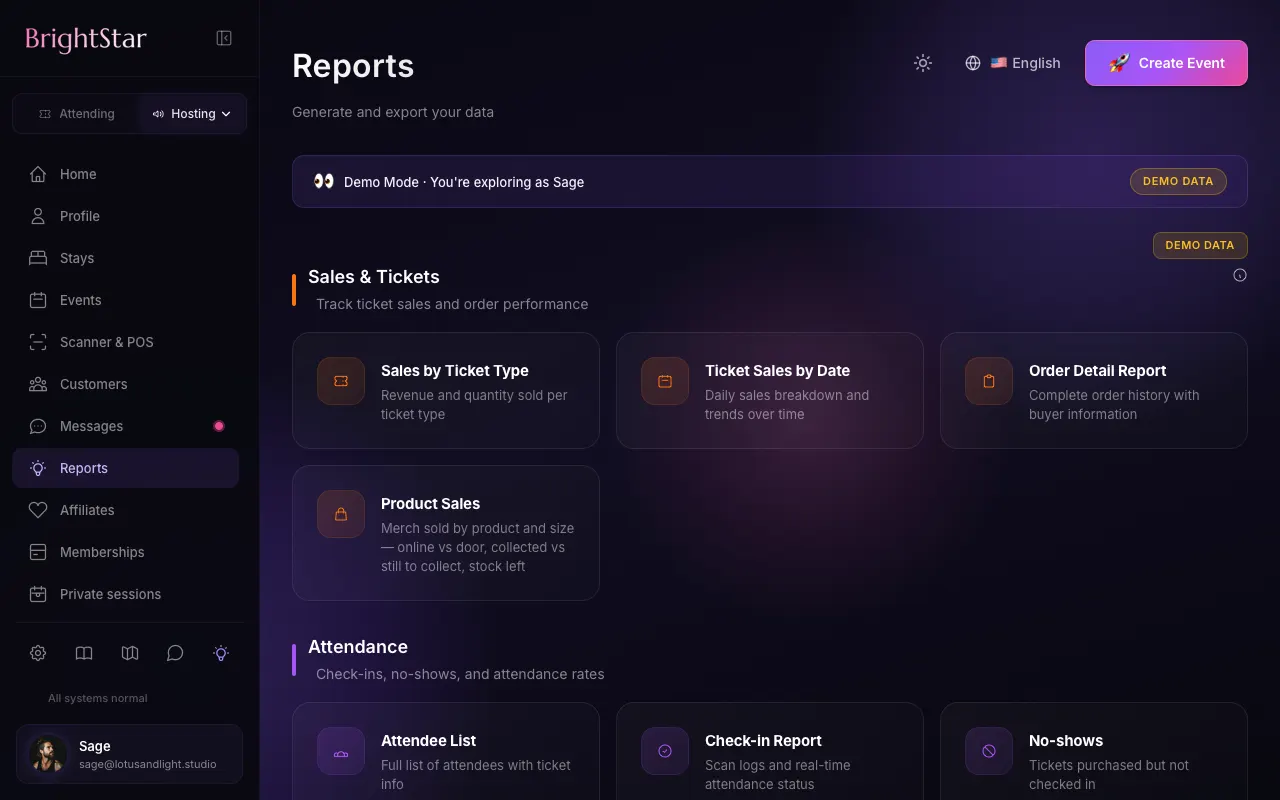
The Reports page in the dashboard: sales, ticket and attendance reports ready to runThe Reports page in the dashboard: sales, ticket and attendance reports ready to run

Reports

Ready-made reports, one click to CSV, or a custom builder for exactly the fields you need, scheduled to your inbox if you like.

The Affiliates tab on an event: each affiliate’s clicks, sales and commissionThe Affiliates tab on an event: each affiliate’s clicks, sales and commission

Performance Reporting

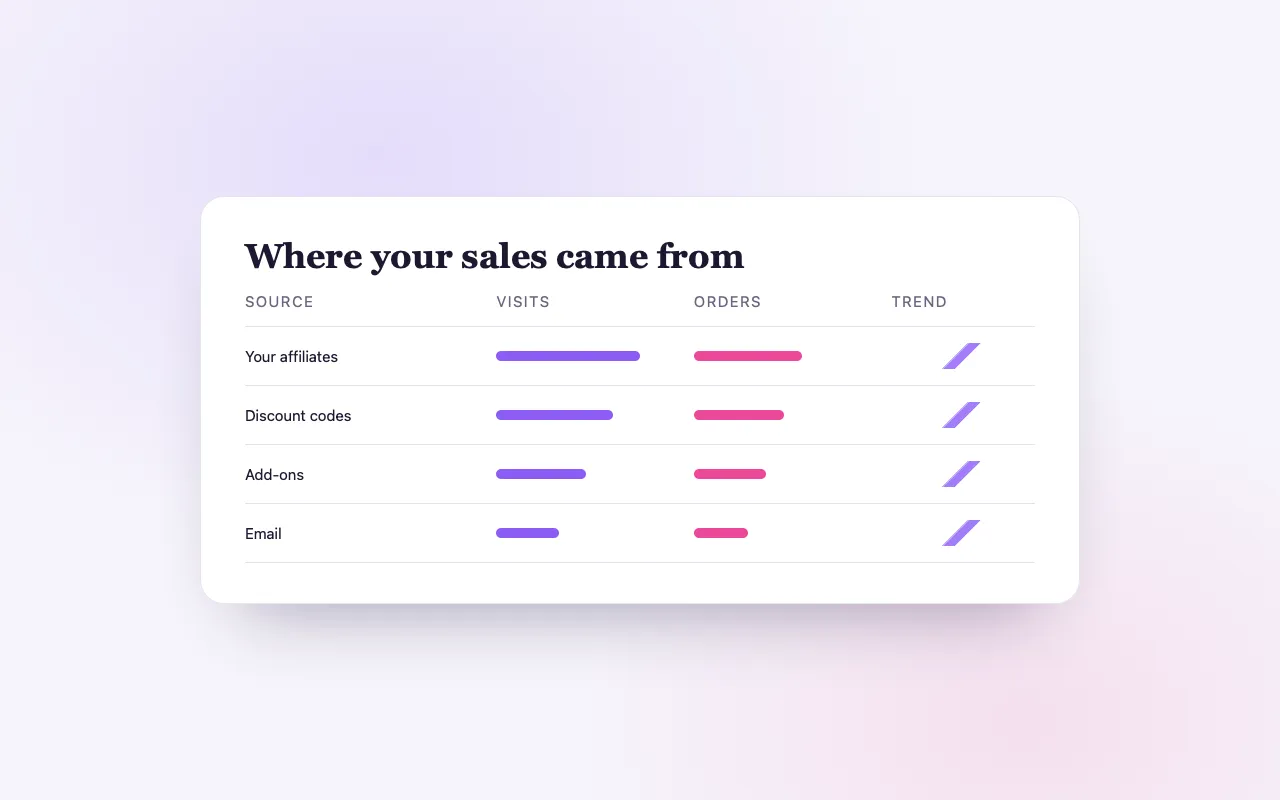
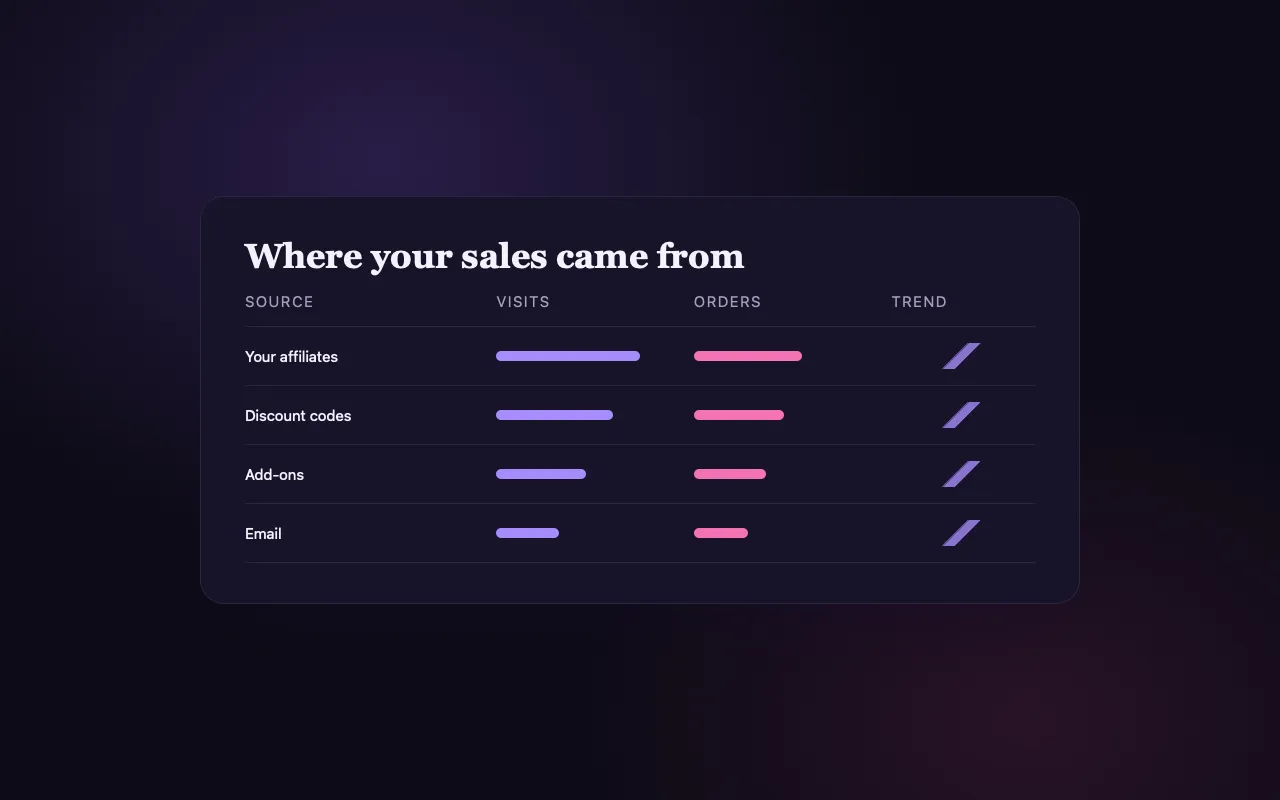
See which affiliates, codes, ads and links bring your sales, in one place and ready to export.

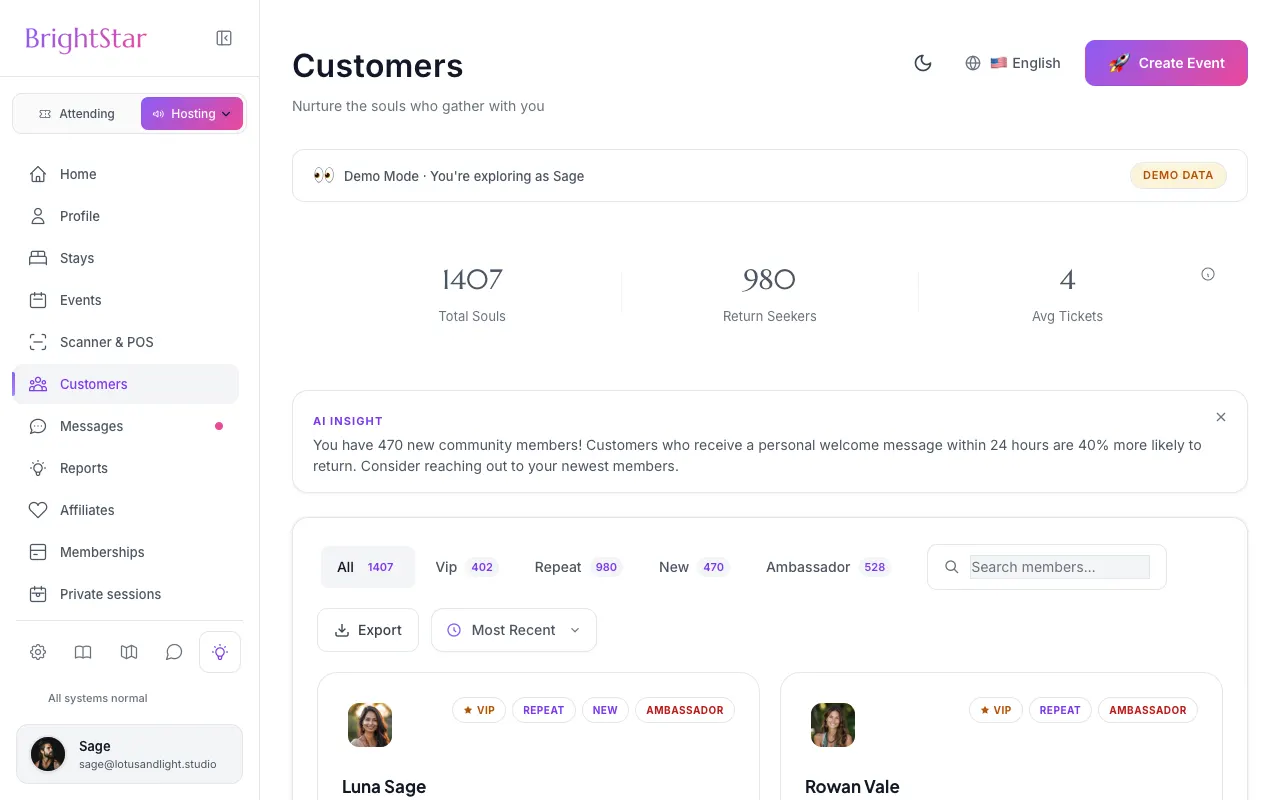
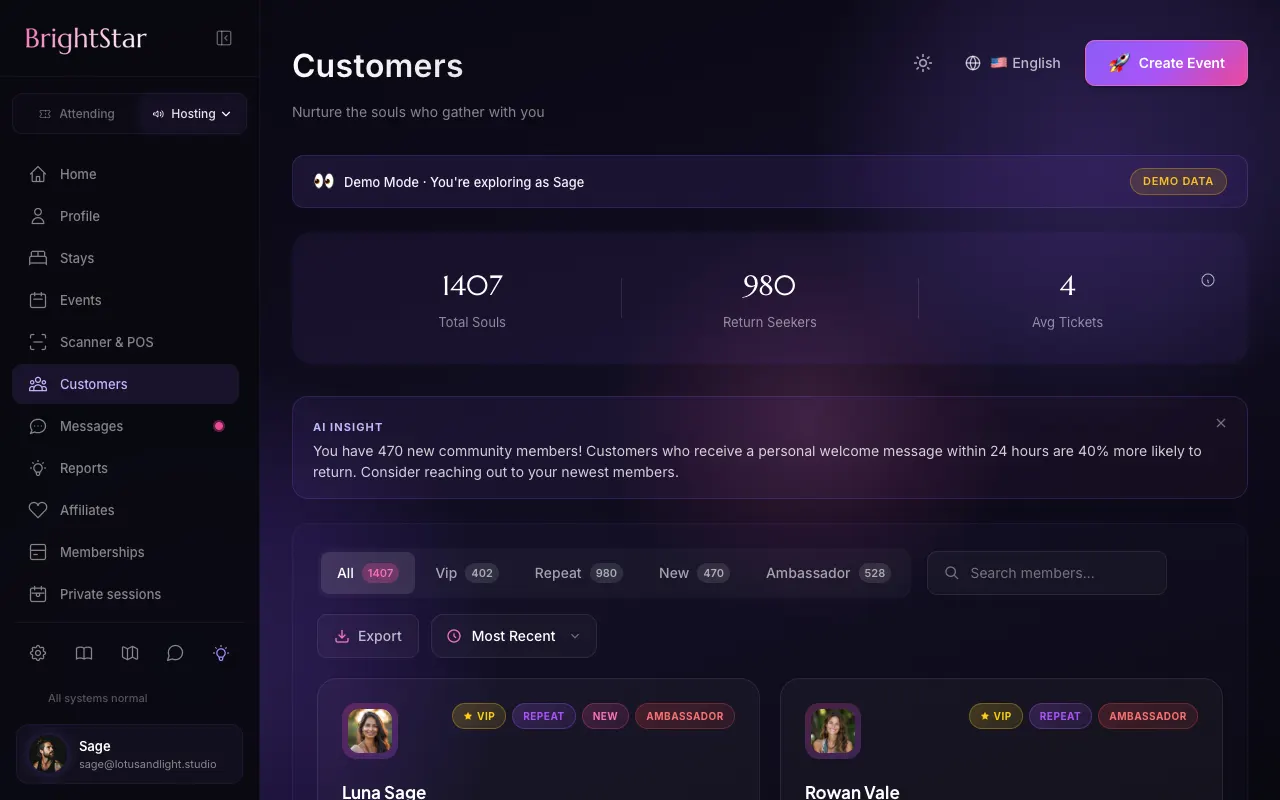
The Customers page in the dashboard: totals, returning buyers, tags and a list of membersThe Customers page in the dashboard: totals, returning buyers, tags and a list of members

Customer Data

Every ticket sold grows your own database: names, emails, purchase history and answers, yours to keep, with each event’s attendee list ready as a CSV.

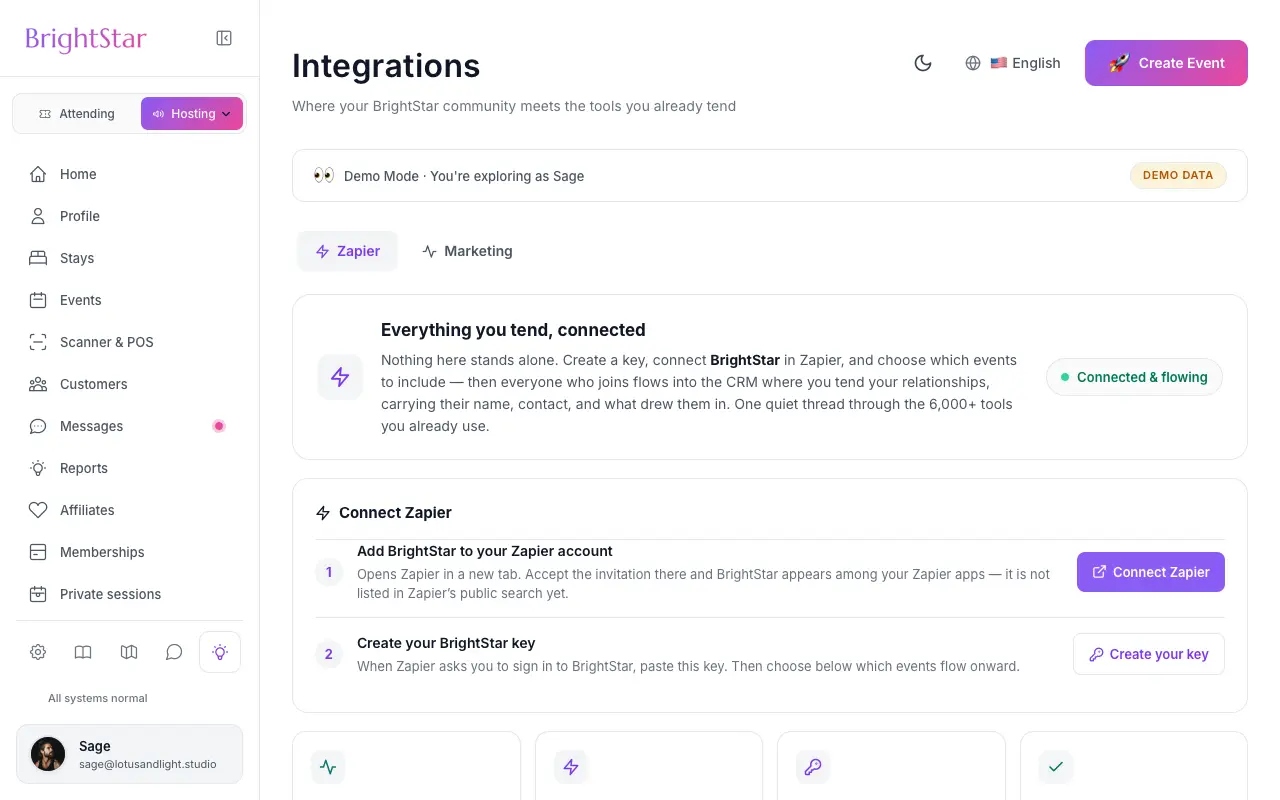
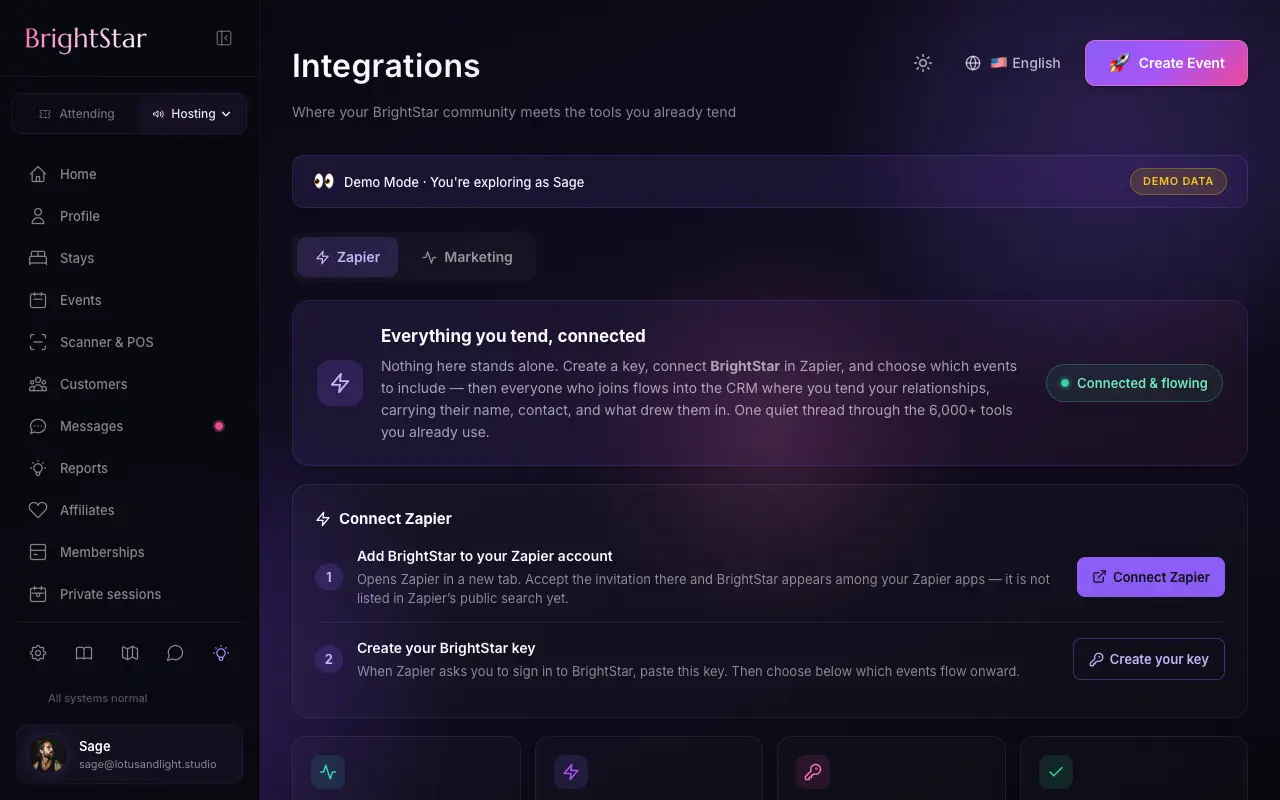
The Integrations page in the dashboard: pixels and connected tools with their connect buttonsThe Integrations page in the dashboard: pixels and connected tools with their connect buttons

Integrations

Your ad pixels see every step from page view to purchase, and Zapier carries your buyers into the tools you already use.

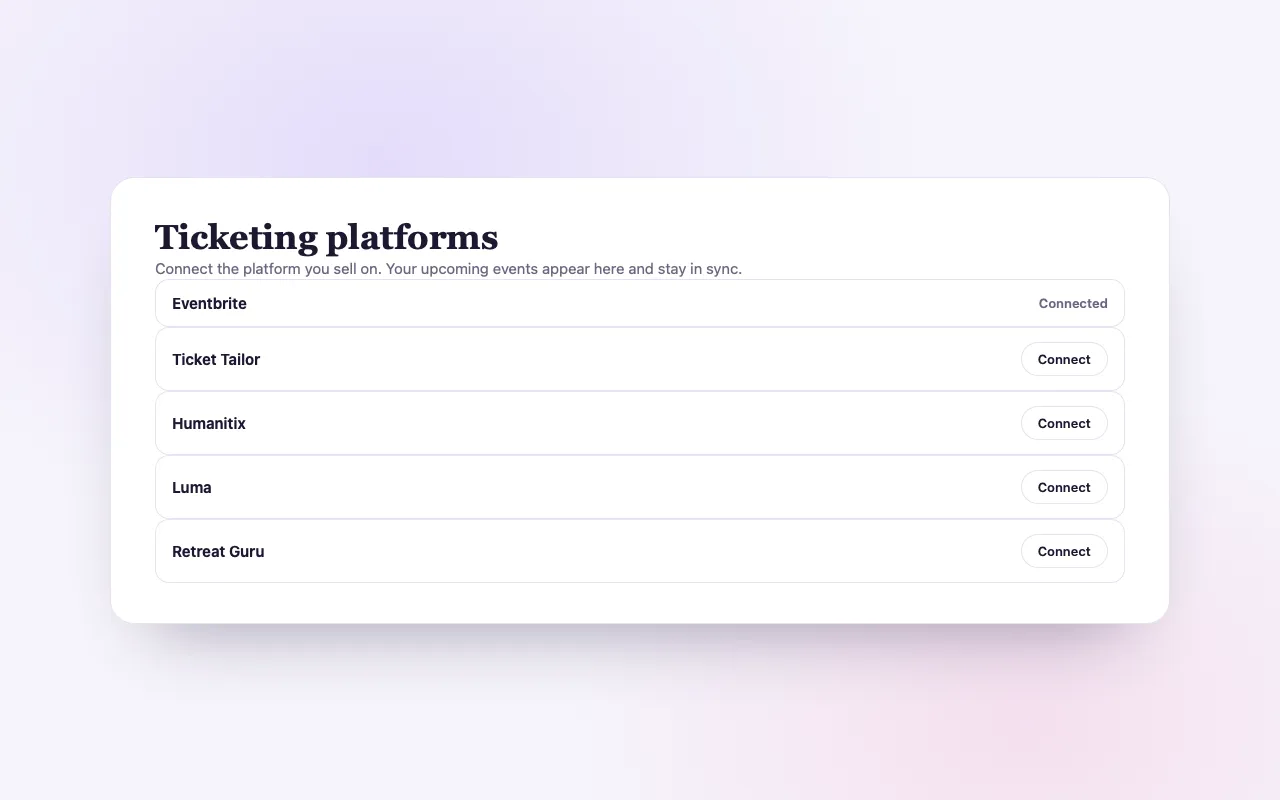
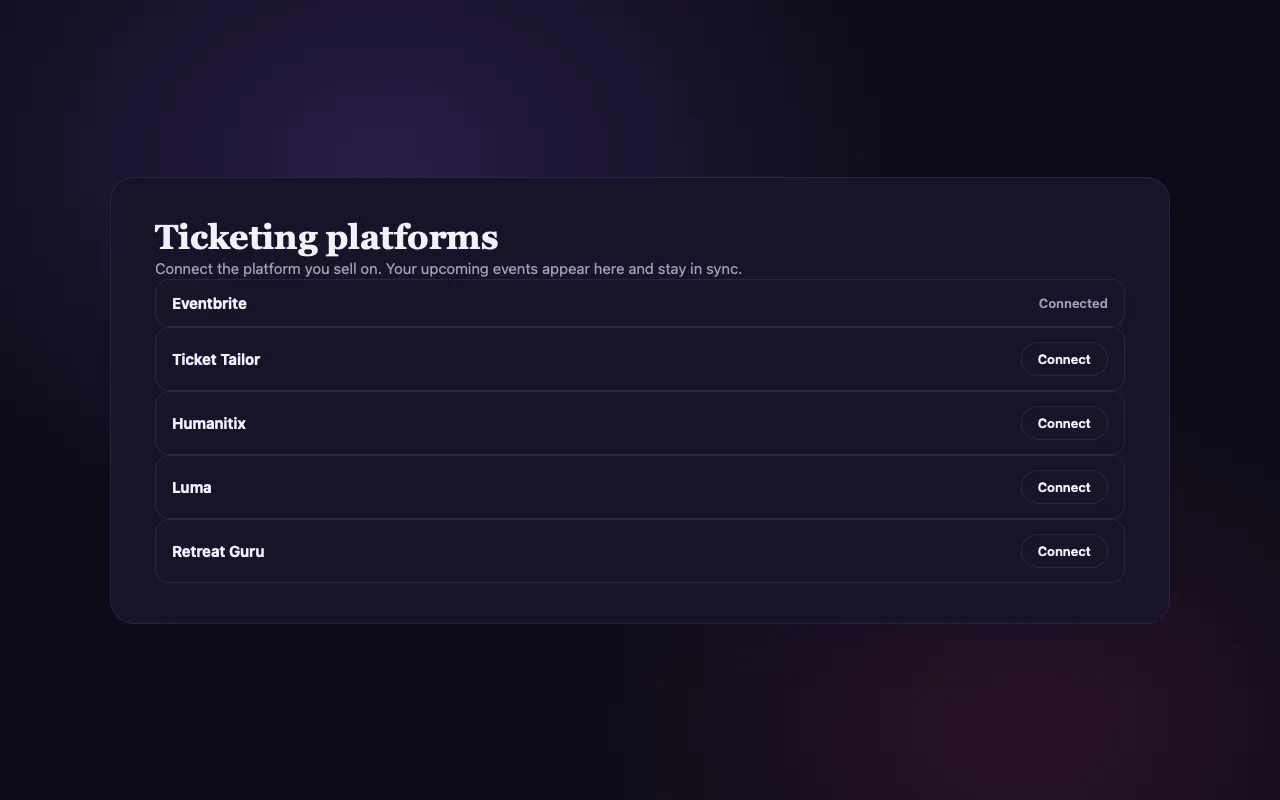
The Ticketing platforms panel in the dashboard: Eventbrite, Ticket Tailor, Humanitix, Luma and Retreat Guru ready to connectThe Ticketing platforms panel in the dashboard: Eventbrite, Ticket Tailor, Humanitix, Luma and Retreat Guru ready to connect

Switch ticketing platforms

Connect the platform you sell on now. Your events appear on BrightStar at once, and each one can move over when you choose.Connect the platform you sell on now.

The Amplify tab on an event: ad status, daily budget and Sales from your adsThe Amplify tab on an event: ad status, daily budget and Sales from your ads

Meta Retargeting

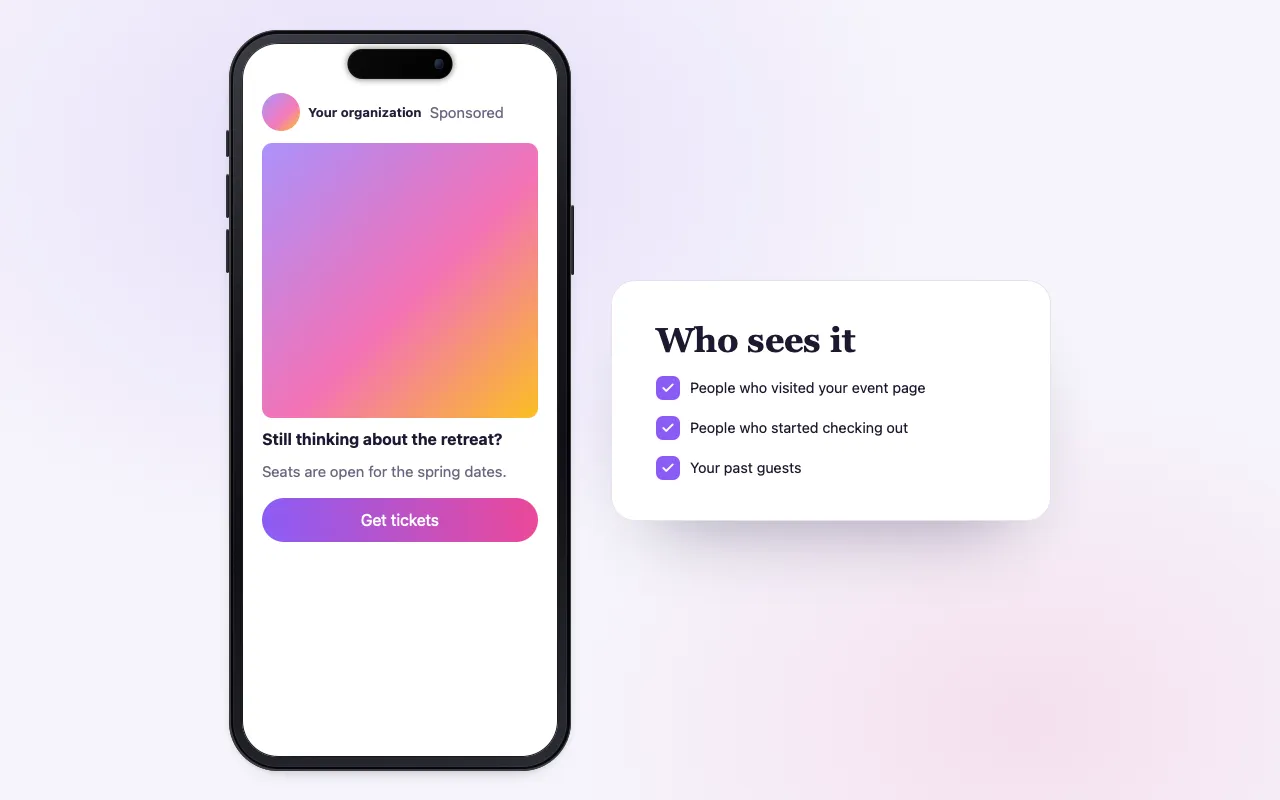
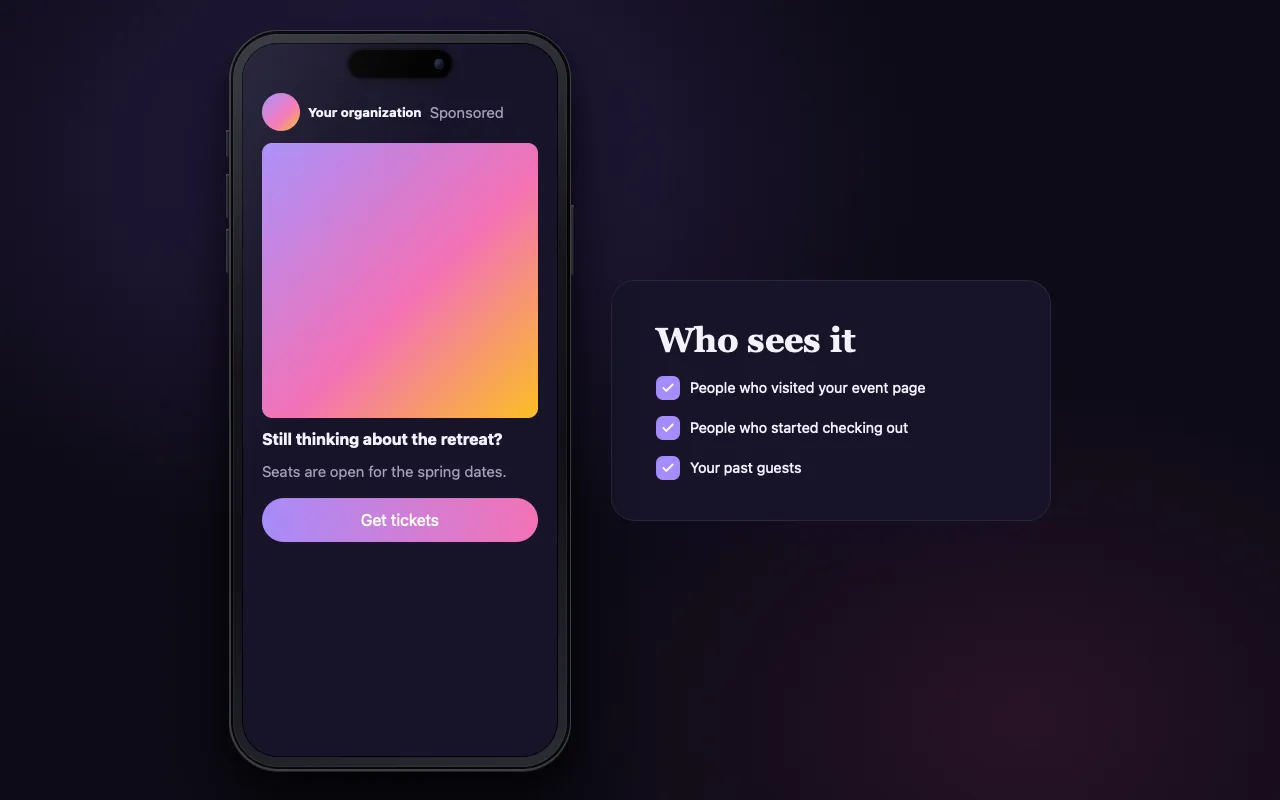
Set a daily budget and BrightStar runs ads built from your event to the people most likely to come.

The Amplify audience for an event: past buyers and nearby people who attend similar eventsThe Amplify audience for an event: past buyers and nearby people who attend similar events

Verified Buyer Network

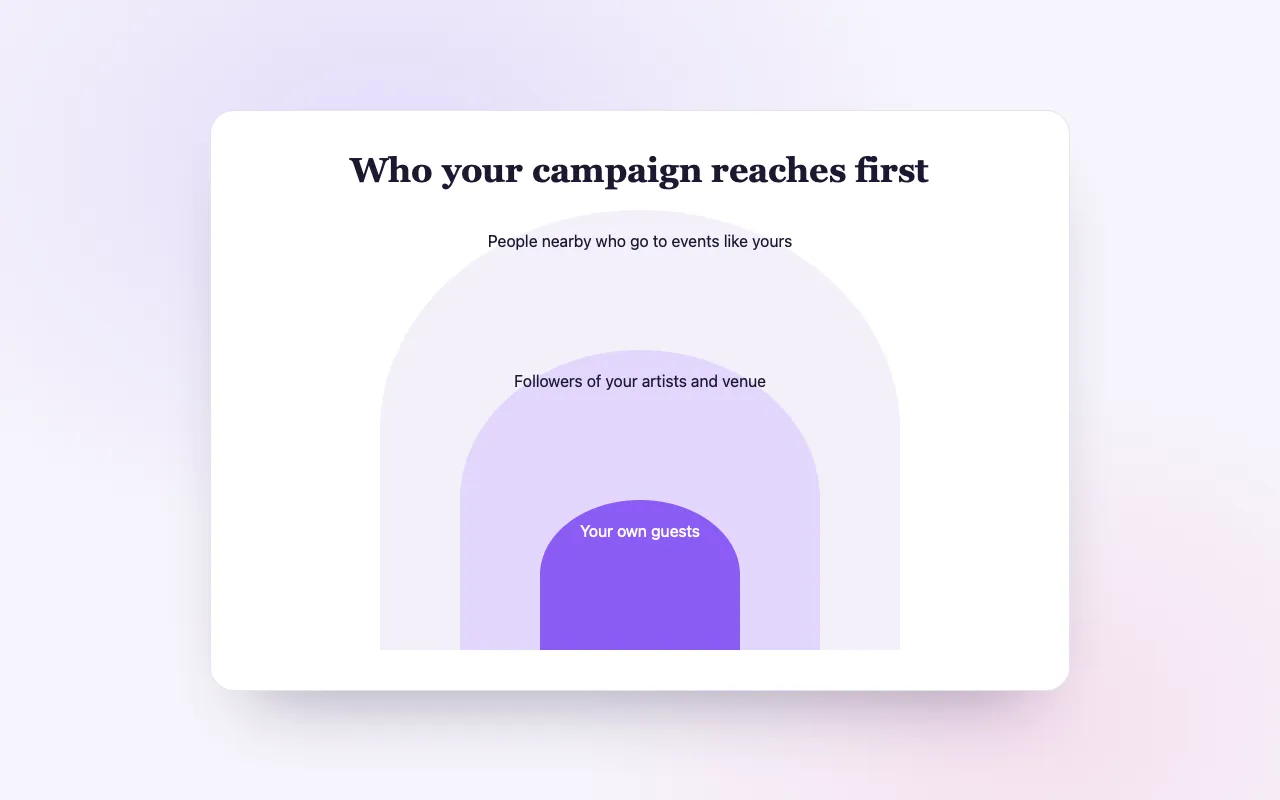
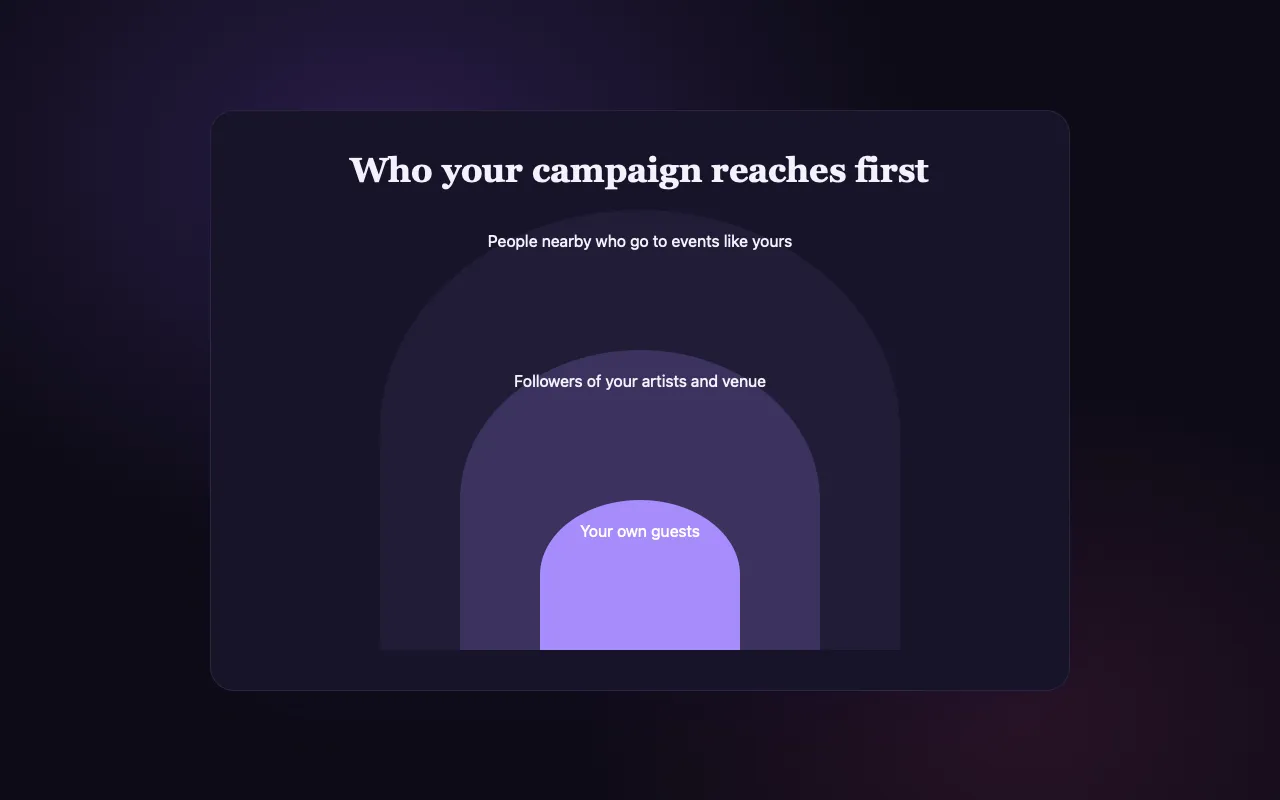
Your event is promoted to nearby people who buy tickets to events like yours, not a purchased list.

The Amplify tab on an event: the email campaign, its audience and its opens and clicksThe Amplify tab on an event: the email campaign, its audience and its opens and clicks

Outbound Email Marketing

BrightStar writes and sends email campaigns about your event to your past buyers and nearby people who go to events like yours.

A discover page for a category in a city, listing events with crawlable linksA discover page for a category in a city, listing events with crawlable links

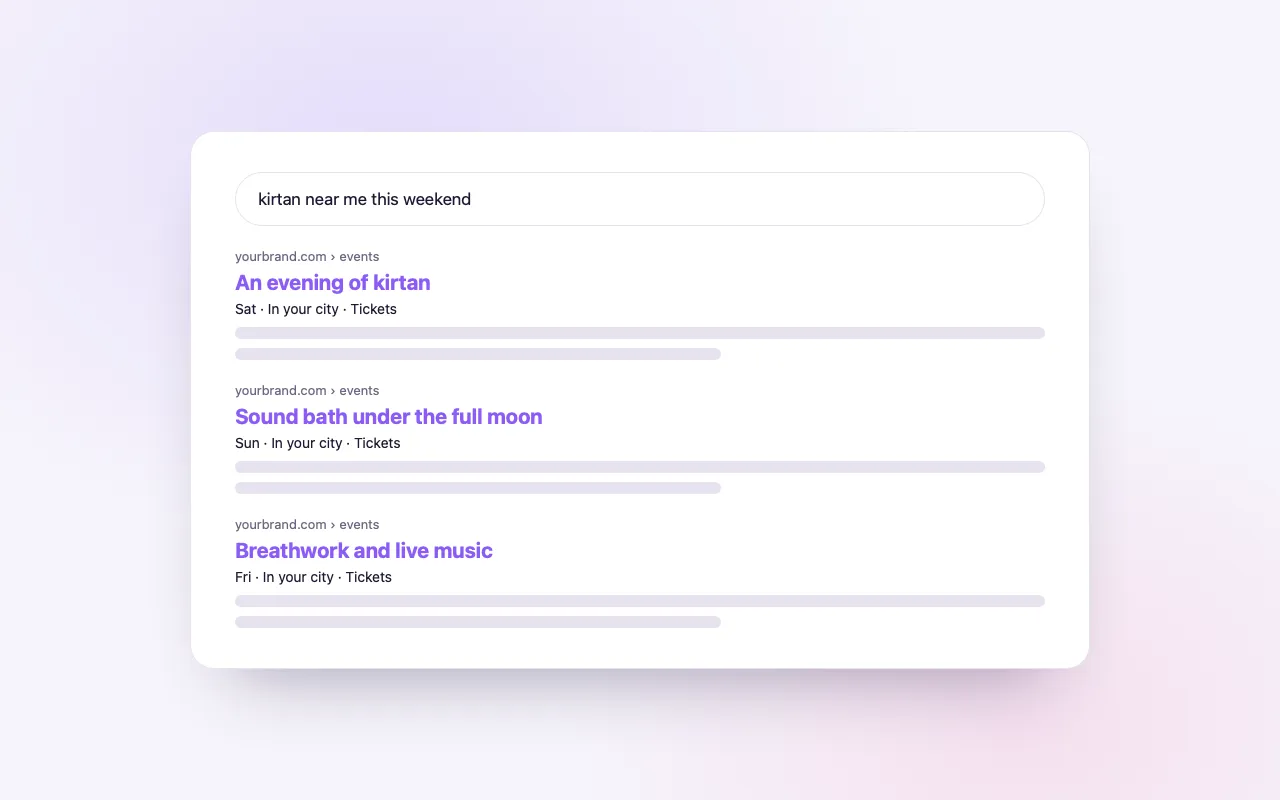
SEO & AI Search

Your event is published the way search engines and AI assistants read, the moment it goes live.

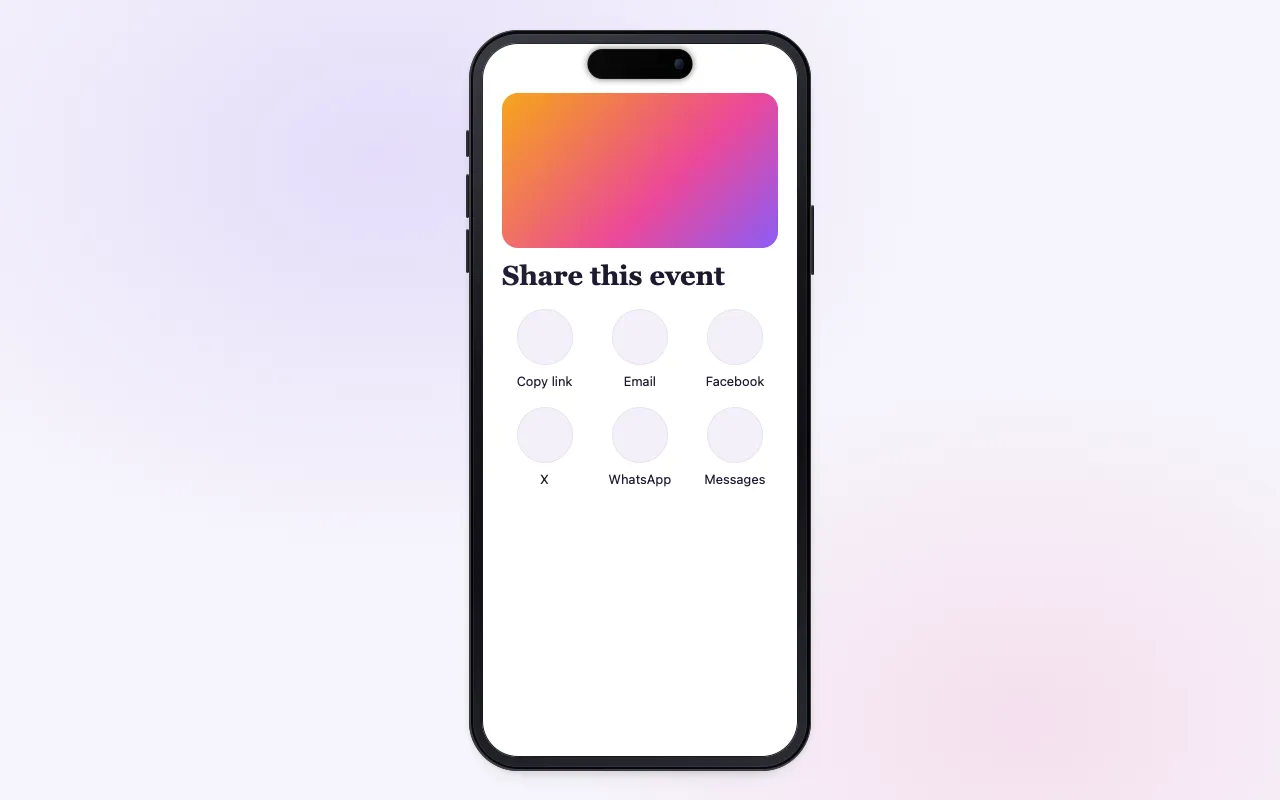
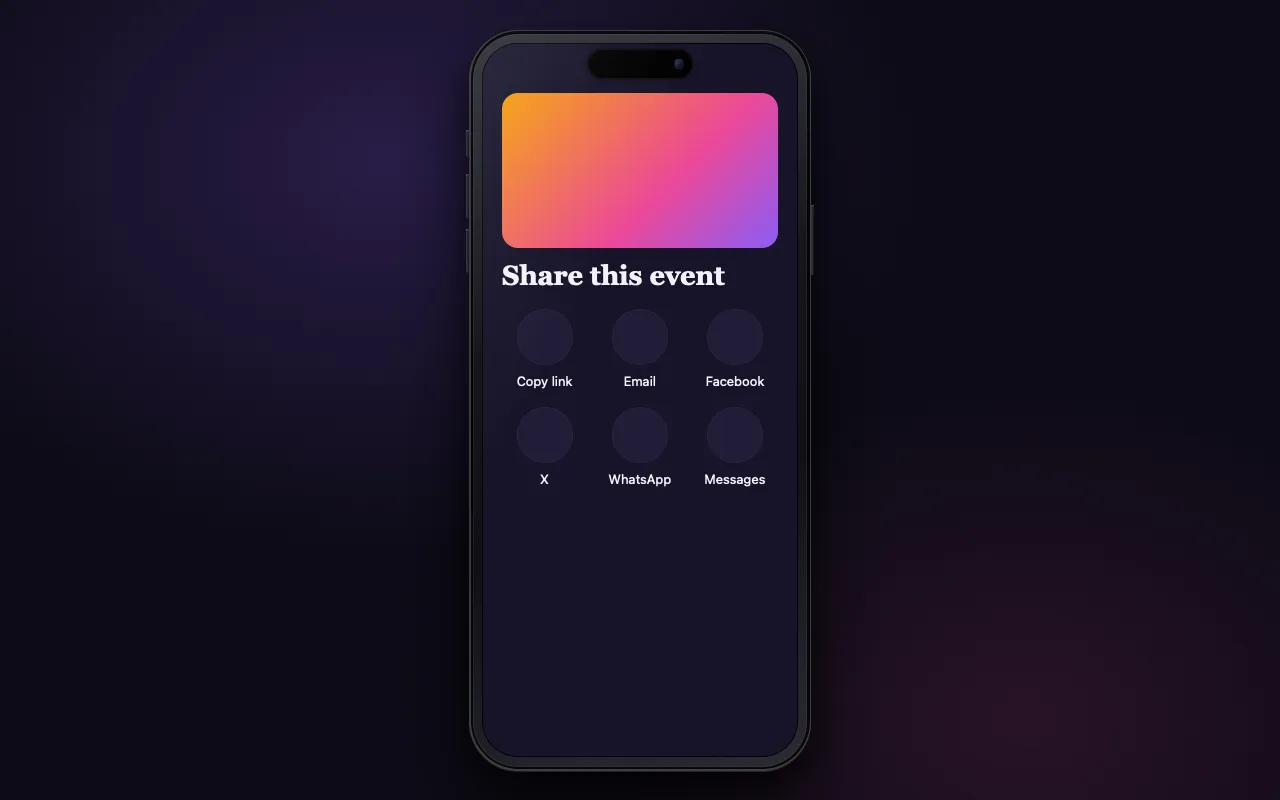
The share panel on an event page: Facebook, X, LinkedIn, email and copy linkThe share panel on an event page: Facebook, X, LinkedIn, email and copy link

Syndication

Your event is published in the formats search engines, AI assistants and social platforms read, and sales still come home to you.

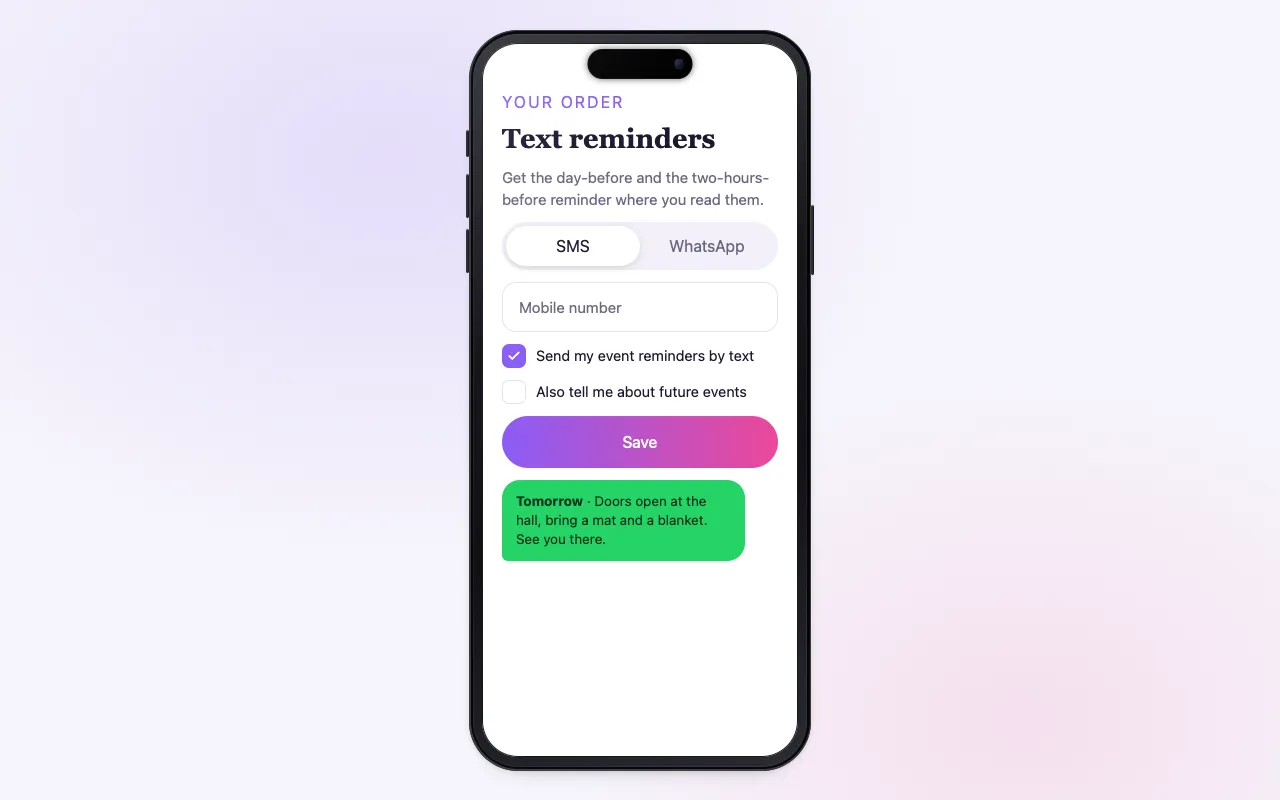
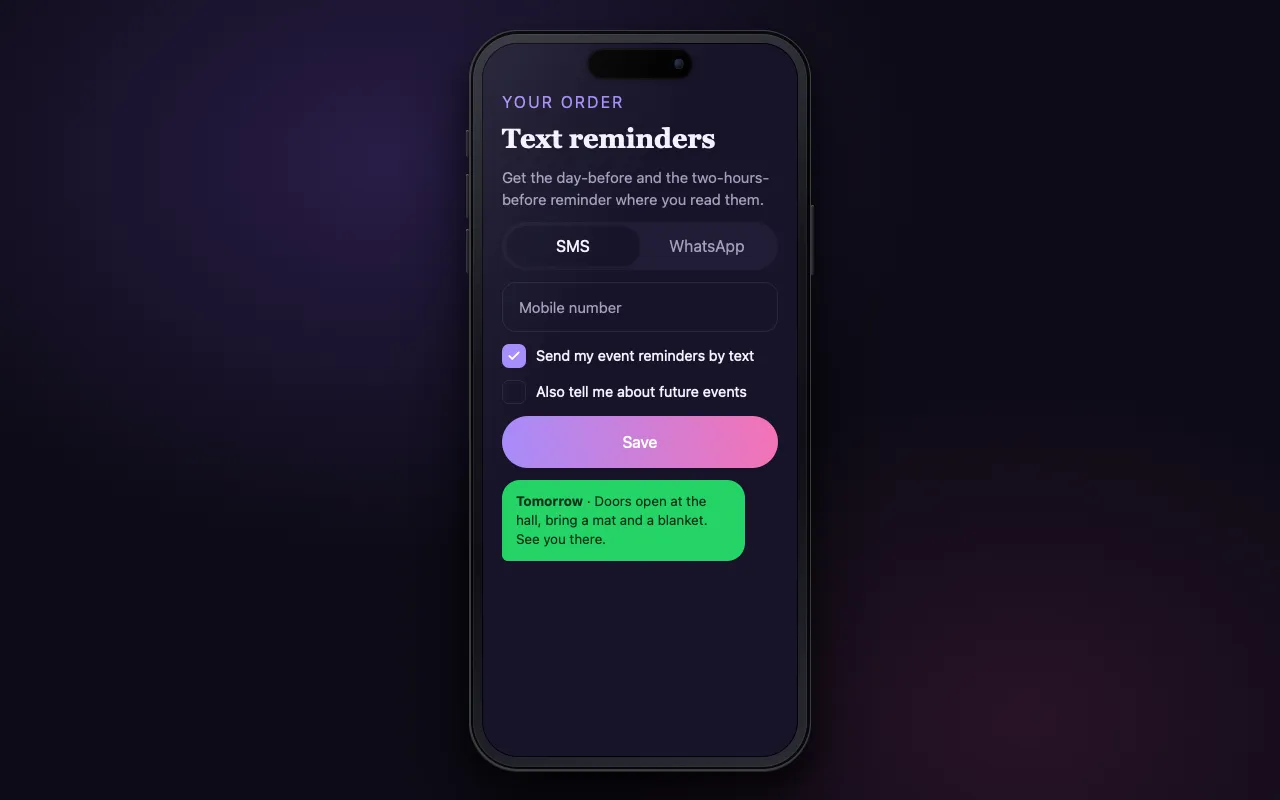
The text reminders panel on a buyer’s order page: the opt-in for SMS and WhatsApp remindersThe text reminders panel on a buyer’s order page: the opt-in for SMS and WhatsApp reminders

SMS & WhatsApp

Buyers who opt in get your event reminders by text or WhatsApp, on the same schedule as the emails.

The Share & Distribute settings on an event: collaborators invited by email, each with a roleThe Share & Distribute settings on an event: collaborators invited by email, each with a role

Event Sharing

Invite a partner by email and the event appears in their own dashboard, with only the access you give them.

An order confirmation with recommended events from other organizers, each with its match reasonAn order confirmation with recommended events from other organizers, each with its match reason

Event Upsell Network

When someone buys a ticket to a similar event, yours can appear right after, on the pages and emails they are already reading.

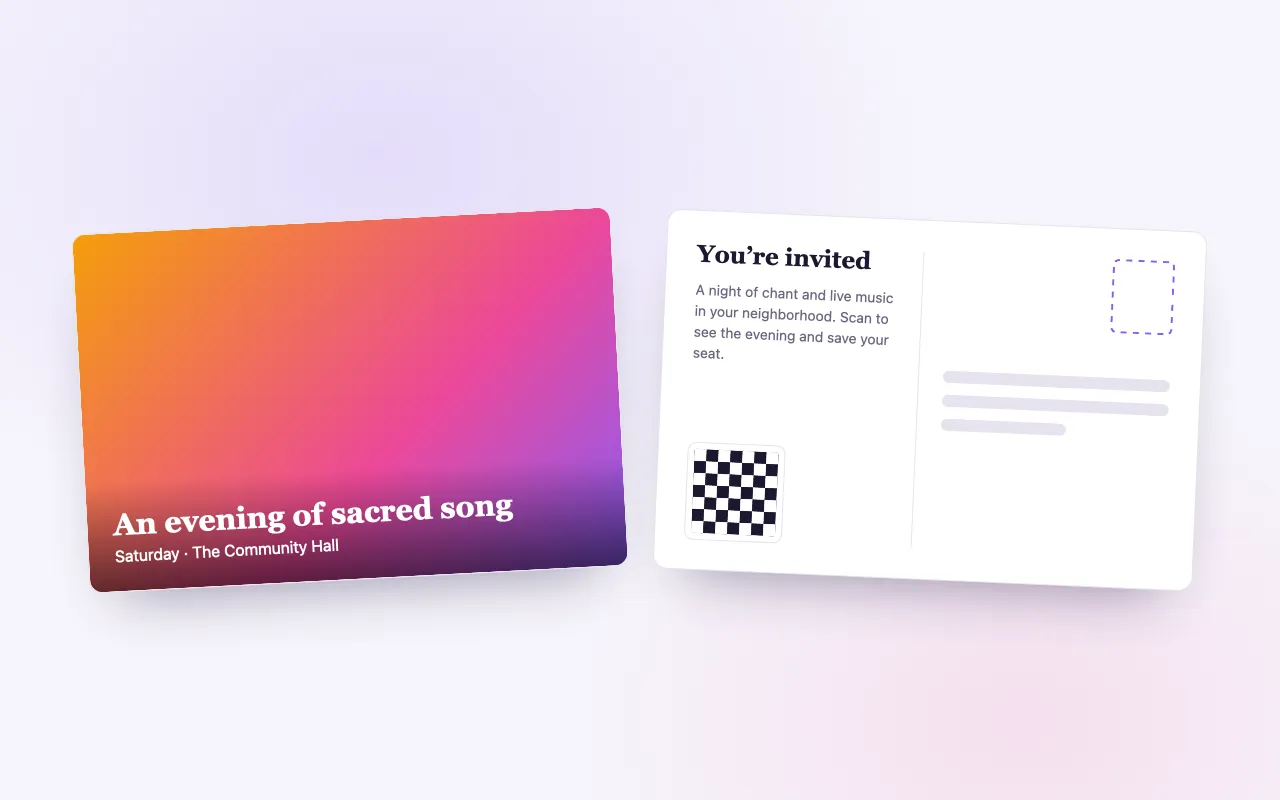
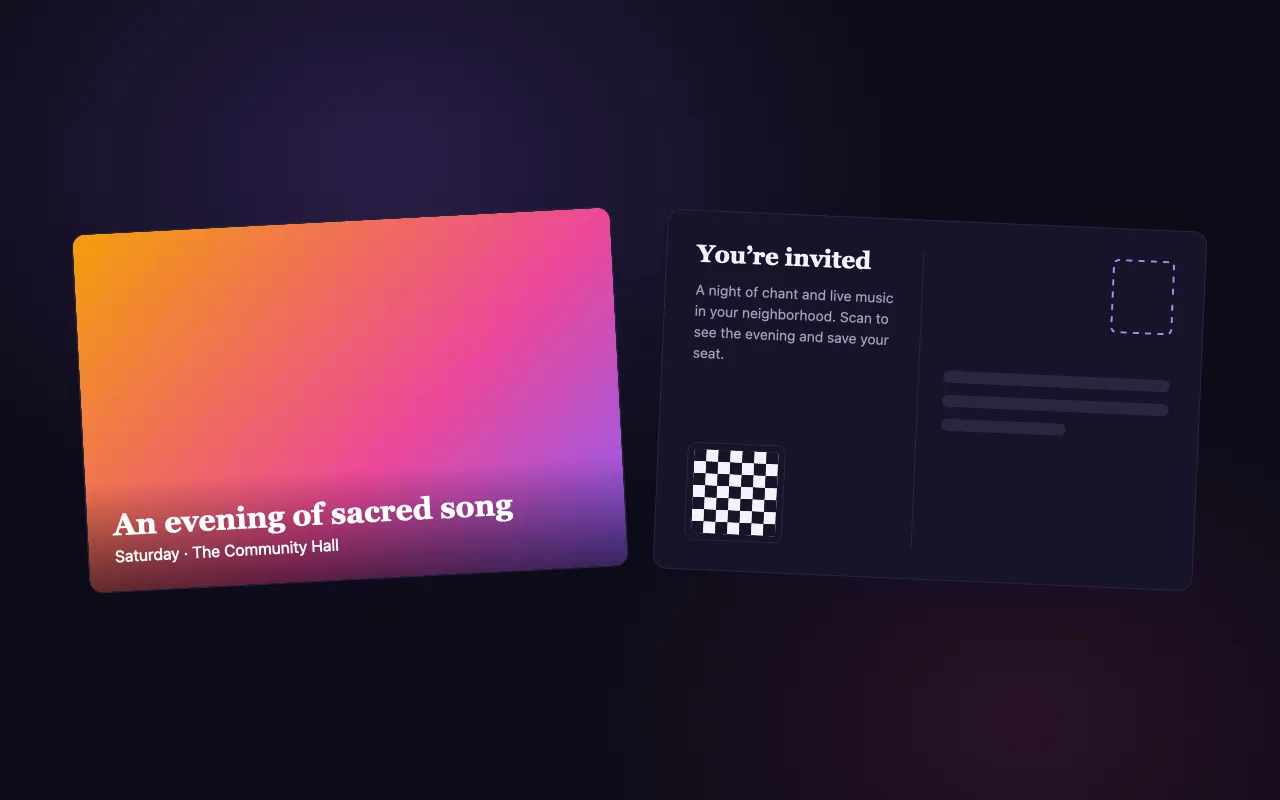
A printed event postcard: event image, title, date and venue, with a QR code to the event pageA printed event postcard: event image, title, date and venue, with a QR code to the event page

Direct Mail Campaigns

Review the artwork for your postcard or poster before taking it to a printer.

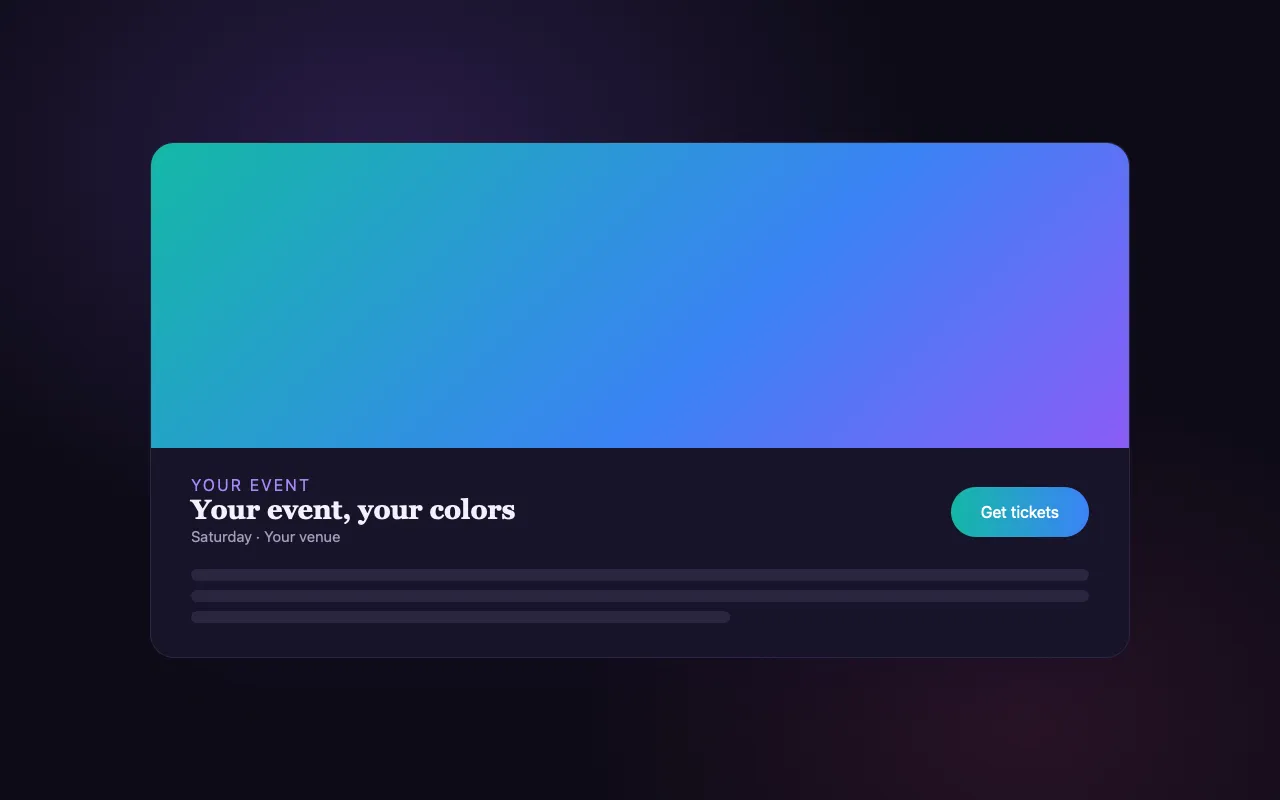
A published event page: hero image, details, tickets and sections in the event’s own colorsA published event page: hero image, details, tickets and sections in the event’s own colors

Custom Event Pages

Your page is designed from your poster, ready on every phone, and set up for search and sharing the moment you publish.

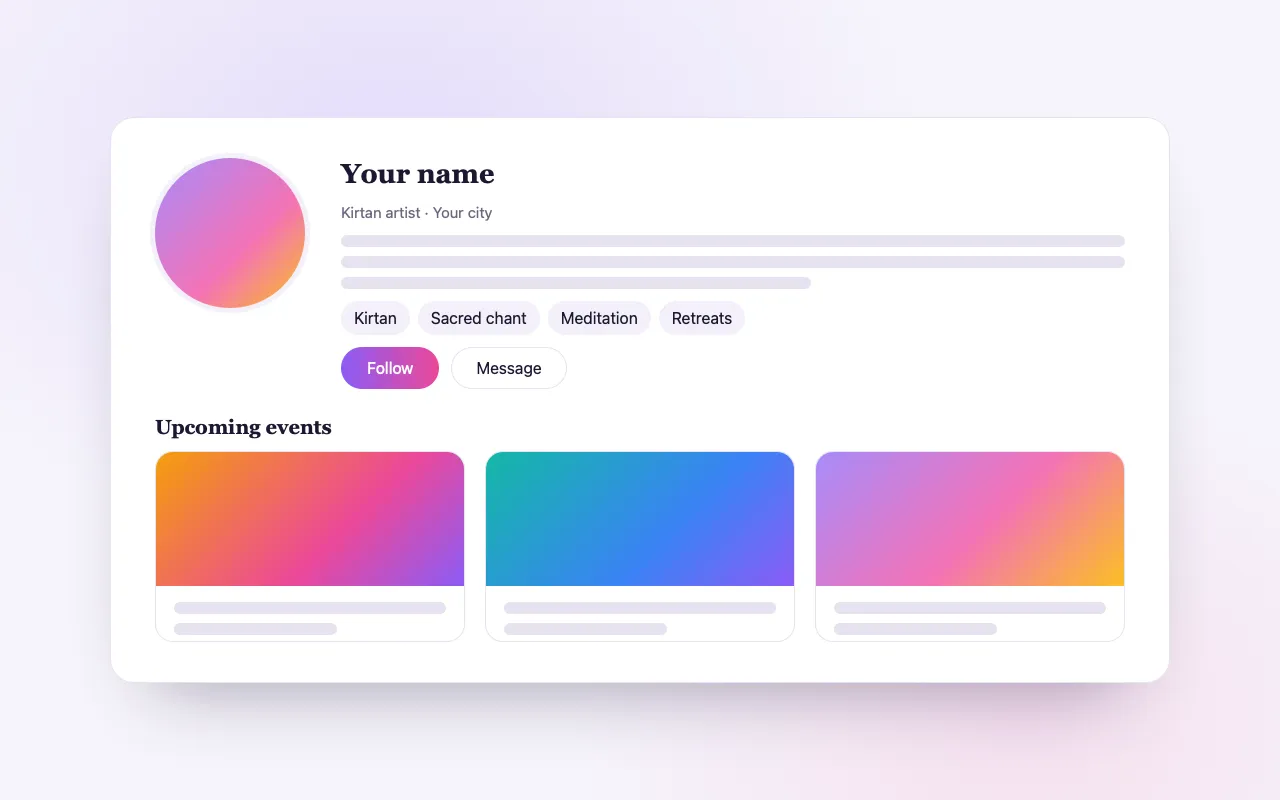
A public artist profile: portrait, bio, upcoming events and links, with a Follow buttonA public artist profile: portrait, bio, upcoming events and links, with a Follow button

Artist Profiles

If you have taught or played at events on BrightStar, you likely have a profile waiting: claim it, make it yours, and let people follow you.

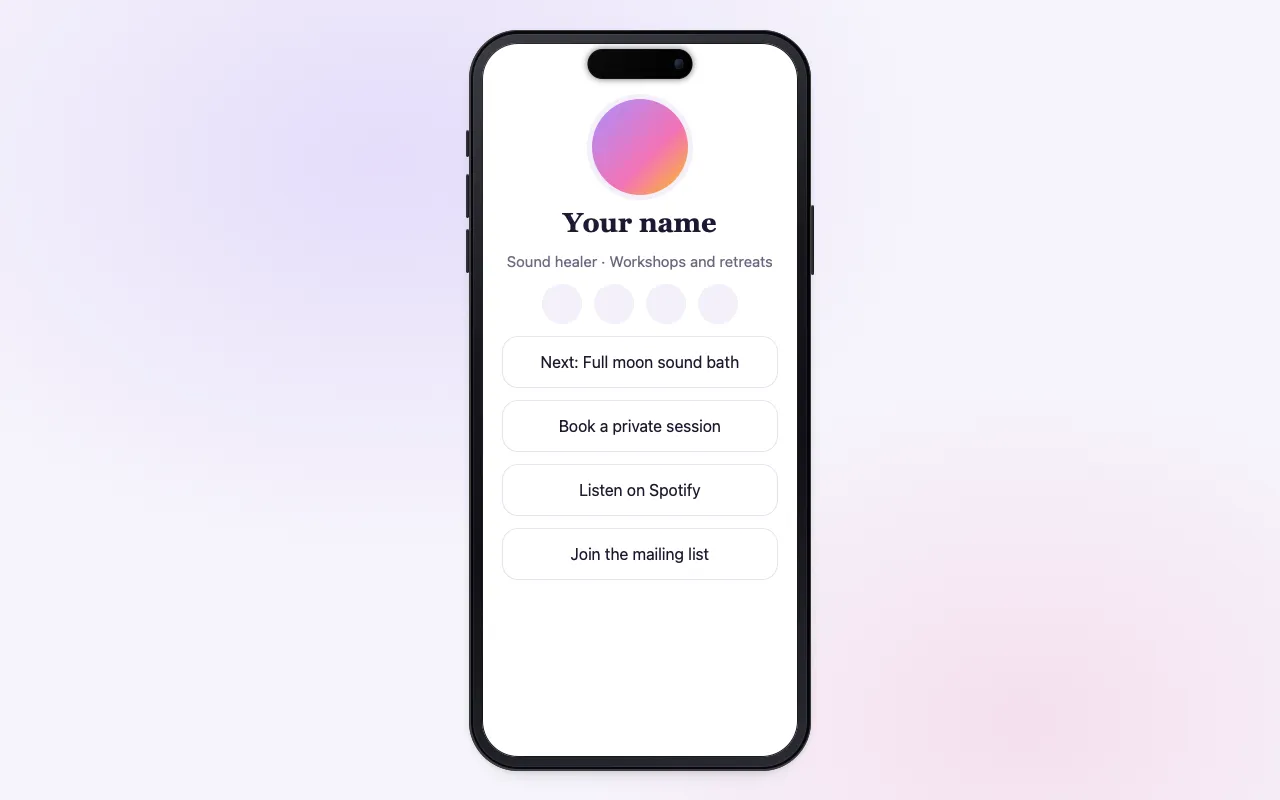
A link-in-bio page on a phone: portrait, short bio, social icons and upcoming eventsA link-in-bio page on a phone: portrait, short bio, social icons and upcoming events

Link in Bio

Your link-in-bio page shows your upcoming events as you add them, beside your bio and social links, free.

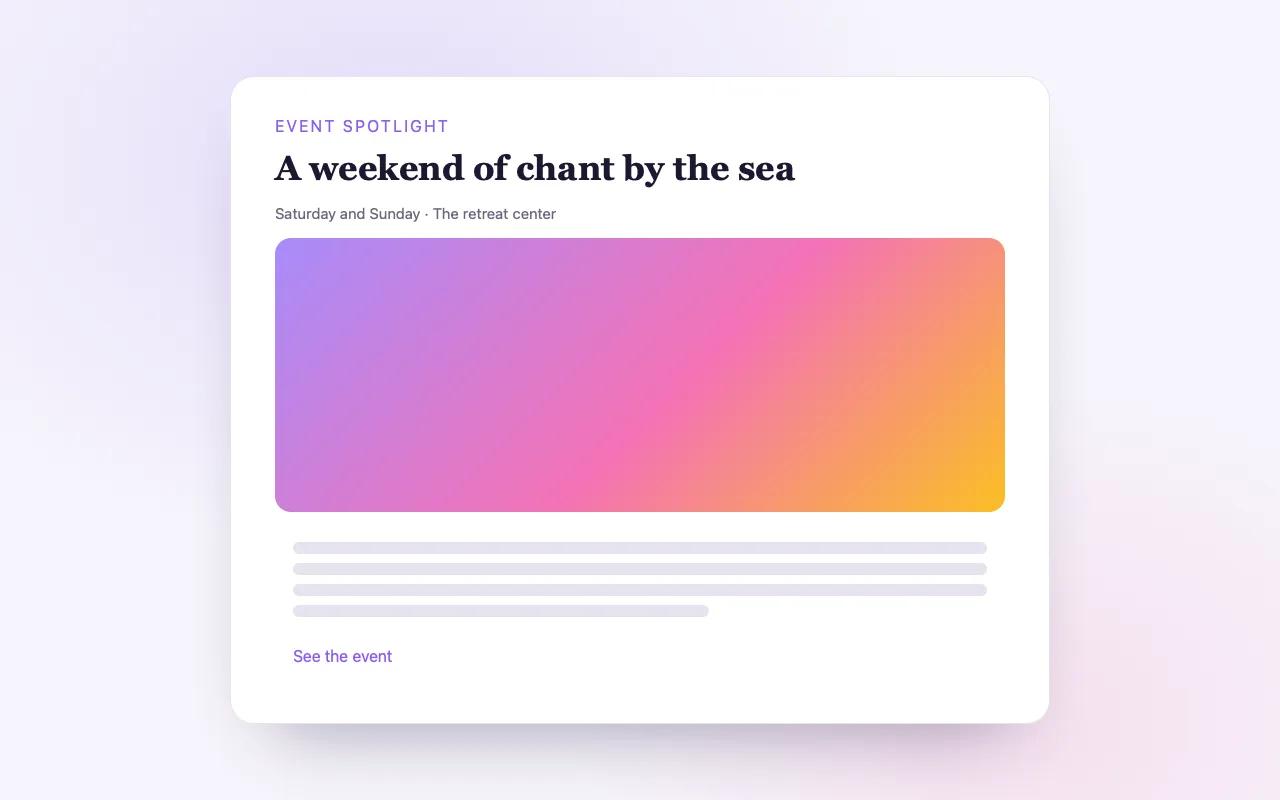
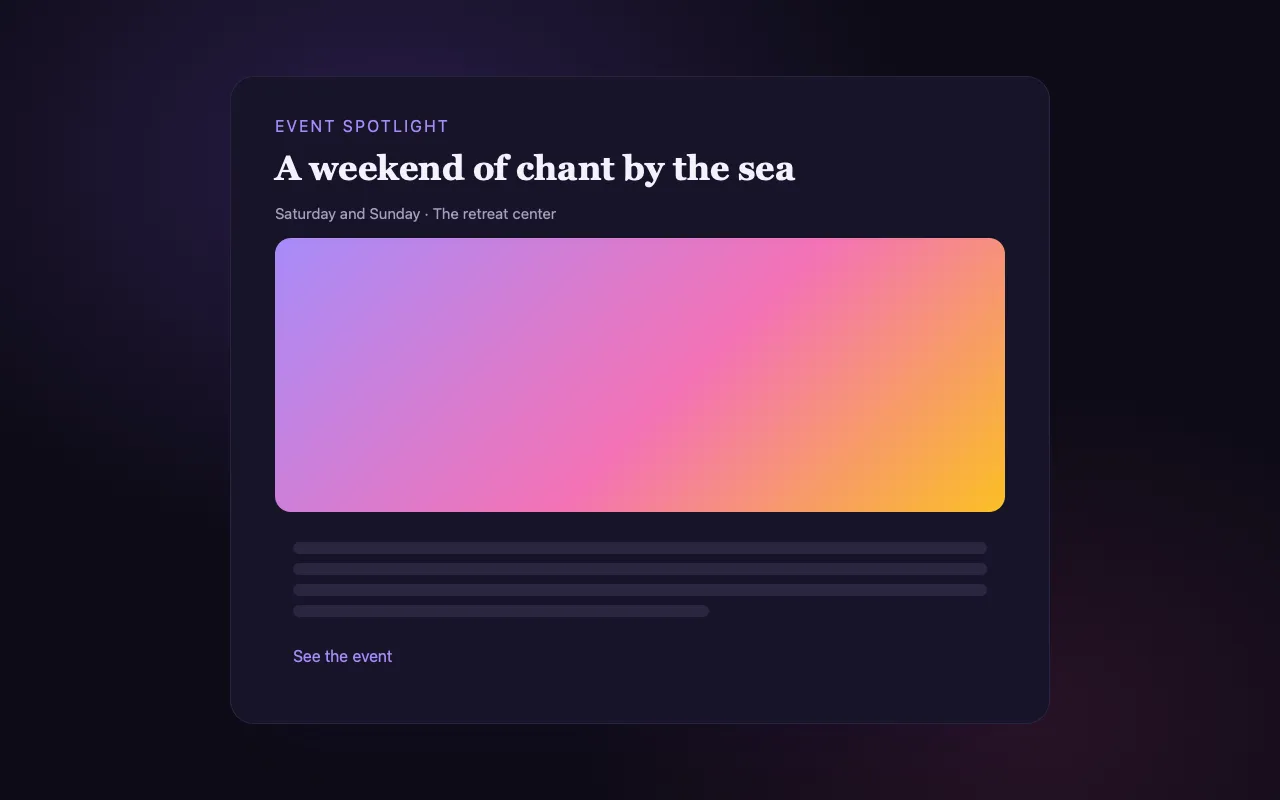
An event spotlight article on the blog, with the event’s details and a link to its pageAn event spotlight article on the blog, with the event’s details and a link to its page

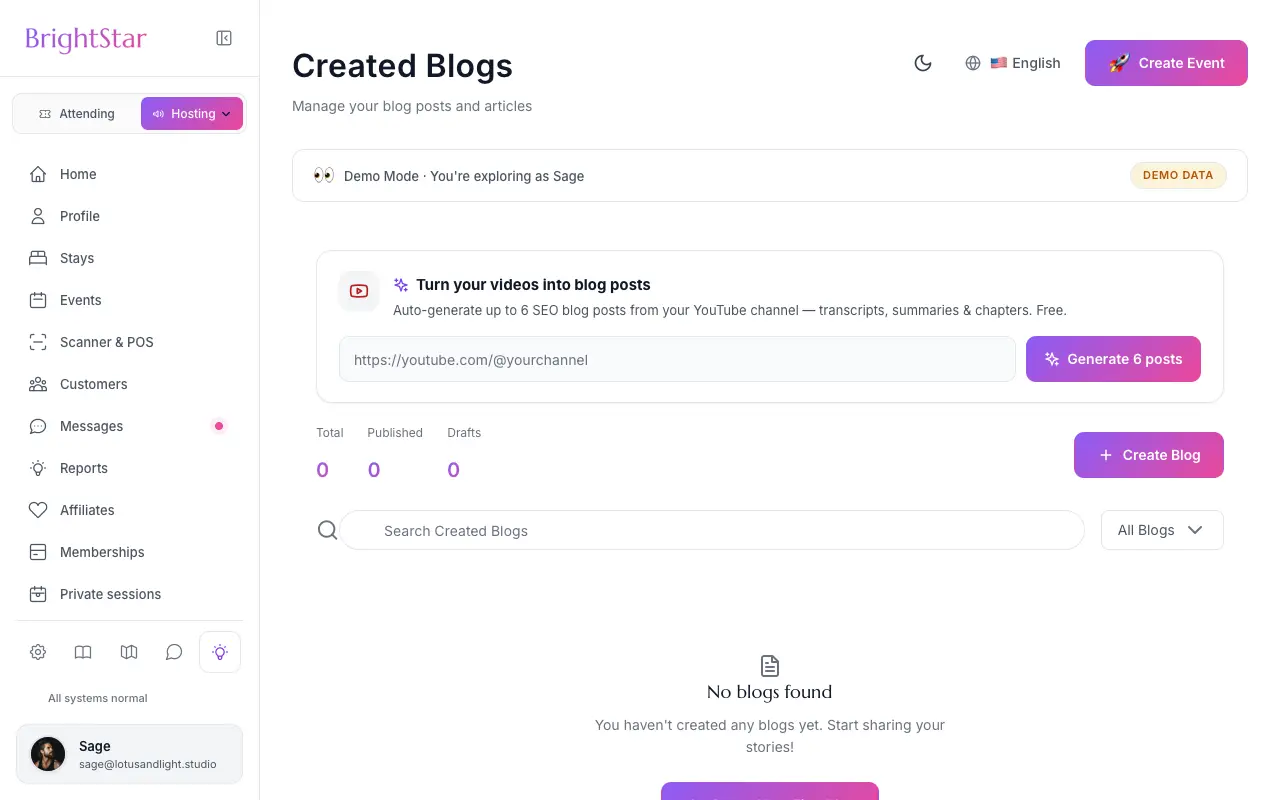
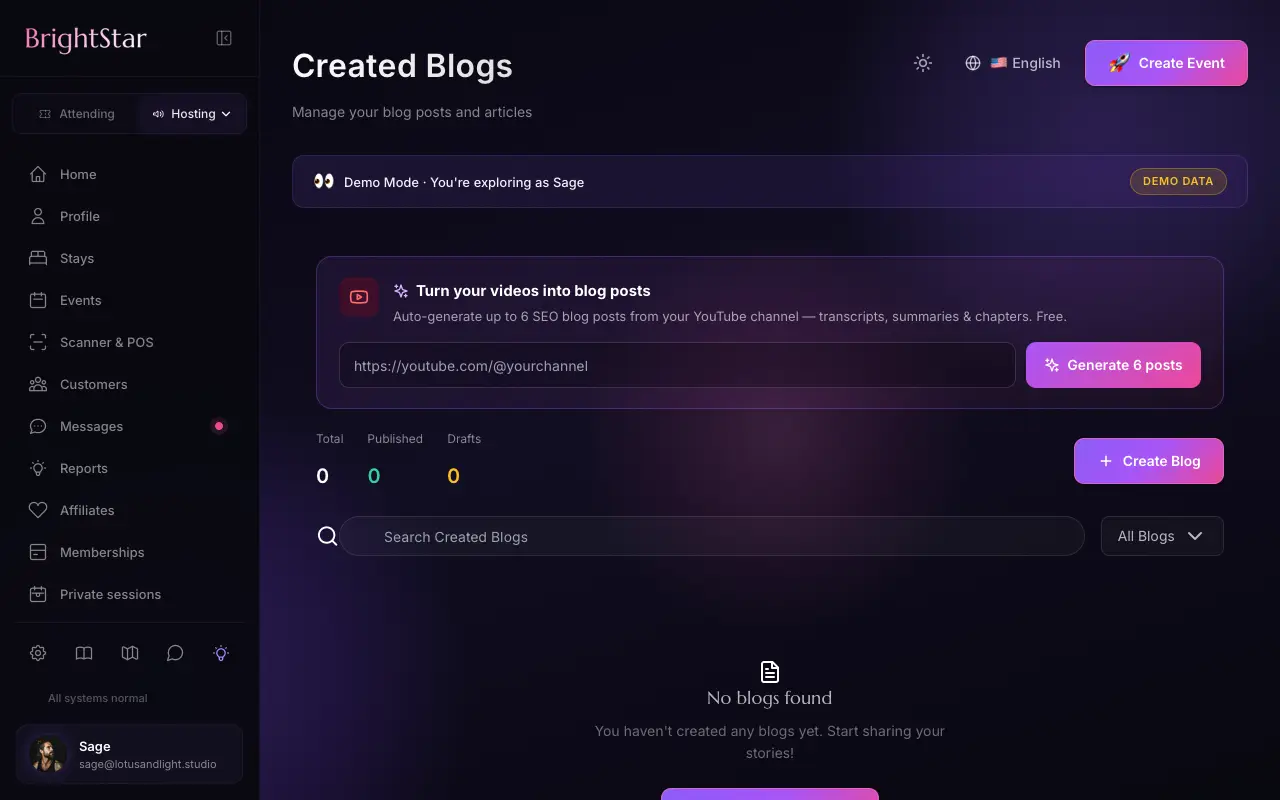
Event Blog

BrightStar’s blog writes spotlight articles about upcoming events, so people searching for what you offer find a second way in.

The blog on the site: articles, videos and podcast episodes from creatorsThe blog on the site: articles, videos and podcast episodes from creators

Blog & Publishing

Publish articles, videos and podcast episodes on BrightStar, where people already come looking for what you offer.

Learn more
Learn more
Learn more
Learn more
Learn more
Learn more
Learn more
Learn more
Learn more
Learn more
Learn more
Learn more

There is more to see.

Take the next step at your own pace.

Pricing

Free forever. See what each plan includes and costs.
See pricing →

Start here

Who we are, what we do, and how organizers grow with us.
Read the overview →

The Ecosystem

How one platform connects seekers, teachers, artists, organizers and venues.
See the ecosystem →

The Growth Platform

Amplify: the marketing team built into your ticketing.

See how it grows →

Join the Movement

A free page for artists, teachers, organizers and venues.
See how it works →

Free

The free plan: list, sell and scan at no platform fee.
See Free →