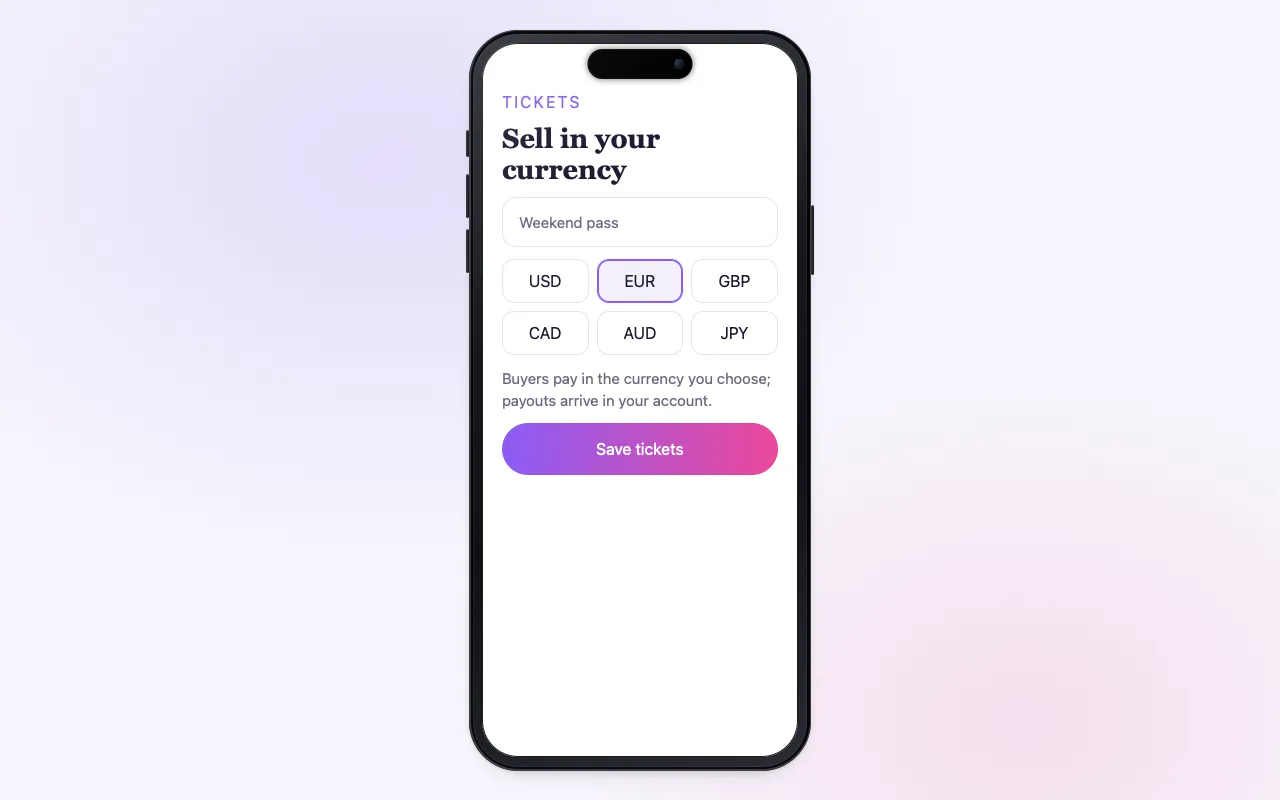
Sell globally, in your own currency.
Choose the currency for each event, and BrightStar presents it clearly to buyers wherever they are, in their language.
Sign upIncluded on every plan, Free included.
Sell globally, in your own currency.
Choose the currency for each event, and BrightStar presents it clearly to buyers wherever they are, in their language.
Sign upIncluded on every plan, Free included.
International without the friction
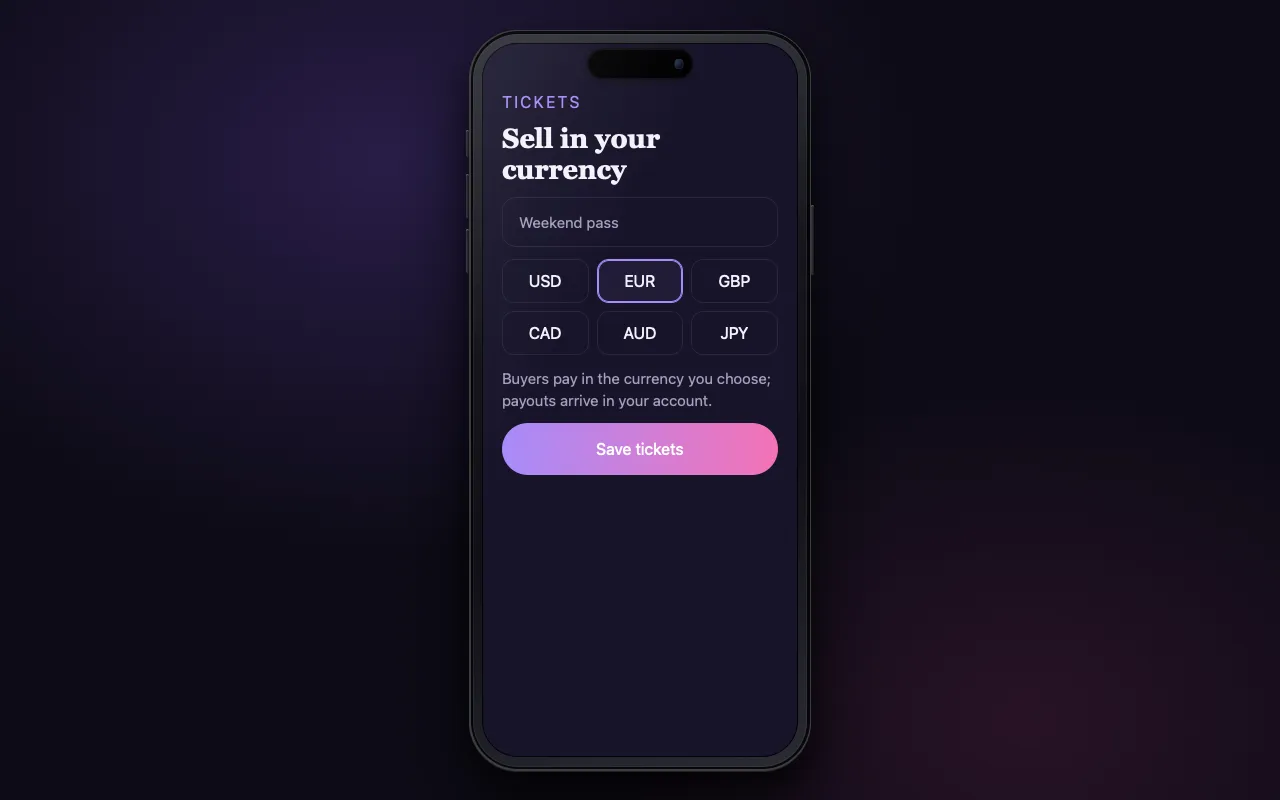
A currency per event
Price your Bali retreat in one currency and your hometown class in another.
Seven languages
Pages in English, Spanish, German, French, Portuguese, Italian and Japanese; a visitor’s choice is remembered.
Emails that fit
Confirmation emails go out in the language of the event’s country.
How it works
Choose the currency
Pick it when you create the event.
Set your prices
Buyers see them formatted the way they read money.
Report per currency
Your totals stay in each currency, never blended.
Loved by artists and organizers
“Not only does BrightStar offer a powerful software platform that has worked very well for my events, but their client support is the best. Their communication is personal, heart-centered, and always thoughtful.”

Peter KaterTwo-Time Grammy Winner (Client Since 2014)
“For nearly two decades, Akal (owner of BrightStar) has been lending his skills and talents in support of the Bhakti movement. His platform uniquely serves our movement with authenticity and heart. The technology also rocks!”

Jai UttalGrammy Nominee (Client Since 2014)
“We've been so happy with the outstanding customer service that we've received while working with BrightStar, and feel great about supporting a company that is authentically committed to the ideals of higher consciousness.”

Eric ForbisFounder, BuddhaFest (Client Since 2012)
Questions organizers ask
Can I sell different events in different currencies?
Yes. Each event has its own currency.
Do buyers see prices converted to their currency?
No. Buyers pay in the event’s currency; their card handles any conversion.
Which languages are supported?
English, Spanish, German, French, Portuguese, Italian and Japanese.
Can I sell to guests around the world?
Yes. Pages, checkout and emails speak seven languages, each event keeps its own currency, and payments run through Stripe in the countries it supports. Learn more
Read more
Gatherings cross borders
This field has always travelled. A teacher based in California leads a retreat in Portugal. A kirtan artist tours Germany, Switzerland and the United Kingdom in one month. A center in Canada welcomes guests from the United States. Selling tickets for these gatherings should not require a different system in each country. On BrightStar each event is sold in the currency that suits it, and the pages around it speak the visitor’s language.
A currency for each event
You choose the currency when you create the event. It is a property of that event, not of your account, so one organizer can hold a class priced in dollars and a retreat priced in euros at the same time. All ticket types, add-ons and rooms of an event are priced in its currency.
Which currencies
The currency list covers the money most used in this field, among them US dollars, Canadian dollars, euros, British pounds, Swiss francs, Swedish kronor and Australian and New Zealand dollars. The currencies offered are those that work reliably through checkout from start to finish.
How buyers see prices
Prices are formatted the way readers of that currency expect, with the right symbol, separators and decimals. A visitor from another country sees the event’s own currency, clearly labelled. There is no guessing about what will be charged.
No conversion by BrightStar
BrightStar does not convert prices into the visitor’s home currency. The buyer pays in the event’s currency, and if their card is in another currency, their card issuer or payment provider converts the amount at its own rate. This is how international card payments normally work, and it means the price you set is the price that is charged.
How you are paid
Sales are processed by Stripe and paid into your own Stripe account. How a currency is settled to your bank, and whether Stripe converts it on the way, depends on your Stripe account and the bank accounts you have added there. If you regularly sell in a currency other than your home one, look at Stripe’s settings for settlement currencies.
Fees in the event’s currency
Platform fees and card processing are calculated in the currency of the event. The pricing page lists the rates. A free order has no fees in any currency.
Reports that do not blend
Each event’s figures are reported in its own currency. If you host in more than one, your totals are shown per currency, side by side. They are never added together, because adding euros to dollars produces a number that is not true in either.
Seven languages
The public site, event pages, checkout and buttons are available in English, Spanish, German, French, Portuguese, Italian and Japanese. A visitor chooses their language once and the choice is remembered. Each page tells search engines about its other language versions, so that people are sent to the one they read.
Your own words stay yours
The frame is translated; your content is not altered. The title and description you write appear as you wrote them. If your guests come from two language groups, write your description in both, one after the other.
Emails in the right language
Confirmation emails are sent in the language of the country where the event takes place, so a guest booking a workshop in Italy receives an Italian confirmation. The tickets and their QR codes are the same in every language.
Choosing the right currency
Price in the currency of the place where the event happens, or of the audience you mainly expect. A retreat in Bali attended mostly by Europeans is reasonably priced in euros. A tour is best set up as one event per city, each in its local currency. Avoid changing currency after tickets have been sold.
Tax and invoices
Selling across borders can raise tax questions, such as VAT on tickets in the country of the event. BrightStar does not give tax advice. Ask an accountant who knows the countries involved, and state on your page whether prices include tax.
Selling worldwide
Organizers can connect a Stripe account from the countries Stripe supports. Together, languages, currencies and Stripe’s reach mean that a host in one country can welcome guests from many. Multi-currency is part of every plan, including Free.
An example of a tour
A musician plays Berlin, Zurich, London and Stockholm in one month. Each concert is its own event: Berlin priced in euros, Zurich in Swiss francs, London in pounds, Stockholm in kronor. Each audience sees prices in the money they use every day, and each confirmation email is written in the language of the country where that concert takes place. In the organizer’s dashboard the four events show their sales in four currencies, side by side.
An example of a destination retreat
A teacher in Colorado hosts a retreat in Portugal. Most of her guests are American, some are European. She prices it in dollars, because that is what most of her guests think in, and says so on the page. European guests pay in dollars and their cards convert the amount. Had her audience been mostly European, euros would have been the kinder choice. The right currency is the one that asks the fewest guests to do arithmetic.
Questions guests ask
Will I be charged in my own currency? You are charged in the event’s currency; your card converts it if needed. Why is the page in my language but the description is not? The page frame is translated; the organizer’s own text is shown as written. Can I pay with a local method? Stripe offers payment methods according to the buyer’s country and the order, in addition to cards.
Payments, powered by Stripe
Every ticket is paid through Stripe into your own Stripe account, with the ways of paying your buyers already use.
See the feature →Buy now, pay later
Guests can spread the cost of a bigger ticket with Klarna, Afterpay, or Affirm, and you receive the full amount when they book.
See the feature →Apple Wallet tickets
Buyers add their tickets to Apple Wallet in one tap, and the door scans the pass like any ticket.
See the feature →Sell worldwide
Pages, checkout and emails in seven languages, a currency for each event, and payments through Stripe wherever it works.
See the feature →Ticket Categories
Group your ticket types into clear categories, so buyers see the shape of your event and find their ticket fast.
See the feature →Rooms and stays
Guests choose their room as they buy their ticket, and every bed is counted so nothing is sold twice.
See the feature →See allThere is more to see.