Connect BrightStar to your whole stack.
Your ad pixels see every step from page view to purchase, and Zapier carries your buyers into the tools you already use.
Sign upIncluded on every plan, Free included.
Connect BrightStar to your whole stack.
Your ad pixels see every step from page view to purchase, and Zapier carries your buyers into the tools you already use.
Sign upIncluded on every plan, Free included.
Your stack, finally in sync
Meta Pixel, end to end
Browser pixel and Conversions API, deduplicated by a shared event ID, behind the consent banner.
Zapier for the rest
New Buyer, New Attendee and Refund triggers reach your newsletter tool, CRM or team chat through Zapier.
No code
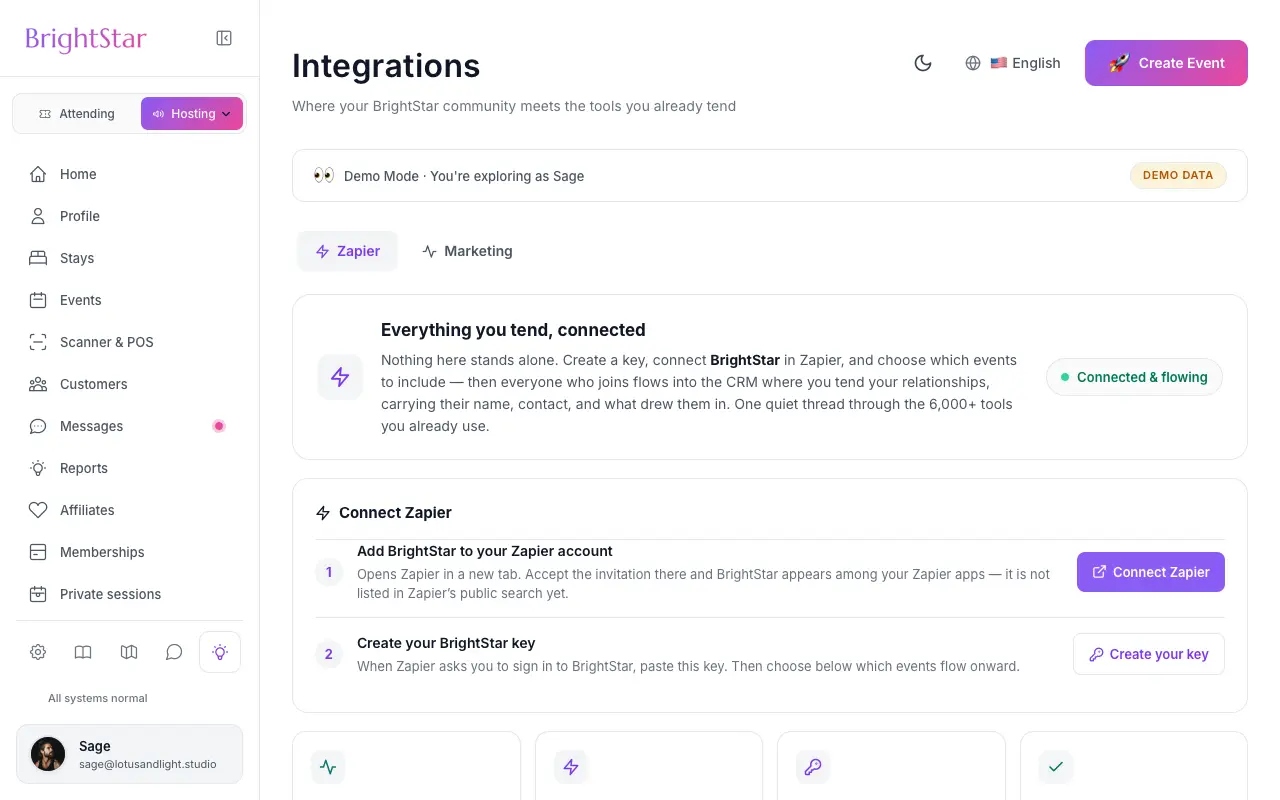
Paste an ID or key in the Integrations tab and switch tracking on per event.
How it works
Connect once
Drop in your pixel ID, add your Conversions API token, or connect Zapier.
Choose what tracks
Switch pixel tracking on or off per event.
Watch it fire
PageView, ViewContent, AddToCart, InitiateCheckout and Purchase reach your platforms.
Loved by artists and organizers
“Not only does BrightStar offer a powerful software platform that has worked very well for my events, but their client support is the best. Their communication is personal, heart-centered, and always thoughtful.”

Peter KaterTwo-Time Grammy Winner (Client Since 2014)
“We've been so happy with the outstanding customer service that we've received while working with BrightStar, and feel great about supporting a company that is authentically committed to the ideals of higher consciousness.”

Eric ForbisFounder, BuddhaFest (Client Since 2012)
“For nearly two decades, Akal (owner of BrightStar) has been lending his skills and talents in support of the Bhakti movement. His platform uniquely serves our movement with authenticity and heart. The technology also rocks!”

Jai UttalGrammy Nominee (Client Since 2014)
Questions organizers ask
Which pixels can I add?
Meta (with the Conversions API), Google analytics, tag manager and ads, TikTok, Snapchat, Pinterest, X, LinkedIn, Nextdoor and Segment.
Are my secret keys safe?
Yes. Keys are sealed at rest and never sent to a page.
What can Zapier do?
It receives New Buyer, New Attendee and Refund triggers, so you can reach the apps you already use.
Read more
Your tools, kept in step with your ticket sales
Most organizers already use a few tools around their events: an advertising account, an analytics property, a newsletter service, a spreadsheet. Ticketing is where the most valuable signal is created, the moment someone actually books. The Integrations tab in your dashboard is where that signal is passed on, so that your advertising can learn from real purchases and your other tools hear about new buyers without anyone copying data by hand.
Your own pixels and tags
You can add your own tracking IDs for the major advertising and analytics platforms: Meta, Google’s analytics, tag manager and ads, TikTok, Snapchat, Pinterest, X, LinkedIn, Nextdoor and Segment. You paste the ID once in the Integrations tab. From then on your event pages and checkout report to your own accounts, and the data belongs to you in those accounts.
The whole journey, not only the page view
A pixel that only sees page views cannot tell an advertising platform which visitors became buyers. BrightStar reports each step: a page view, viewing the event, adding tickets to the cart, starting checkout and completing a purchase. With that, your ad platform can optimize toward people who buy, and your reports there can show what your campaigns earned.
Meta Pixel with the Conversions API
For Meta, BrightStar sends events from the visitor’s browser and, in parallel, from the server through the Conversions API. Browsers increasingly block or lose pixel events, so the server-side copy fills the gaps. Each pair carries the same event ID, which is how Meta recognizes them as one event and does not count a purchase twice. You add your pixel details once; nothing needs to be coded.
Consent comes first
Tracking on BrightStar runs behind the consent banner. A visitor who declines advertising and analytics cookies is not tracked by your pixels. This is how the privacy rules in many countries expect it to work, and it protects you as much as your visitors. It also means the numbers in an ad platform will always be somewhat lower than your real sales; your BrightStar dashboard remains the complete record.
Secrets are sealed
Some connections need a secret, such as a Conversions API token. Secrets are stored sealed and are never sent to a web page after you save them. Pixel IDs, which are public by nature, are the only values that appear in a page.
On or off for each event
Tracking is on for your events by default once an ID is saved, and you can switch it off for any single event. An organizer might run pixels on a public festival and leave them off for a private gathering or one where discretion matters.
Zapier
For everything else there is Zapier. BrightStar provides three triggers: New Buyer, when an order is completed; New Attendee, for each ticket holder; and Refund. From a trigger you can build your own automations in Zapier: add the buyer to your newsletter service, append a row to a spreadsheet, notify a channel, create a contact in your CRM. If a tool connects to Zapier, your ticket sales can reach it.
Payments are already integrated
Payments need no integration work from you beyond connecting your Stripe account. Cards, Apple Pay and Google Pay, and pay-over-time options such as Klarna and Affirm where Stripe offers them, appear in checkout automatically, and every sale is paid into your own Stripe account.
Exports for anything else
Not every tool needs a live connection. Your orders, attendees and customers export to CSV at any time, and scheduled reports can deliver a file to an inbox on a rhythm. For a bookkeeper or a mailing house, a clean file each week is often better than an integration.
Setting it up
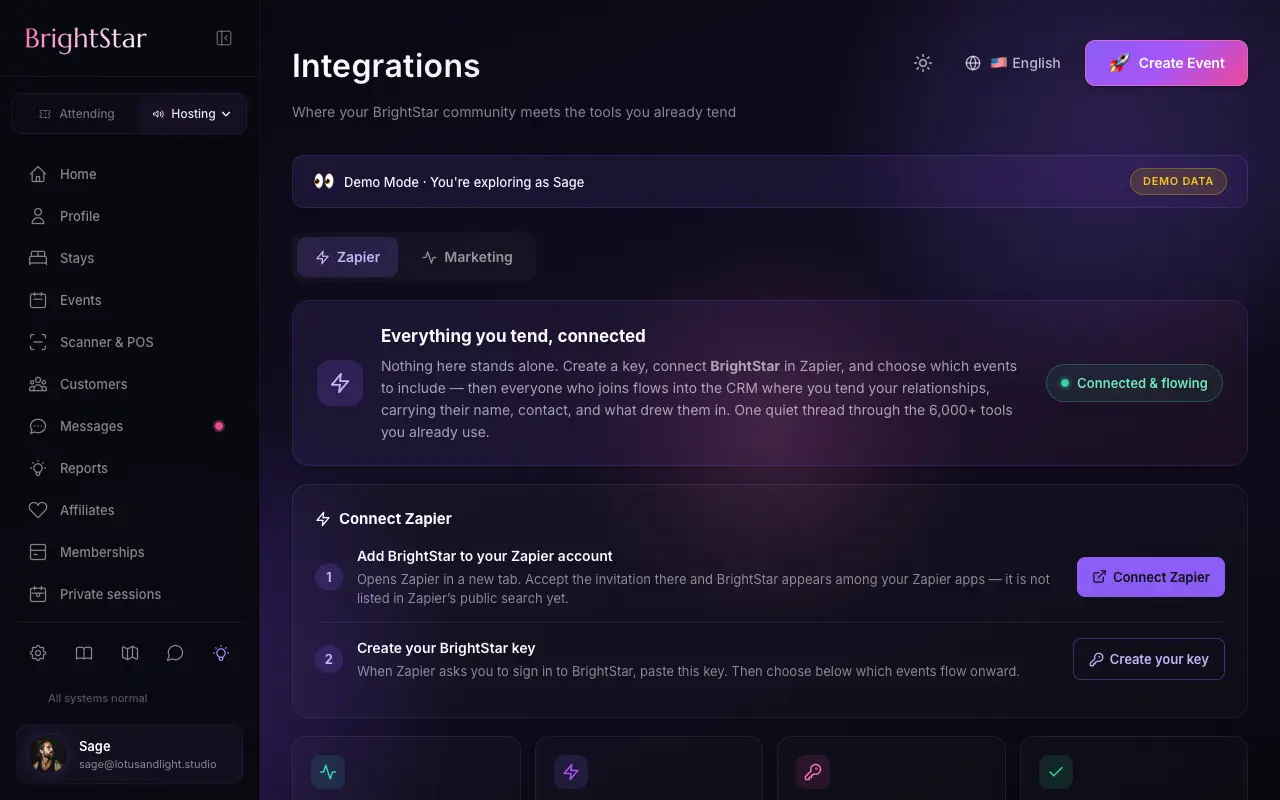
Open the Integrations tab. For a pixel, paste the ID, save, and load one of your event pages to confirm in your ad platform’s own testing tool that events arrive. For Meta, check in its events tool that browser and server events are both arriving and being matched. For Zapier, create a Zap that starts with a BrightStar trigger and follow Zapier’s steps.
Good practice
Add only the pixels you actually use; each one is another script for your visitors’ browsers. Tell your visitors what you track in your own privacy notice. When you export buyers into a newsletter tool, respect the email choices people made, and give them a way to unsubscribe from your list.
What it does not do
BrightStar does not run your ad accounts through these connections; they pass data to accounts you manage. If you would like advertising to be run for you, that is what Amplify offers. Pixels and Zapier are available from the Integrations tab on every plan, including Free.
An example
A retreat organizer runs her own Instagram ads. She pastes her pixel into the Integrations tab. Now her ad account can see which visitors started checkout and which completed it, and she builds an audience of people who viewed the retreat but did not book. Separately she creates one Zap: every new buyer is added to the “Retreat guests” group in her newsletter tool. From then on, she never copies an email address by hand again.
Maestro
Maestro works in your dashboard: ask in your own words, check the change on one card, tap to apply.
See the feature →Message Center
One inbox on every plan. Automatic replies with Pro and Amplify.
See the feature →Ticket Scanner
One app for the door: download BrightStar Organizer, sign in with your team login, pick the event and scan.
See the feature →Team access
Invite the people who run your events with you, give each one a role, and keep money and buyer details to those who need them.
See the feature →Email Sequences
Confirmations go out the moment someone buys, and timed reminders keep your event in mind until the day.
See the feature →AI FAQ Assistant
Your event page carries its own questions and answers, and an assistant on the page answers the rest from your event’s details.
See the feature →See allThere is more to see.