Facebook and Instagram ads, run for you.
Set a daily budget and BrightStar runs ads built from your event to the people most likely to come.
Sign upIncluded on Amplify.
Facebook and Instagram ads, run for you.
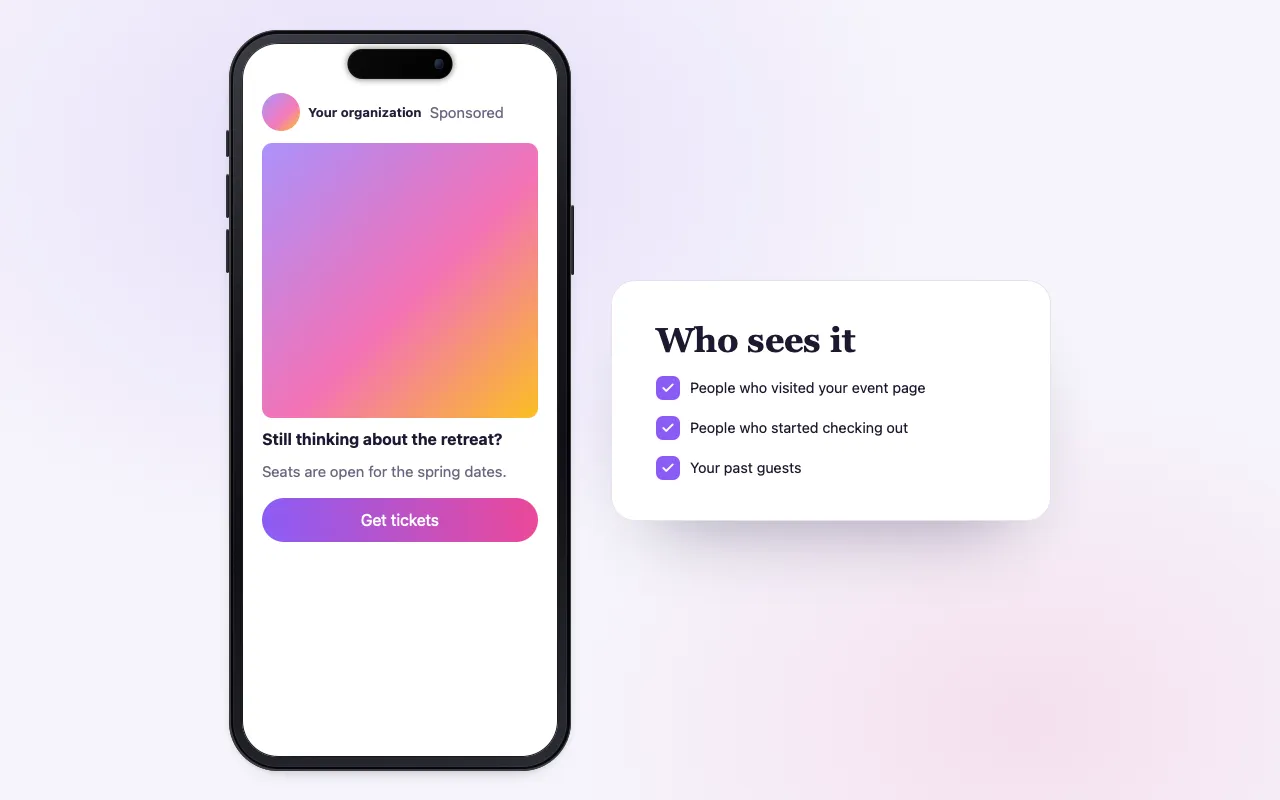
Set a daily budget and BrightStar runs ads built from your event to the people most likely to come.
Sign upIncluded on Amplify.
Ads without an ad agency
No ad account needed
Ads run from BrightStar’s account, with creative from your event’s image, title and details.
The right people
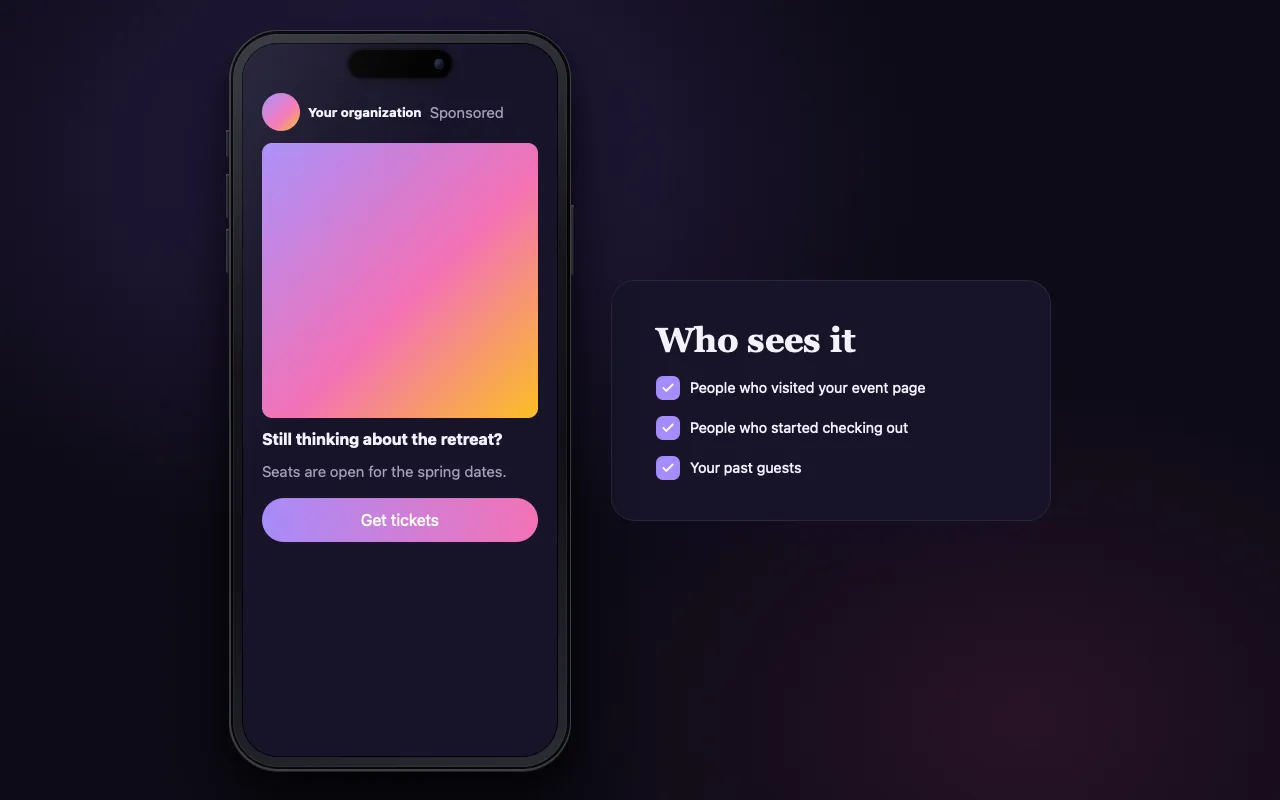
Your past buyers and people who viewed the event page, within your event’s area.
Sales you can see
“Sales from your ads” shows tickets and revenue booked after an ad click.
How it works
Set your budget
Choose a daily amount on the event’s Amplify tab.
Ads launch
They go live once ready; add an optional Reels video of your own.
Watch the results
Follow the sales from your ads, and pause any time.
Loved by artists and organizers
“BrightStar has been supporting my concerts since the very beginning of my career and played a pivotal role in growing my audience sizes. Their loyalty and dedication to both artists and event organizers is exemplary, as is their professionalism.”

Snatam KaurGrammy Nominee (Client Since 2005)
“BrightStar is a close friend and ally with The Shift Network and has been invaluable in helping us bring attention to our programs. We share common spiritual values focused on uplifting humanity. BrightStar combines professional marketing expertise with heart-centered service.”

Philip HellmichDirector of Peace, The Shift Network (Client Since 2012)
“For nearly two decades, Akal (owner of BrightStar) has been lending his skills and talents in support of the Bhakti movement. His platform uniquely serves our movement with authenticity and heart. The technology also rocks!”

Jai UttalGrammy Nominee (Client Since 2014)
Questions organizers ask
Do I need experience with Meta ads?
No. BrightStar builds and runs the ads. You set the budget and can pause at any time.
Who sees my ads?
Your own past buyers and people who viewed your event page with tracking consent, within the event’s area.
How is the ad budget charged?
You set a daily budget; it is charged day by day before it is spent, and Pause stops it.
Which plan includes it?
Meta Retargeting is part of Amplify. Ad spend is separate and set by you.
Read more
Advertising without becoming an advertiser
Facebook and Instagram are where much of this community spends its time, and advertising there works when it reaches the right people. Doing it yourself means a business account, a pixel, audiences, creative formats, a billing setup and a dashboard built for professionals. Most organizers either avoid it or spend money on the wrong audience. With Amplify, BrightStar runs these ads for your event. You decide how much to spend each day; the rest is done for you.
No ad account of your own
The ads run from BrightStar’s own advertising account. You do not create a business manager, install a pixel or give Meta a payment method. This also means the audiences that make the ads effective, which take time and traffic to build, are available to your event from its first day.
Ads made from your event
The advertisements are composed from what you have already entered: your event’s image, its title, its date and place and its description. Several versions are prepared, for the feed and for Stories, each approaching the event from a different angle, such as the invitation itself, the people on the line-up, or the experience. If you have a vertical video of your own, you can add it for Reels and Stories.
Who sees the ads
The ads are shown to warm audiences: people with a reason to care. Your own past buyers. People who have viewed your event page and allowed tracking. And people nearby who are already connected to BrightStar through gatherings like yours. The ads are not sprayed at strangers chosen by interest keywords. Reaching people who already know you, or already go to such gatherings, is what makes a modest budget go a long way.
Where they are shown
The area depends on the kind of gathering. For a local event, an evening or a day in one place, ads are shown within a radius around the venue. For a retreat or another event people travel to, they are shown across the countries your guests are likely to come from. For an online event, the area is wider still. You can see who the ads are set to reach and adjust the radius.
Your budget
You set a daily budget and the dates, on the event’s Amplify tab. There is a recommended amount based on your event, and the choice is yours. The budget is charged to your card day by day, before that day’s advertising runs, so you are never billed for a large sum in arrears. Advertising spend is separate from your ticket fees.
Launch
You do not submit anything for approval. Once your event is published with an image, a budget and the details the ads need, they are prepared and go live automatically. Your Amplify tab shows what will run and when.
Pause at any time
Pause stops the campaign. No further days are charged and the ads stop being delivered. You can resume later. This is useful if an event sells out early, or if you want to hold your budget for the final weeks.
Sales from your ads
The Amplify tab shows “Sales from your ads”: the tickets and revenue from orders booked within seven days of someone clicking one of your ads, in your event’s currency. It appears beside what was spent. This is a deliberately plain measure: orders that followed a click. It does not claim credit for people who merely saw an ad.
What to expect
We do not promise a return. Results depend on your event, your price, how many people already know you, and how far ahead you start. As a rule, advertising amplifies an event that people already want; it rarely rescues one that has not found its audience. Starting several weeks before the date gives the ads time to work.
Getting the most from it
Use a strong, uncluttered image; it is the advertisement. Make sure your title says what the gathering is. Complete your description and line-up, since the ad copy draws on them. Add a vertical video if you have one. And check your event page as a stranger would, because that is where every click lands.
Working alongside email
On Amplify, ads are one channel. The same campaign can send emails about your event to your past buyers and to nearby people on BrightStar’s list. Someone who sees an ad on Monday and an email on Thursday has been reminded twice by the time they decide.
Privacy
Page visitors are included in ad audiences only when they allowed tracking in the consent banner. Your customer list is not shared with other organizers.
Where it is included
Facebook and Instagram advertising is part of Amplify, BrightStar’s plan with marketing done for you. You choose Amplify for the events you want to promote, not for your whole account.
Verified Buyer Network
Your event is promoted to nearby people who buy tickets to events like yours, not a purchased list.
See the feature →Outbound Email Marketing
BrightStar writes and sends email campaigns about your event to your past buyers and nearby people who go to events like yours.
See the feature →SEO & AI Search
Your event is published the way search engines and AI assistants read, the moment it goes live.
See the feature →Syndication
Your event is published in the formats search engines, AI assistants and social platforms read, and sales still come home to you.
See the feature →SMS & WhatsApp
Buyers who opt in get your event reminders by text or WhatsApp, on the same schedule as the emails.
See the feature →Event Sharing
Invite a partner by email and the event appears in their own dashboard, with only the access you give them.
See the feature →See allThere is more to see.