Stop guessing. Price with confidence.
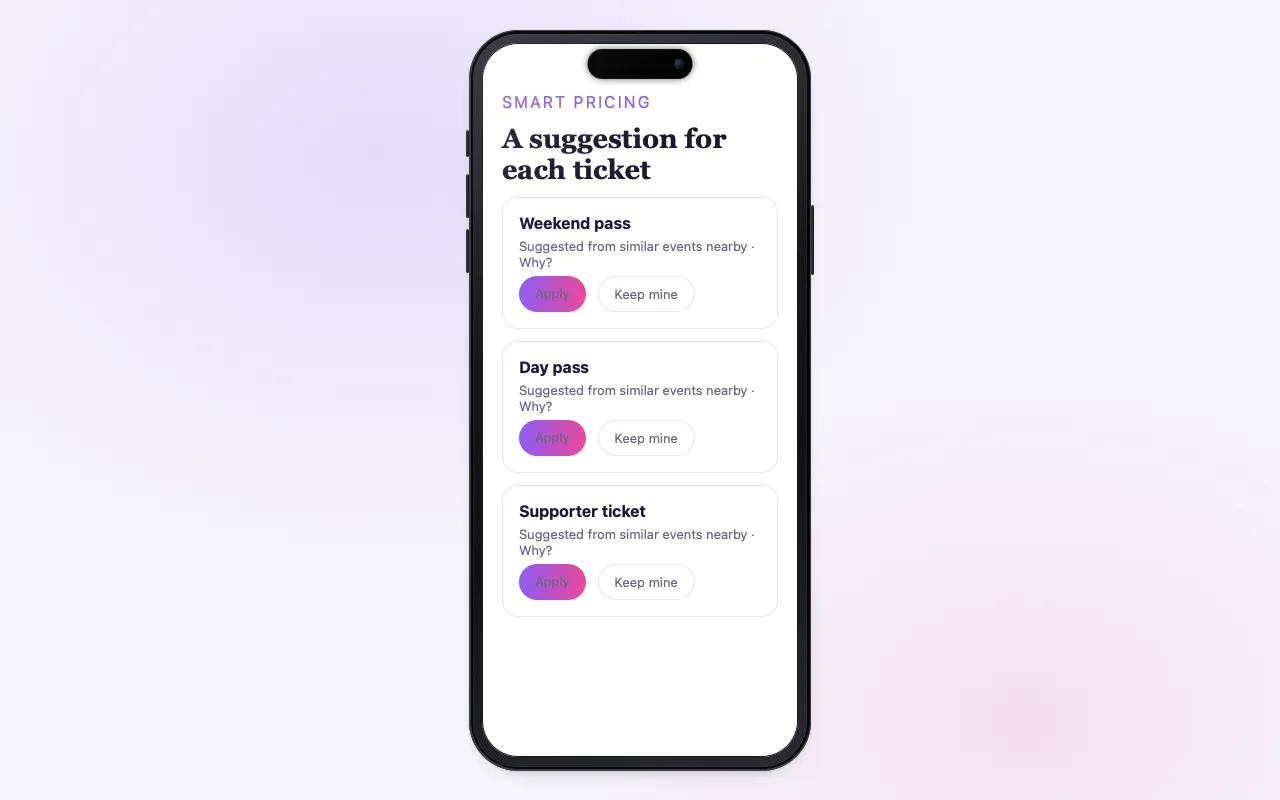
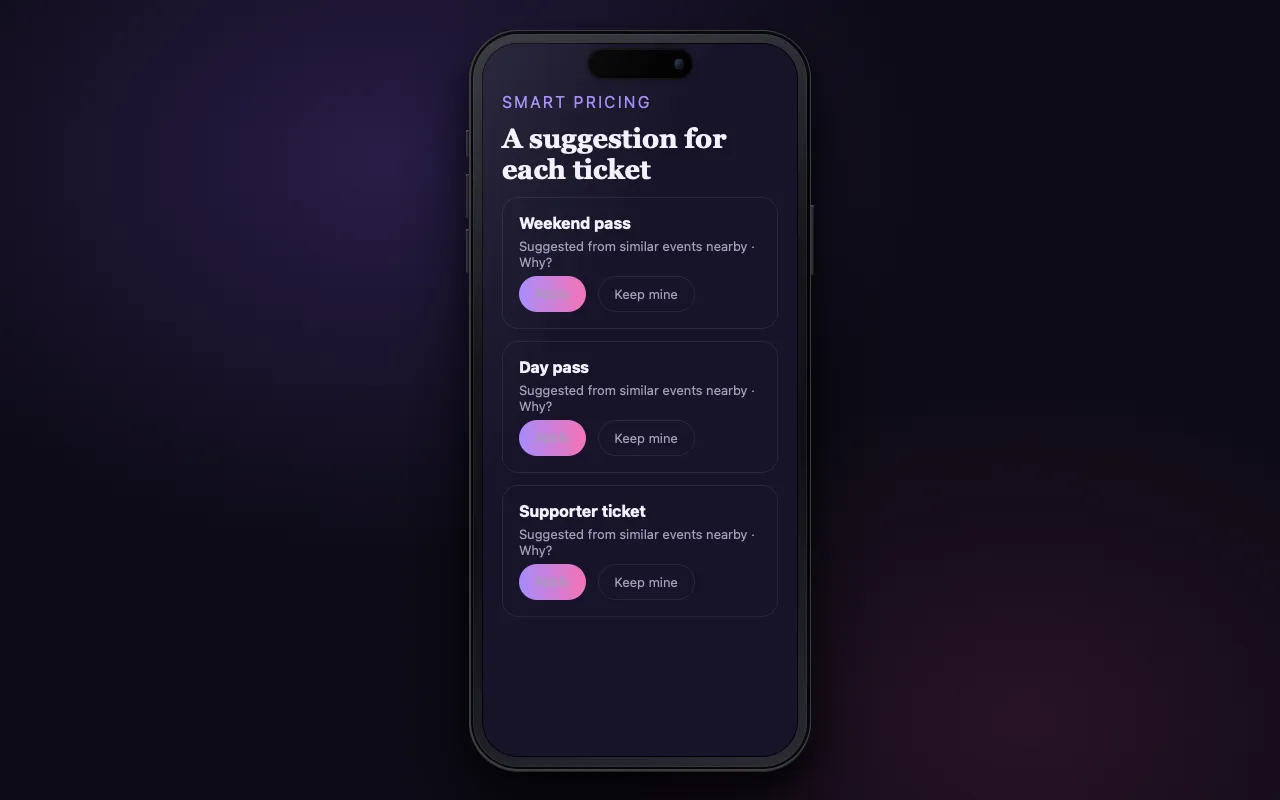
Get a suggested price for every ticket type, based on similar events near you, and decide for yourself.
Sign upIncluded on Pro and Amplify.
Stop guessing. Price with confidence.
Get a suggested price for every ticket type, based on similar events near you, and decide for yourself.
Sign upIncluded on Pro and Amplify.
A second opinion on price
Grounded in real events
Published events in your category, your city first, plus an AI read of your event.
Reasons you can read
Each suggestion comes with its reasoning, a confidence and the market range.
You always decide
Apply one suggestion or all of them. Nothing changes until you do.Apply one suggestion or all of them.
How it works
Describe your event
Add your ticket types in the wizard as usual.
See the suggestions
A price per ticket type, with comparable events.
Apply what fits
One click to accept, or keep your own price.
Loved by artists and organizers
“For nearly two decades, Akal (owner of BrightStar) has been lending his skills and talents in support of the Bhakti movement. His platform uniquely serves our movement with authenticity and heart. The technology also rocks!”

Jai UttalGrammy Nominee (Client Since 2014)
“Not only does BrightStar offer a powerful software platform that has worked very well for my events, but their client support is the best. Their communication is personal, heart-centered, and always thoughtful.”

Peter KaterTwo-Time Grammy Winner (Client Since 2014)
“We've been so happy with the outstanding customer service that we've received while working with BrightStar, and feel great about supporting a company that is authentically committed to the ideals of higher consciousness.”

Eric ForbisFounder, BuddhaFest (Client Since 2012)
Questions organizers ask
How does it work?
It looks at comparable published events in your category and area and reads your event, then suggests a price for each ticket type.
Can I override the suggestions?
Always. They are suggestions; your prices change only when you apply one.
Which plans include it?
Smart Pricing is on Pro and Amplify.
Read more
The hardest number to choose
Price is the decision organizers agonize over most. Too high, and the room is half empty. Too low, and you cannot pay the musicians, or you fill in a day and wonder what you gave away. Most hosts set a price by looking at what a few others charge and adding a guess. Smart Pricing does that looking for you, systematically, and offers a suggested price for each of your ticket types, with its reasons. It is a second opinion, not an autopilot.
Where it appears
Smart Pricing is a step in creating your event. After you have described the event and added your ticket types with your first idea of their prices, you can ask for an analysis. It takes a moment and returns suggestions on the same screen.
What it looks at
The analysis starts from published events on BrightStar in the same category as yours, looking first at your own city where there are enough of them. To this it adds an AI reading of your own event: what kind of gathering it is, how long it lasts, who is offering it, what is included. A two-hour evening and a five-day immersion are not compared as if they were the same thing.
What you get back
For each ticket type you receive a suggested price, a short explanation of the reasoning, and an indication of how confident the suggestion is. You also see the comparable events it was drawn from and the range of prices in that market. The reasoning is there to be read and disagreed with.
You decide
Nothing changes unless you say so. You can apply a single suggestion with one tap, apply them all, or ignore them. A suggestion you apply can still be edited afterwards. The analysis never writes a price by itself, and it never changes a price after your event is on sale.
What it does not do
We want to be exact here, because the phrase “smart pricing” is sometimes used for something else. This feature does not raise or lower your prices automatically as tickets sell. It does not charge different buyers different prices. It gives you suggestions at the moment you set your prices. What happens after that is in your hands.
Reading a suggestion sensibly
A suggestion is as good as the comparison behind it. Where many similar events exist in your city, it rests on firm ground, and the confidence will say so. Where your gathering is unusual, or there are few comparable events nearby, treat the figure as a starting point. You know things the analysis cannot: the size of your following, the cost of your hall, what your community can afford.
Price and accessibility
A market price is not always the right price. Many hosts in this field set a standard price close to the market and add ways for people with less to come: a sliding scale ticket, a few pay-what-you-can places, an early price for those who commit ahead. Smart Pricing helps with the standard price; the other tools carry your values.
Early prices by hand
If you want an early-bird price, you can create it as its own ticket type with sale dates, so that it opens and closes by itself, with the regular ticket taking over afterwards. Discount codes offer another route. These are decisions you set up deliberately, in advance, and buyers can see exactly what applies.
When to use it
It is most useful when you are doing something for the first time: a new format, a new city, a first retreat. It is also worth running when you have priced the same way for years, simply to see where you sit against comparable events.
A few principles
Round prices read more honestly than prices ending in nines. Fewer ticket types sell better than many. If you offer tiers, make the difference between them obvious. And say what the price includes: a ticket that names the meal, the materials or the concert it covers needs less defending.
After the event
Your own results are the best data you will ever have. Sales by Ticket Type shows which price points sold and how quickly. If the cheapest type sold out in a day and the dearest barely moved, next time’s prices are already half decided.
Where it is included
Smart Pricing is part of Pro and Amplify.
An example
A sound healer is planning her first evening in a new city and intends to charge what she charges at home. She asks for an analysis. It shows the comparable evenings on BrightStar in that city, with the range of prices they are sold at, and suggests a figure somewhat below her own, with moderate confidence and its reasoning: more comparable events, and lower typical prices. She applies the suggestion for her standard ticket, keeps her own price for a small supporter ticket, and adds a few pay-what-you-can places.
Questions organizers ask
Does it see my past sales? The suggestions rest on published comparable events and a reading of your own event. Will it change my prices later? No. Can I run it again? Yes, for instance after changing your ticket types. What if I disagree? Keep your price; you know your community.
Ticket Categories
Group your ticket types into clear categories, so buyers see the shape of your event and find their ticket fast.
See the feature →Coupon Codes
Codes that open and close on your event's own clock, cover only the tickets you choose, and show you what each one sold.
See the feature →Assigned Seating
Buyers pick their exact seat from a clear, live map, and the seat is theirs the moment they pay.
See the feature →Embed Widget
Paste one snippet on your site and buyers choose tickets and pay right there, without being sent away.
See the feature →Waitlist
Your event page captures interest at every stage, from before tickets open to after it sells out, and follows up for you.
See the feature →Custom Questions
Add your own questions to checkout and every answer arrives tied to the right attendee, ready to export.
See the feature →See allThere is more to see.