Publish once, be found everywhere.
Your event is published in the formats search engines, AI assistants and social platforms read, and sales still come home to you.
Sign upIncluded on every plan, Free included.
Publish once, be found everywhere.
Your event is published in the formats search engines, AI assistants and social platforms read, and sales still come home to you.
Sign upIncluded on every plan, Free included.
Reach without the busywork
Search event results
Event structured data with offers lets search engines show your event in their event listings.
Easy to share
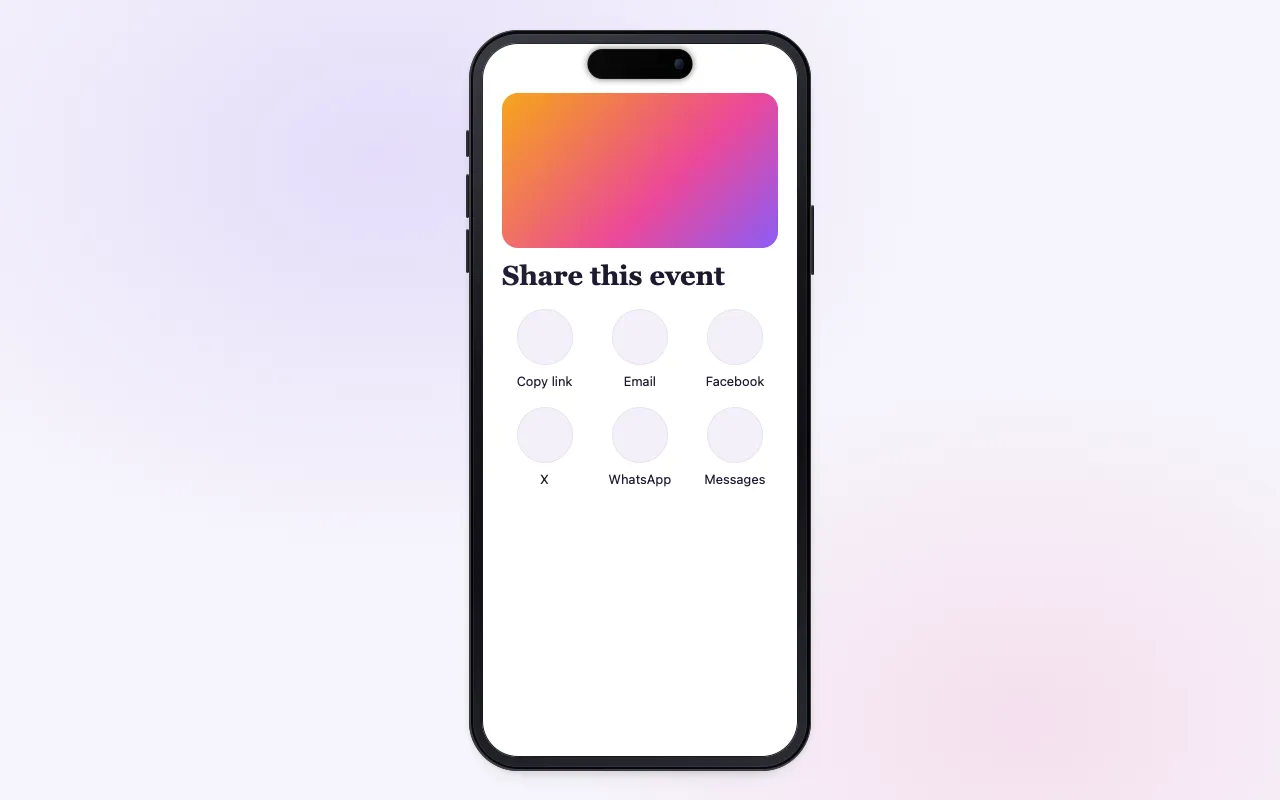
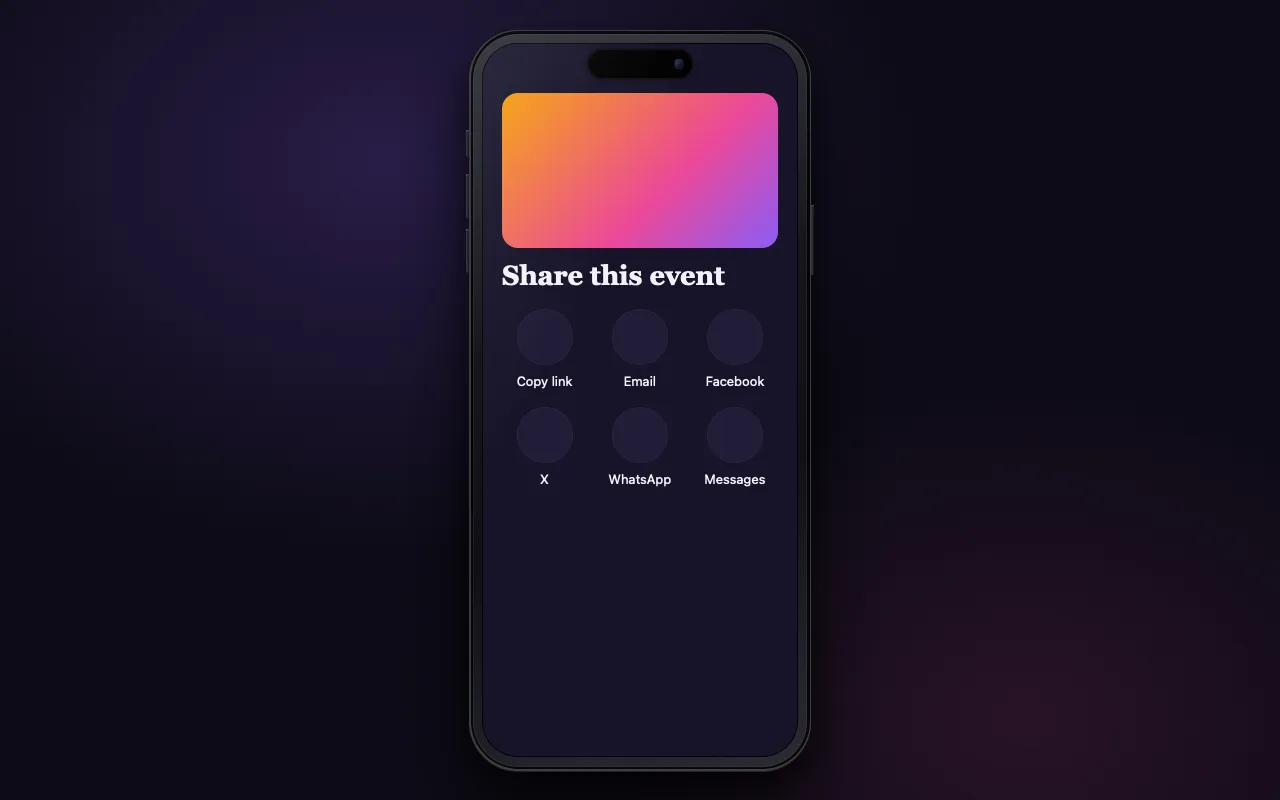
Share to Facebook, X, LinkedIn or email, with preview images, and add to calendar from the ticket.
On other sites
Embed your tickets on any website, and give partners a promote link of their own.
How it works
Publish your event
The markup, sitemap entry and previews are made.
Share it
From the page, or embed it where your audience already is.
Sell in one place
Every path leads back to your BrightStar event page.
Loved by artists and organizers
“BrightStar has been supporting my concerts since the very beginning of my career and played a pivotal role in growing my audience sizes. Their loyalty and dedication to both artists and event organizers is exemplary, as is their professionalism.”

Snatam KaurGrammy Nominee (Client Since 2005)
“BrightStar is a close friend and ally with The Shift Network and has been invaluable in helping us bring attention to our programs. We share common spiritual values focused on uplifting humanity. BrightStar combines professional marketing expertise with heart-centered service.”

Philip HellmichDirector of Peace, The Shift Network (Client Since 2012)
“For nearly two decades, Akal (owner of BrightStar) has been lending his skills and talents in support of the Bhakti movement. His platform uniquely serves our movement with authenticity and heart. The technology also rocks!”

Jai UttalGrammy Nominee (Client Since 2014)
Questions organizers ask
How do my events show up on Google?
Each event carries Event structured data, which search engines read for their event results.
Do you post to Bandsintown, Songkick or Facebook Events for me?
Not today. Share your event there with its link, and the sale comes back to your page.
Do ticket sales still go through BrightStar?
Yes. Every listing and share links back to your event page.
Read more
What syndication means here
Syndication is a large word for a simple wish: to enter your event once and have it appear wherever people look. Some platforms answer that wish by promising to push your listing onto a list of other sites. We want to be exact about what BrightStar does. It publishes your event in the open formats that search engines, AI assistants and social platforms read, and it gives you and your partners simple ways to carry it further. It does not post your event to other ticketing or listing sites for you.
Search engines’ own event results
The largest “other site” for most gatherings is the search engine. Search engines show events in dedicated listings, and they build those listings from structured data on the pages they read. Every event page on BrightStar carries that data, with the name, date, place, performers and ticket offers. This is the standard route by which an event becomes eligible for those listings, and it needs no action from you.
The sitemap and the AI guide
Your published event is included in BrightStar’s sitemap, the list of pages put before search engines. It is also included in the guide that BrightStar publishes for AI assistants, in the llms.txt format, which lists upcoming events with the artists, venues and organizers connected to them. As more people ask an assistant what is on this weekend, being in a form an assistant can read becomes a distribution channel of its own.
Sharing from the page
Every event page has a share button. It posts to Facebook, X or LinkedIn, opens an email with the link, or copies the link for a message. Wherever the link lands, it unfolds into a preview card with your image, the title and the date. You, your team, your performers and your guests all use the same button, so everyone’s post looks right.
Into your guests’ calendars
A guest who has booked can add the event to their own calendar from their ticket, in the event’s local time. It is a small thing that travels: a calendar entry is seen by the guest every time they look at their week, and is easily forwarded to a friend.
On other websites
With the embed widget, your tickets can appear on any website: your own, your venue’s, a partner studio’s, a sponsor’s. The widget shows live prices and availability and lets visitors buy in an overlay without leaving that site. This is the most direct form of syndication there is, because the visitor can act at once.
Through promoters
With the Affiliate Engine on Pro and Amplify, partners and supporters receive their own promote link for your event, with ready-made wording and an image. Each of them carries your event to an audience you do not reach yourself, and each booking is credited to the person who sent it.
On profiles and discovery pages
Inside BrightStar, your event appears in more than one place. It is listed on the category and city pages that match it, and on the profile of every artist, teacher and venue you have named. A touring musician’s followers see your date on the artist’s page without you doing anything.
Other listing sites
If your audience uses a particular listing site, such as Bandsintown, Songkick or Facebook Events, create your listing there and use your BrightStar event page as the ticket link. It takes a few minutes per site, and it keeps you in control of how the event is described in each place. We prefer to say this plainly than to imply an automatic connection that does not exist.
One place where tickets are sold
However your event travels, every route leads back to a single event page and a single checkout. That matters more than it may seem. With one source, there is one count of tickets remaining, one guest list and one set of reports. An event sold through several systems at once invites overselling and a door team working from two lists.
Updating once
Because shares, embeds and promote links all point at the same event, a change you make is seen everywhere the event itself is shown. If the start time moves, the page and the widget show the new time when you save. Listings you created by hand on other sites are yours to update.
A practical routine
On the day you publish: share the page from the share button to your own channels, send the link to every performer and ask them to post it, and give your venue the embed code or the link for their calendar. Create listings on the one or two outside sites your audience actually uses. A week later, post again with something new to say.
Where it is included
Structured data, the sitemap and AI guide, sharing, calendar files and the embed widget are part of every plan, including Free. Promote links are part of Pro and Amplify.
In short
BrightStar makes your event readable everywhere machines look and easy to pass along wherever people talk. The rest of distribution is still human: performers, partners and guests telling the people they know.
Meta Retargeting
Set a daily budget and BrightStar runs ads built from your event to the people most likely to come.
See the feature →Verified Buyer Network
Your event is promoted to nearby people who buy tickets to events like yours, not a purchased list.
See the feature →Outbound Email Marketing
BrightStar writes and sends email campaigns about your event to your past buyers and nearby people who go to events like yours.
See the feature →SEO & AI Search
Your event is published the way search engines and AI assistants read, the moment it goes live.
See the feature →SMS & WhatsApp
Buyers who opt in get your event reminders by text or WhatsApp, on the same schedule as the emails.
See the feature →Event Sharing
Invite a partner by email and the event appears in their own dashboard, with only the access you give them.
See the feature →See allThere is more to see.