Set it once. Teach all season.
Create a weekly class or series in one setup, and BrightStar keeps the dates coming and on sale.
Sign upIncluded on every plan, Free included.
Set it once. Teach all season.
Create a weekly class or series in one setup, and BrightStar keeps the dates coming and on sale.
Sign upIncluded on every plan, Free included.
Stop rebuilding the same class
Dates made for you
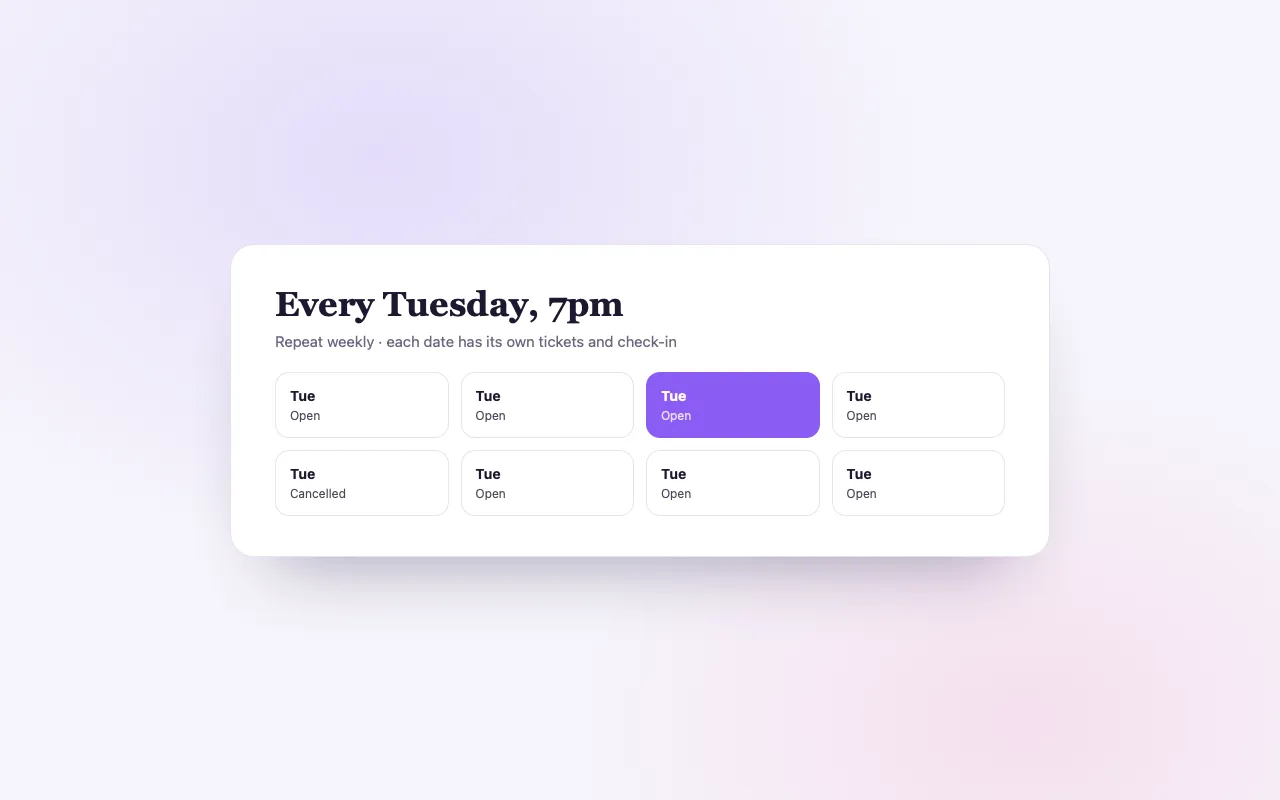
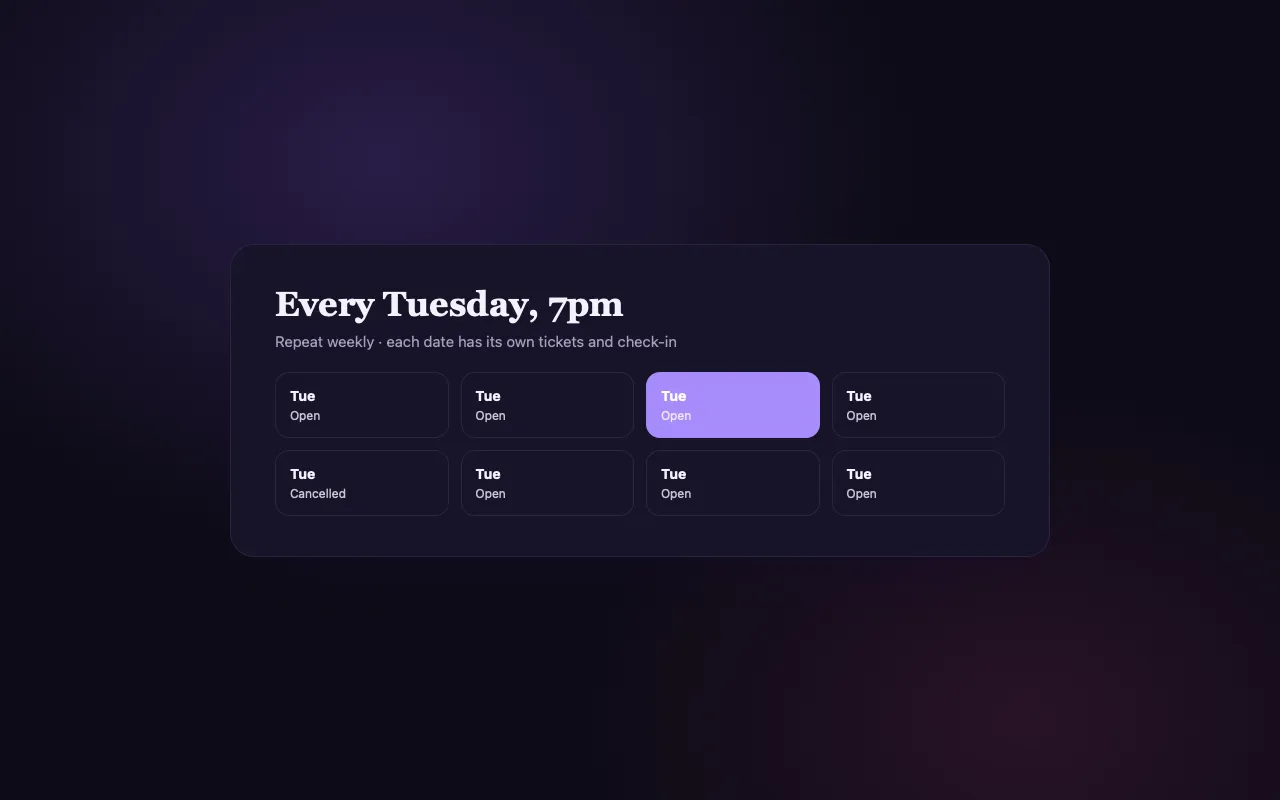
Every week, every two weeks or monthly, on the days you teach, kept on sale weeks ahead.
Each date its own event
Its own tickets, capacity, check-in, reminders and orders.
Edit how you need
Change this date only, this and later dates, or all upcoming dates.
How it works
Set your schedule
Pick the days, time, length and first and last class, or leave it ongoing.
Dates are created
With the same details and tickets, ready to sell.
Adjust any date
Change or cancel one without touching the rest.
Loved by artists and organizers
“BrightStar is a close friend and ally with The Shift Network and has been invaluable in helping us bring attention to our programs. We share common spiritual values focused on uplifting humanity. BrightStar combines professional marketing expertise with heart-centered service.”

Philip HellmichDirector of Peace, The Shift Network (Client Since 2012)
“For nearly two decades, Akal (owner of BrightStar) has been lending his skills and talents in support of the Bhakti movement. His platform uniquely serves our movement with authenticity and heart. The technology also rocks!”

Jai UttalGrammy Nominee (Client Since 2014)
“Not only does BrightStar offer a powerful software platform that has worked very well for my events, but their client support is the best. Their communication is personal, heart-centered, and always thoughtful.”

Peter KaterTwo-Time Grammy Winner (Client Since 2014)
Questions organizers ask
Can I edit individual dates?
Yes. Change one date, that date and the ones after it, or all upcoming dates. Booked dates keep their tickets.
Can I cancel one date?
Yes. A cancelled date stays cancelled while the series continues.
Do the dates run out?
No. Leave the last class empty and new dates keep being added ahead.
Rooms and stays
Guests choose their room as they buy their ticket, and every bed is counted so nothing is sold twice.
See the feature →Online Teaching
Run online classes and series beside your in-person events, with one audience and one dashboard.
See the feature →Private Sessions
Clients book free sessions from your profile today; paid sessions are opening soon.
See the feature →Online Summits
Bring speakers, sessions and passes together in one online event, and let every speaker help spread the word.
See the feature →Donations & Sliding Scale
Let attendees choose what they can pay within the range you set, or give freely, so no one is turned away because of money.
See the feature →Ticket Categories
Group your ticket types into clear categories, so buyers see the shape of your event and find their ticket fast.
See the feature →See allThere is more to see.