One link that keeps itself current.
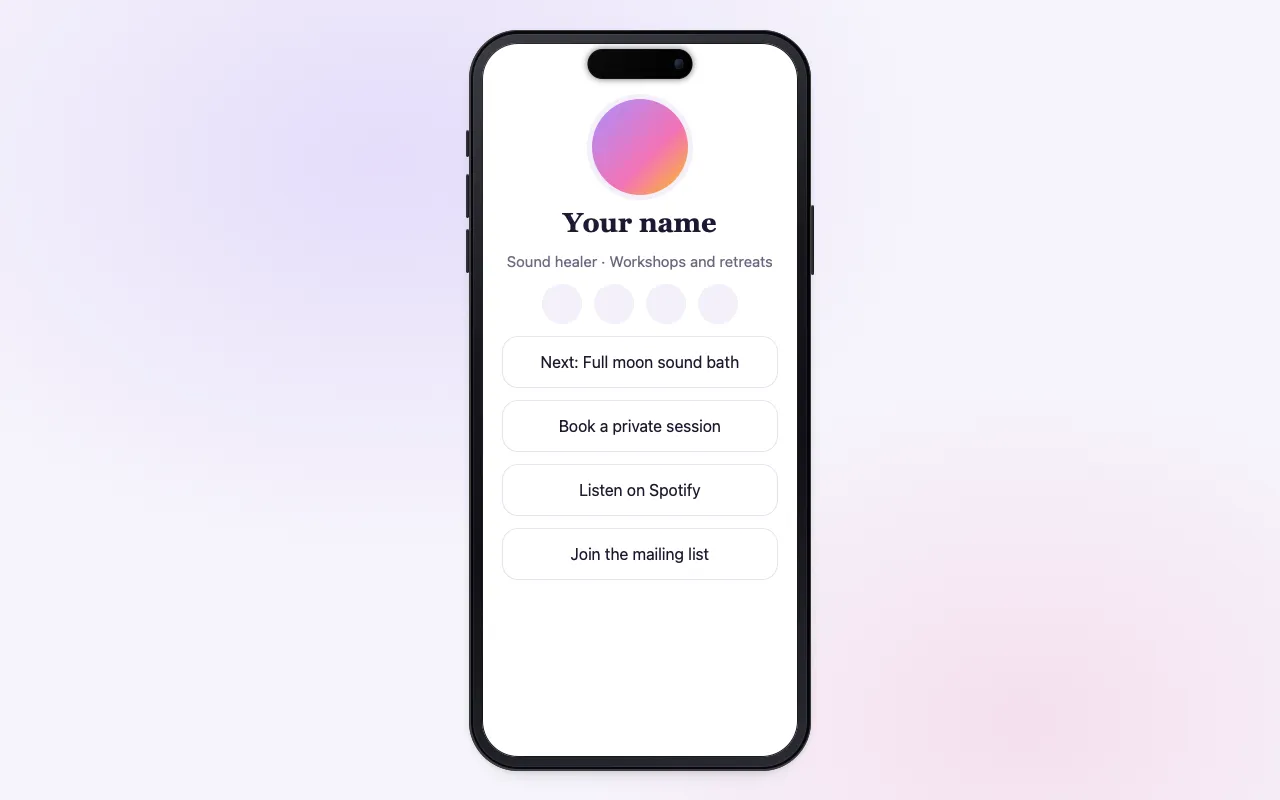
Your link-in-bio page shows your upcoming events as you add them, beside your bio and social links, free.
Sign upIncluded on every plan, Free included.
One link that keeps itself current.
Your link-in-bio page shows your upcoming events as you add them, beside your bio and social links, free.
Sign upIncluded on every plan, Free included.
More than a stack of buttons
Events that update themselves
New events appear and past ones drop off. You never edit a link.New events appear and past ones drop off.
Everything in one place
Photo, short bio and your social links in a clean row.
A step to your full profile
One tap opens your complete profile with everything you offer.
How it works
Create or claim your profile
Your link page comes with it.
Put it in your bio
Instagram, TikTok, YouTube, wherever people find you.
Keep hosting
Every event you add shows up there by itself.
Loved by artists and organizers
“BrightStar has been supporting my concerts since the very beginning of my career and played a pivotal role in growing my audience sizes. Their loyalty and dedication to both artists and event organizers is exemplary, as is their professionalism.”

Snatam KaurGrammy Nominee (Client Since 2005)
“For nearly two decades, Akal (owner of BrightStar) has been lending his skills and talents in support of the Bhakti movement. His platform uniquely serves our movement with authenticity and heart. The technology also rocks!”
Jai UttalGrammy Nominee (Client Since 2014)
“We've been so happy with the outstanding customer service that we've received while working with BrightStar, and feel great about supporting a company that is authentically committed to the ideals of higher consciousness.”

Eric ForbisFounder, BuddhaFest (Client Since 2012)
Questions organizers ask
Is it free?
Yes. No premium tier, no paywall.
Do my events update automatically?
Yes. Add an event on BrightStar and it appears; when it passes, it leaves the page.
How do I set it up?
Create a BrightStar profile or claim your existing page; your link page is ready.
Questions organizers ask
Is it free?
Yes. No premium tier, no paywall.
Do my events update automatically?
Yes. Add an event on BrightStar and it appears; when it passes, it leaves the page.
How do I set it up?
Create a BrightStar profile or claim your existing page; your link page is ready.
Read more
The link in your bio is prime ground
On most social platforms you get one link. It sits under your name and is the only way a follower can go from a post to a place where they can do something. Many artists and teachers fill it with a list of buttons that they must remember to update before every tour and tidy up after it. The BrightStar link page takes that chore away: it shows your upcoming events as they exist on BrightStar, so the page is correct without you touching it.
What is on the page
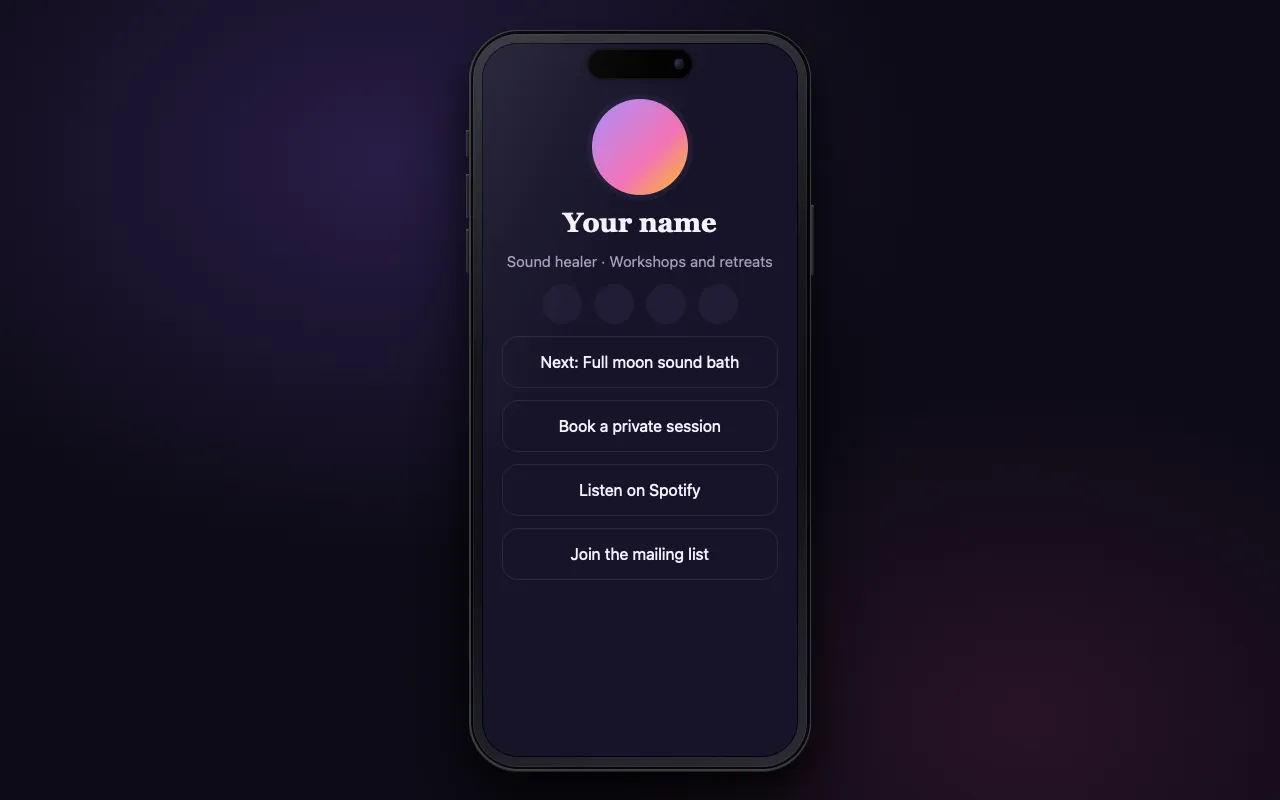
The page is deliberately simple. Your photo and name at the top. A short bio beneath. Your social and music links as a row of icons: Instagram, YouTube, Spotify, Facebook and your website. Then your upcoming events, each as a button with its date, title and place. And a link to your full profile for anyone who wants more.
Events that keep themselves current
Every event on BrightStar that names you appears on your link page, soonest first. When an organizer adds you to their line-up, the date appears. When a date has passed, it drops off. If you are on tour, the next city is always the first thing a follower sees.
One tap to the event
Each button opens the event page, where the follower can read the details and book. There is no intermediate page and no form. On a phone, which is where nearly all bio links are opened, that directness is what matters.
Where it comes from
You do not build the link page. It comes with your artist profile on BrightStar. If you have claimed your profile or created one, the link page exists, drawing its photo, bio and links from the same source. Improve your profile and the link page improves with it.
Where to use it
Put the address in your Instagram bio, your TikTok profile, your YouTube channel description, the footer of your emails. Print it as a QR code on a poster or on a card at your merchandise table. Say it from the stage. It is one address that will still be right next season.
For artists who do not host their own events
Many musicians and teachers never sell a ticket themselves; they are invited by festivals, studios and promoters. The link page is especially useful for them. They are not responsible for any of the listings, yet their followers can see every date in one place.
For artists who do
If you also host your own workshops or concerts through an organizer account, those events appear alongside the ones where you are a guest. A follower does not need to know who the promoter is. They see where you will be.
Compared with a general link tool
General link-in-bio tools are flexible, and you maintain them by hand. The BrightStar link page is narrower by design: it is for people whose main news is where they will be next. It does not offer storefronts or dozens of custom buttons. If your bio link mostly exists to send people to your dates, it does that job with no upkeep.
A page that looks finished
The page is designed for phones, with large tap targets, your image given room and each date easy to read at a glance. It needs no design choices from you, and it does not carry advertising for anything other than your work.
Your full profile is one tap away
Some followers want more than dates. The link page leads to your complete profile, with your full bio, photos, videos and everything else you have added. The short page serves the follower in a hurry; the profile serves the one with time.
Keeping it good
Because the page mirrors your profile, the upkeep is the upkeep of your profile: a current photo, a bio of a few lines, working links. Ask organizers who book you to name you on their event, so that it is connected to your profile and appears on your page.
What it costs
Nothing. The link page is free, as claiming and editing your profile is free.
What it does not do
The link page lists events that are on BrightStar. A date sold elsewhere and not listed here will not appear by itself. It is also not a place for messages to followers or for collecting email addresses; those belong to your profile’s followers and to the customer list of events you host.
An example
A kirtan artist has eleven dates this autumn, hosted by nine different promoters and two of her own. On her link page her followers see all eleven, in order, each with its city. In October a festival adds her to its line-up; the date appears without her knowing the listing had been made. In November, as each evening passes, it leaves the page. In her bio there has been one address all season, and it was never out of date.
Telling your followers
A link in a bio works when people are sent to it. End your posts with a plain line such as “dates in my bio”. When you announce a tour, say that the full list is at the link and will stay current. Mention it in your stories on the day tickets open. The page does the rest.
Custom Event Pages
Your page is designed from your poster, ready on every phone, and set up for search and sharing the moment you publish.
See the feature →Artist Profiles
If you have taught or played at events on BrightStar, you likely have a profile waiting: claim it, make it yours, and let people follow you.
See the feature →Event Blog
BrightStar’s blog writes spotlight articles about upcoming events, so people searching for what you offer find a second way in.
See the feature →Blog & Publishing
Publish articles, videos and podcast episodes on BrightStar, where people already come looking for what you offer.
See the feature →Ticket Categories
Group your ticket types into clear categories, so buyers see the shape of your event and find their ticket fast.
See the feature →Payments, powered by Stripe
Every ticket is paid through Stripe into your own Stripe account, with the ways of paying your buyers already use.
See the feature →See allThere is more to see.